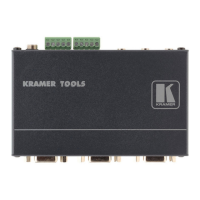
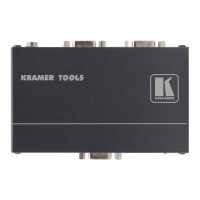
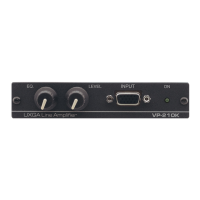
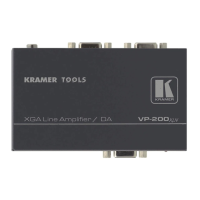
Your VP-200xln XGA Line Amplifier / DA
5
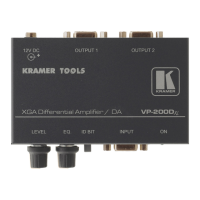
Table 1: VP-200
XLN XGA Line Amplifier / DA Features
# Feature Function
1 12V DC +12V DC connector for powering the unit
2 OUTPUT 2 HD15F Connector Connect to the computer graphics acceptor 2
3 OUTPUT 1 HD15F Connector Connect to the computer graphics acceptor 1
4 LEVEL Control Potentiometer Adjusts
1
the video signal level
5 EQ. Control Potentiometer Adjusts
1
the video EQ. (equalization) compensation
6 INPUT HD15F Connector Connect to the computer graphics source
7 ON LED Illuminates when receiving power
Figure 4 and Table 2 define the underside of the VP-200
XLN
:
Figure 4: VP-200XLN XGA Line Amplifier / DA (Underside)
Table 2: VP-200XLN XGA Line Amplifier / DA (Underside) Features
# Feature Function
1 ID Bit Switch Slide to the left to
set to ON
2
; to the
right to set to OFF
2 BLUE
Switch
3 GREEN
Switch
4
COUPLING
RED
Switch
Slide up to set to
DC; down to set to
AC
1 Use a screwdriver to rotate the potentiometer, adjusting the appropriate level
2 The default. Enabling the notebook or laptop to output a VGA signal to an external VGA monitor


 To Next Page