As an example of setting parameters, to increase the contrast on the display:
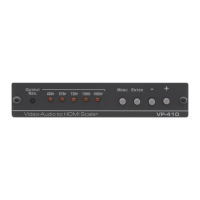
1. From normal operation, press MENU.
The OSD main menu appears on the screen.
2. Press the + or – button to highlight CONTRAST.
CONTRAST changes to green when highlighted.
3. Press ENTER.
The contrast value parameter changes to red.
4. Press the + button to increase the value (increase the contrast) or
the – button to decrease the value (decrease the contrast).
The value ranges from 0 to 100.
5. Press ENTER to set the value.
The contrast value parameter changes back to white.
6. To return to normal operation, highlight EXIT and press ENTER; press
MENU; or wait until the menu times out.



 To Next Page