16
English
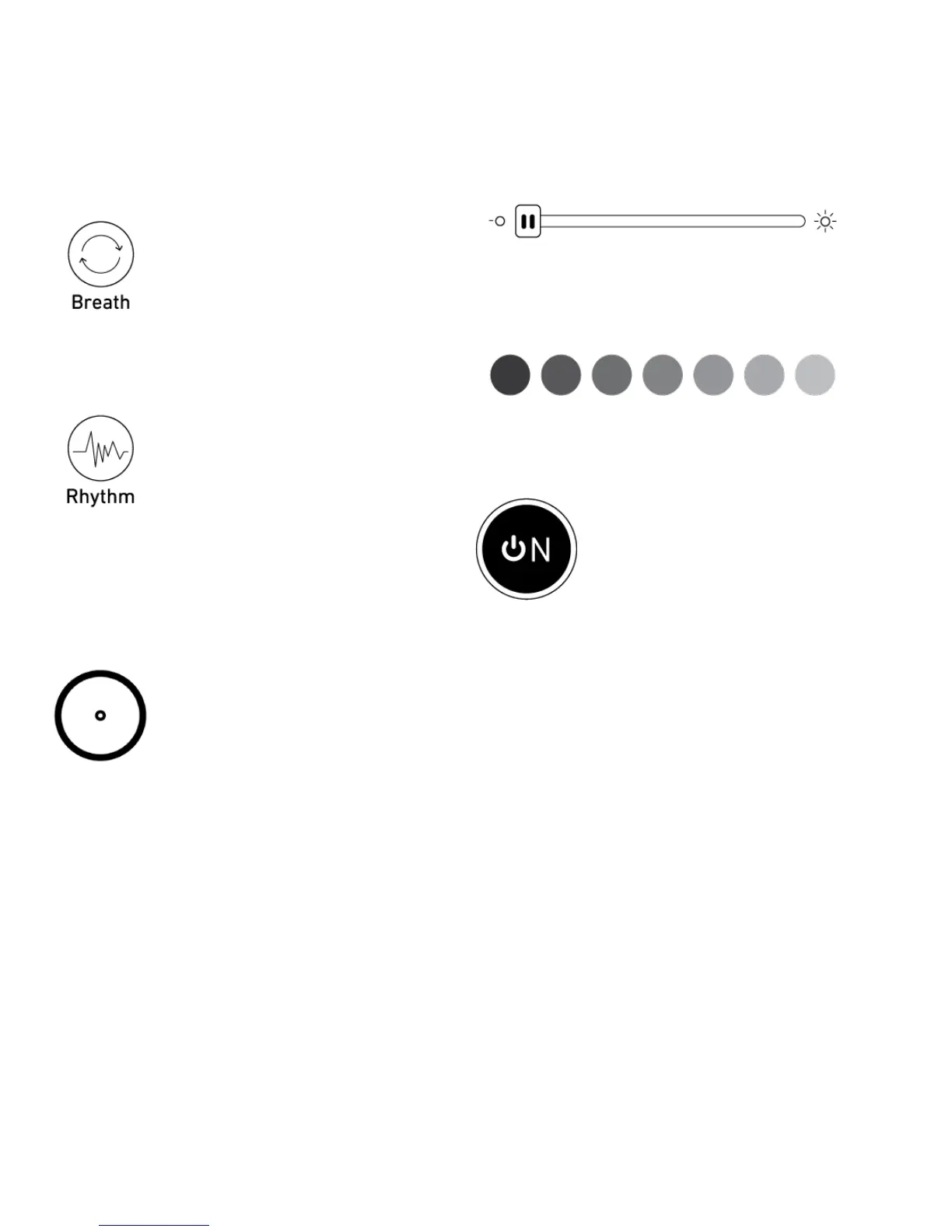
Light icons
In ‘Breath’ mode, the light will fade
between dim and bright repeatedly
In ‘Rhythm’ mode the light will
change to the beat of the music
playing from your smartphone,
tablet or similar device
Clickorslidetondyourfavorite
colours from the colour wheel
Slide to change the brightness on
aGLOW.
Click to choose between the
standard colours
Turnlighton/o
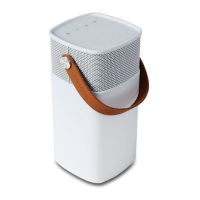
CHARGING
If the battery power is below 15%,
the LED ring will turn solid red.
Below 10%, the LED ring starts
ashingred,whichmeansthatthe
battery is extremely low.
To maintain a long battery life, it
is recommended that you charge
aGLOW, when the LED ring turns
red.


 To Next Page