17
English
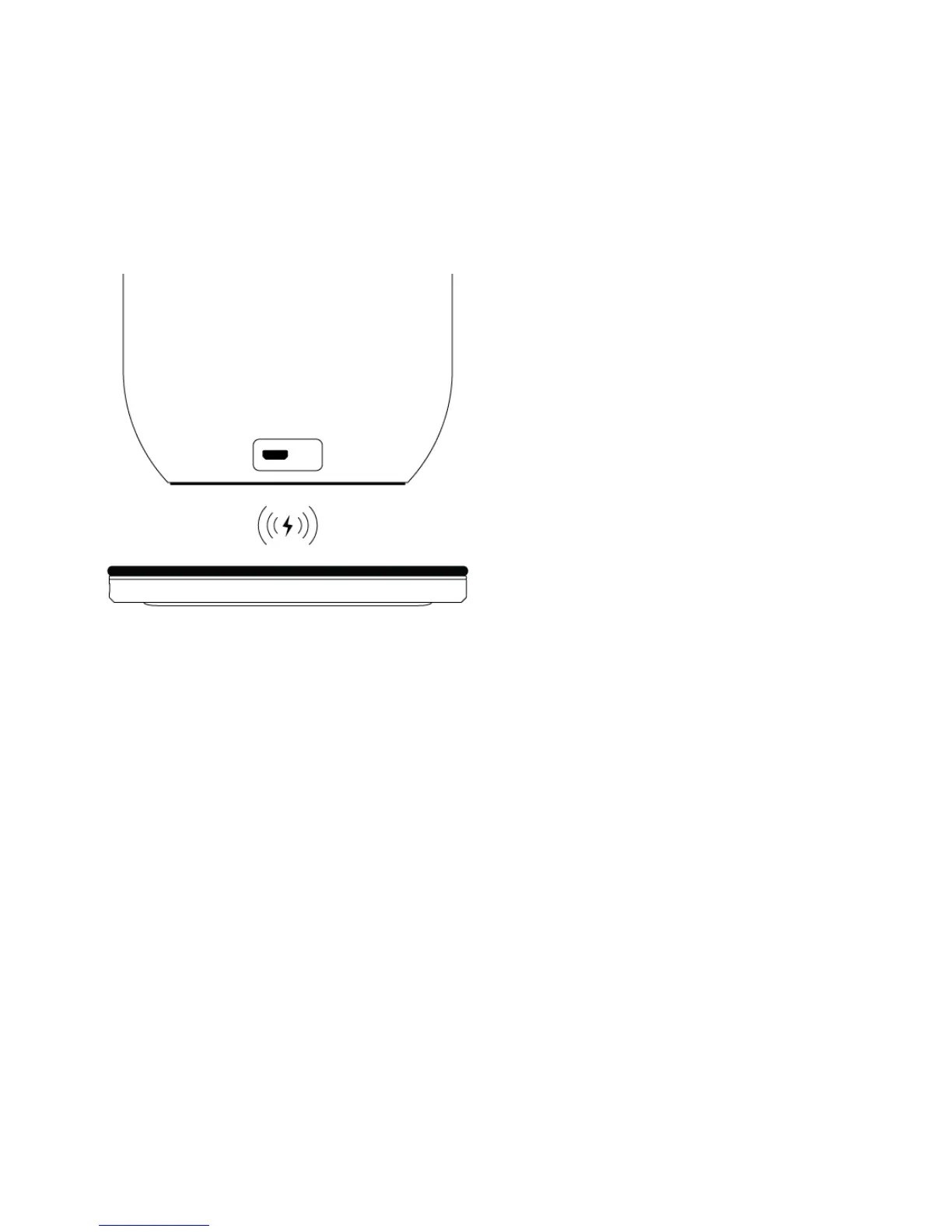
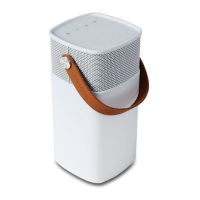
Below are two ways to charge
aGLOW:
1. First option: When aGLOW is
low on power, connect it to a
USB power source, with the
included USB to micro USB
cable.Thelampwillashwhite
twice to indicate charging has
begun
2. Second option: aGLOW supports
wireless charging meaning
it is compatible with a Qi
charger. Turn on your wireless
Qi charger and place aGLOW
ontop.aGLOWwillashwhite
twice to indicate charging has
begun
The LED ring turns red, orange or
greentoshowdierentcharging
statuses:
• red = power is below 15%
• orange = power between 15%
and 100%
• green = fully charged, you can
disconnect charging


 To Next Page