8 Operation
WARNING! Health risk!
Inappropriate use of the aeroplus E can lead to severe personal and/or material
damage.
Therefore, only operate the device in accordance with the instructions for use
and the safety instructions.
NOTICE!
Only the trained and adult patient may safely use all functions of the aeroplus E.
WARNING! Health risk by unsupervised operation.
Pay attention to the environmental conditions for a safe operation. Keep animals,
vermin as well as children away from the aeroplus E!
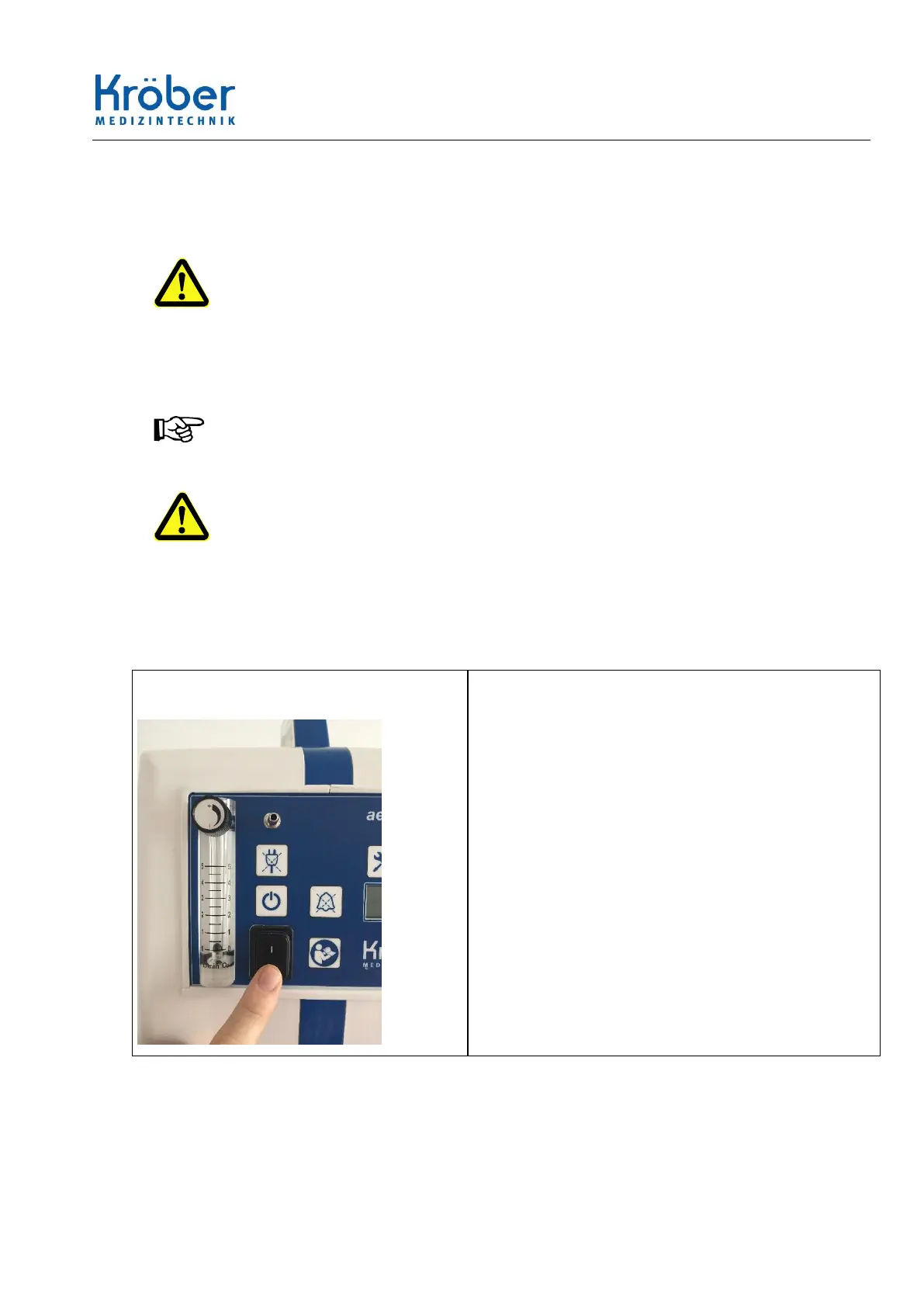
8.1 Taking into service – switching on
1 Start the device by actuating the mains
switch in the front panel.
– The aeroplus E performs a self-test: all LEDs
(except the power failure LED) are switched
on, the LCD segments light up and the buzzer
is activated.
– The sensor and the microprocessor itself are
automatically checked during operation.
– After the self-test, the software version is briefly
displayed.
– and then the operating hours are displayed.
– After displaying the operating hours, the display is
switched dark and only activated in the event of
an error.



 To Next Page