MENU
BackEnter
OK
1/1
PIR Interval
00 Min 10 SEC
PIR Interval
00 Min 10 SEC
MENU
BackEnter
OK
1/1
TimerLapse
00 H 10 M 00 S
TimerLapse
00 H 10 M 00 S
MENU
BackEnter
OK
1/1
Timer Setting
04 H 00 M 18 H 00 M
Timer Setting
04 H 00 M 18 H 00 M
MENU
BackEnter
OK
Audio Recording
1/1
ON
OFF
Audio Recording
1/1
ON
OFF
MENU
BackEnter
OK
1/11/1
Time Stamp
On
Off
Time Stamp
On
Off
MENU
BackEnter
OK
TV Out Type
1/1
PAL
NTSC
TV Out Type
1/1
PAL
NTSC
MENU
BackEnter
OK
Power Manage
1/1
Normal
Real time Away
Power Manage
1/1
Normal
Real time Away
4
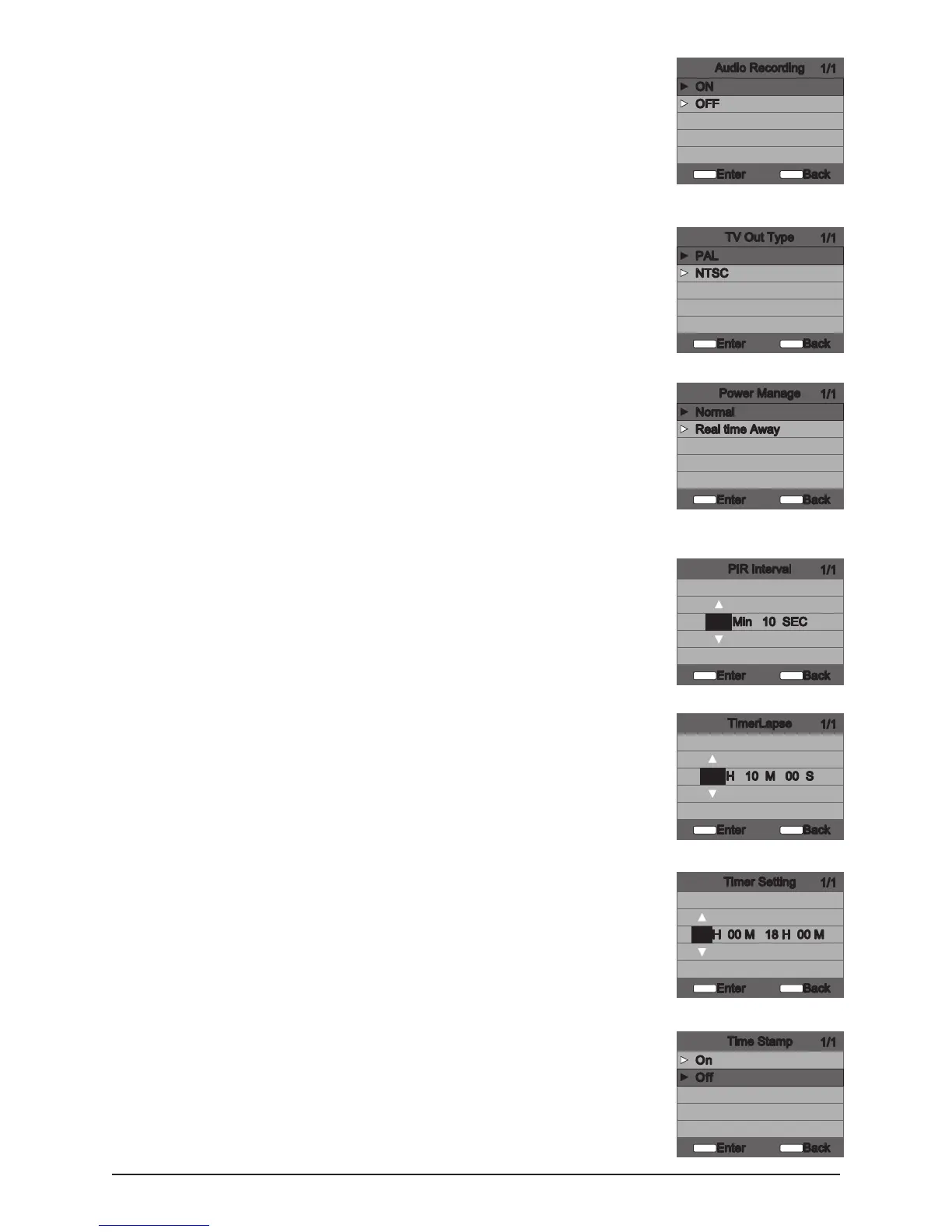
Audio Recording
This option allows the user to turn the audio during video recording ON or
OFF. When selected and the Game Spy Camera is congured for VIDEO in
the Capture Mode screen; the camera will record audio along with the video
each time an animal is detected. Press the LEFT/RIGHT buttons to highlight
the desired setting. Press the ENTER button to save the setting and return to
the Camera Setup Menu.
► ON
► OFF
TV Out Type
► PAL
► NTSC
Power Manage
► Normal
► Real time Away
PIR Interval
The photo delay determines the number of minutes between pictures when
an animal is detected and remains in range. To change the delay time, press
the UP/DOWN buttons to highlight the desired setting. Press the ENTER
button to save the setting and return to the Camera Setup Menu. Additional
menu choices are available by hitting the UP/DOWN button when the
rst/last option is highlighted. Photo Delay can be set to 5, 15 and 30
seconds, 1, 5, 10, 30 and 60 minutes.
Timer Lapse
► 00H 00 M 00 S
Timer Setting
► 00 H 00M 00H 00M
Time Stamp
► ON
► OFF
S20 Digital Game Camera



 To Next Page