MENU
BackEnter
OK
1/1
Camera Name
0 0 0 0 0 0 0 0 0 0 0
Camera Name
0 0 0 0 0 0 0 0 0 0 0
MENU
BackEnter
OK
1/1
Latitude
0 0 0 . 0 0 0 0 0 0 S
Latitude
0 0 0 . 0 0 0 0 0 0 S
MENU
BackEnter
OK
1/11/1
Off
On
Security EnableSecurity Enable
Off
On
MENU
BackEnter
OK
1/11/1
Temperature
Fahrenheit
Celsius
Temperature
Fahrenheit
Celsius
MENU
BackEnter
OK
1/11/1
Battery CALC
Percentage
Day
Battery CALC
Percentage
Day
MENU
BackEnter
OK
1/11/1
Frequency
50Hz
60Hz
Frequency
50Hz
60Hz
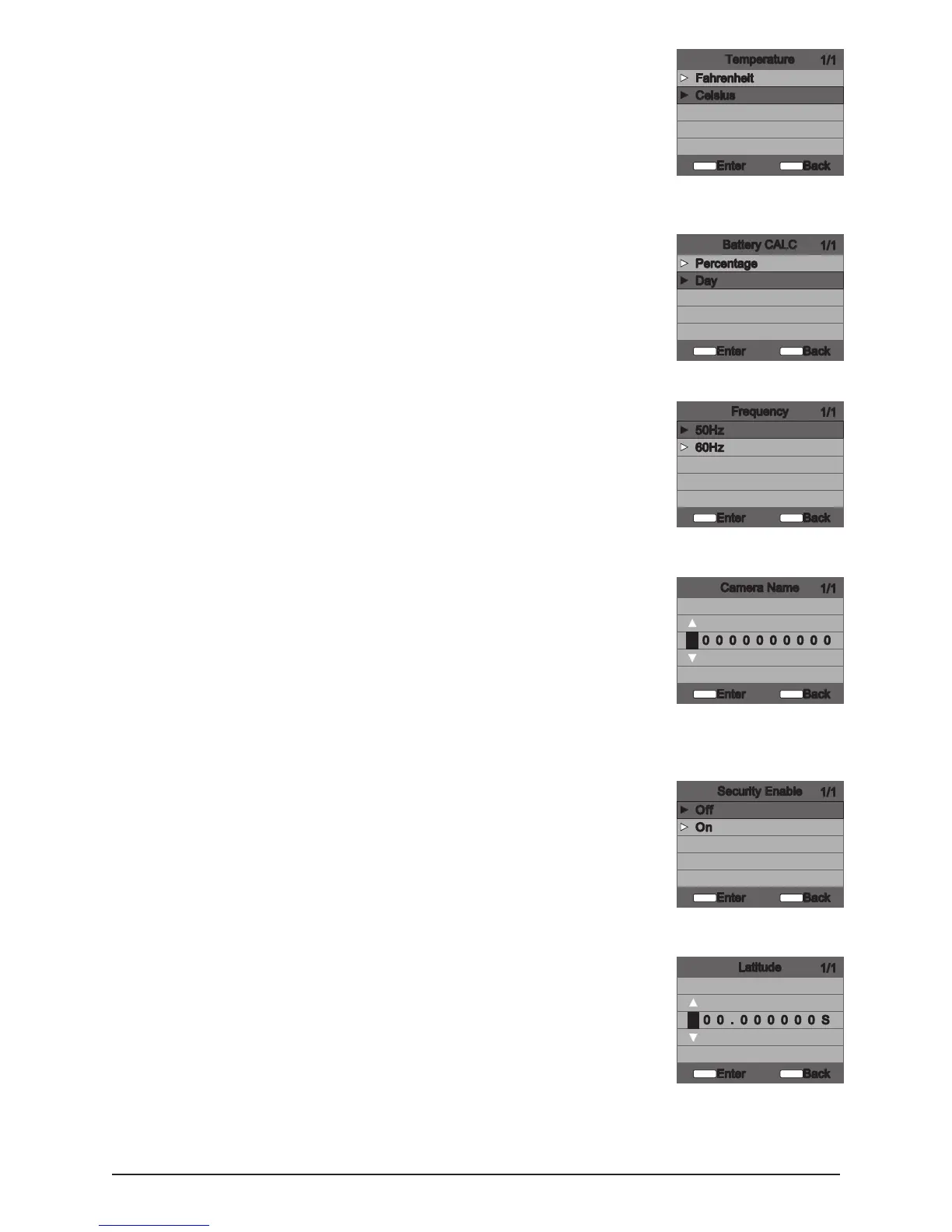
Temperature
The temperature is imprinted on each photo and can be in degrees
Fahrenheit or Celsius. To change the temperature units press the UP/DOWN
buttons to highlight the desired setting. Press the ENTER button to save the
setting and return to the Camera Setup Menu.
► Fahrenheit
► Celsius
Battery CALC
► Percentage
► Day
Frequency
► 50Hz
► 60Hz
Camera Name
The Camera Name is imprinted on the photos and provides a point of
reference when multiple cameras are used. To change the Camera Name use
the LEFT/RIGHT buttons to highlight the character to be modied. Press the
UP/DOWN button to select the desired character (A to Z, 0 to 9,or space).
Press LEFT/RIGHT to move to the next character. Press the ENTER button to
save the new camera name and return to the Camera Setup Menu.
Security Enable
► O
► On
Latitude
(Default 000.000000 S) - This GPS function allows the user to manually enter
their location from 000.000000 N or S to 179.999999N or S for better and
more strategic game tracking. This information will imprint in the EXIF data
of the photo taken. To enter the location use the UP or DOWN navigation
keys to populate the eld and use the RIGHT or LEFT navigation keys to
select the desired eld.
5
S20 Digital Game Camera



 To Next Page