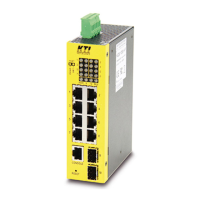
3. Configure the Network Connection
3.1 Connecting Devices to the Switch
[ Connection Guidelines: ]
l Use Category 3 or 5 twisted-pair Ethernet cable when connecting 10BaseT
devices to the switch (cable pin assignments defined in Appendix A)
l Use Category 5 (straight-through) twisted-pair Ethernet cable when
connecting 100BaseTX devices to the switch (cable specifications are defined
in Appendix B)
l Always limit the cable distance to 100 meters (328 ft) as defined by IEEE
specification
3.2 Connecting to Another Ethernet Switch/Hub
The Switch can be connected to existing 10 Mbps or 100 Mbps hubs/switches.
The switch to switch/hub connection guidelines are as follows:
3.2.1 MDI to MDX Connect - Use normal "Straight Through" TP Cable when
connecting the Switch MDI port to another standard port at the other
switch/hub.
3.2.2 MDX to MDX Connect - Use crossover TP cable when connecting the
Switch device port to another standard port at the other switch/hub.
100BASETX
:
Cat-5 Twisted-pair cable
Max. 100m (328
)
10BASET
:
Cat-3,4,5 Twisted-pair cable
Max. 100m (328
)
PC
FS
feet)
feet)
Straight-Through cable
Max. 100m (328)
FROM: MDI port
TO: MDX port
feet)
Cross-over cable
Max. 100m (328)
FROM: MDX port
TO: MDX port
feet)



 To Next Page
 Loading...