Kurz Instruments, Inc. 831-646-5911
2411 Garden Road www.kurzinstruments.com
Monterey, CA 93940
If you are using a laptop with Tera Term you can also enter letters by just typing them
(helpful for doing meter tags using the meter ID parameter). Remote Keyboard
commands are lower case, d, p, l, enter(for E), c and h with v and ^ being down and up.
When entering meter IDs or tags, use the shift lock so that only upper case characters are
used (otherwise they are interpreted as commands).
Insertion Meter Programming
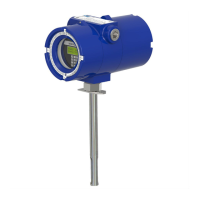
The insertion meters like the 454 all have a low up-front cost but require more work on
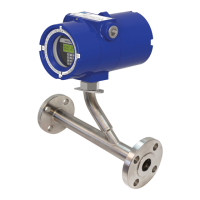
the part of the user to achieve an accurate measurement whereas the 504 and 534 are
already calibrated for flow and need a minimum of field adjustments to read accurately.
The in-line meters only need the output range to be specified (see following sections)
For all insertion meters do the following:
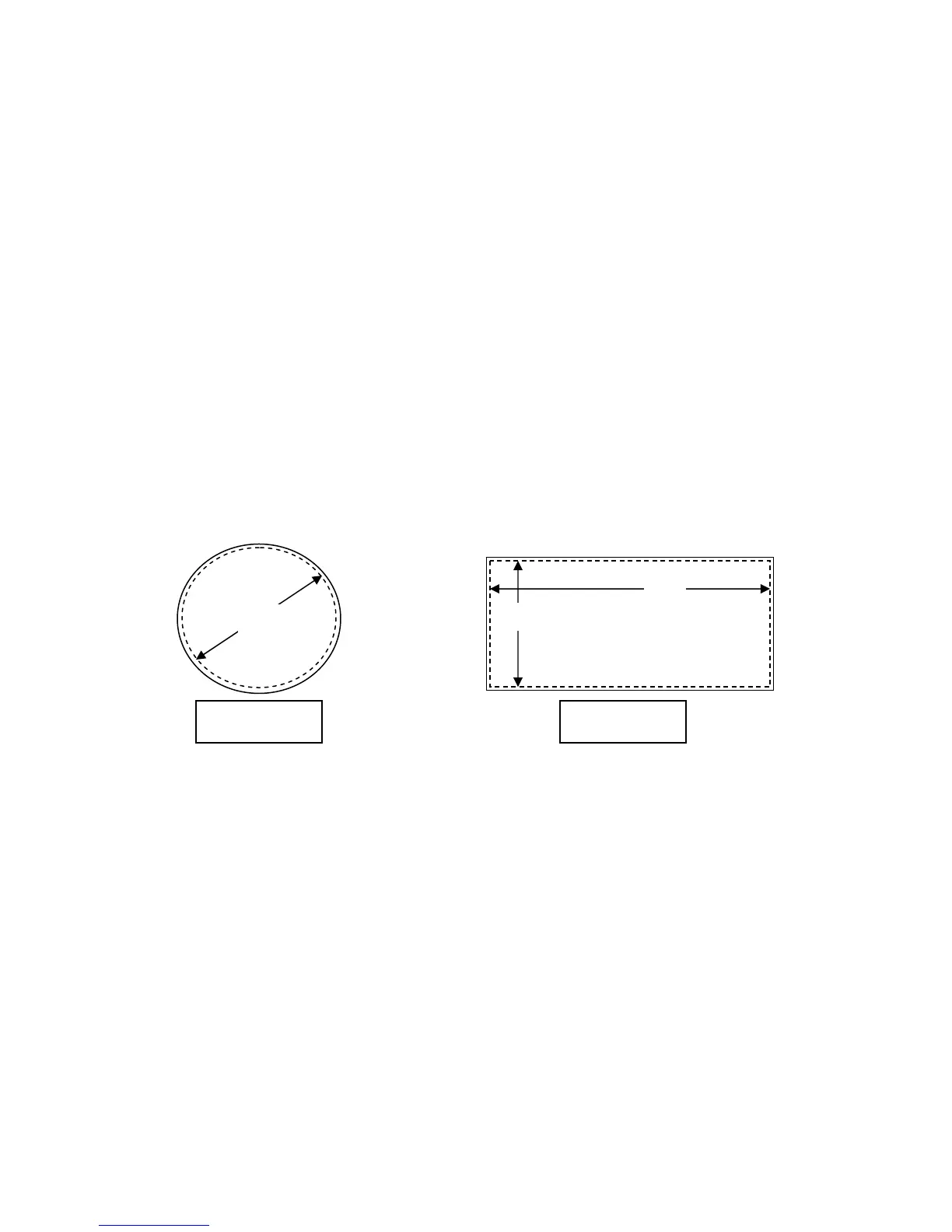
Area. The duct inside flow area must be entered in the meter section of the flow
computer. Depending on your units (English or International) this must be entered as ft
2
or m
2
respectively.
Area = D
2
π/4
Area = HW
You press the
P key to enter Program Mode, then the access code and E. Now
press
P to advance to the “Set Meter Data” menu then press E and select which
meter (
^v on the 155) then using P advance to the screen “Set Meter Area”
where you type the value followed by E. It will say new value accepted if a
change is made. Last press the C key a few times to exit Program Mode. More
extensive programming instructions and the Menu state diagram are found in the
manual.
360208-D Models 155, 454FTB, 504FTB, 534FTB 13



 To Next Page