Kvaser Leaf Installation Guide 10(17)
Kvaser AB, Mölndal, Sweden — www.kvaser.com
3.1 Driver signing
The driver software is digitally signed by Kvaser to assure its integrity and identity.
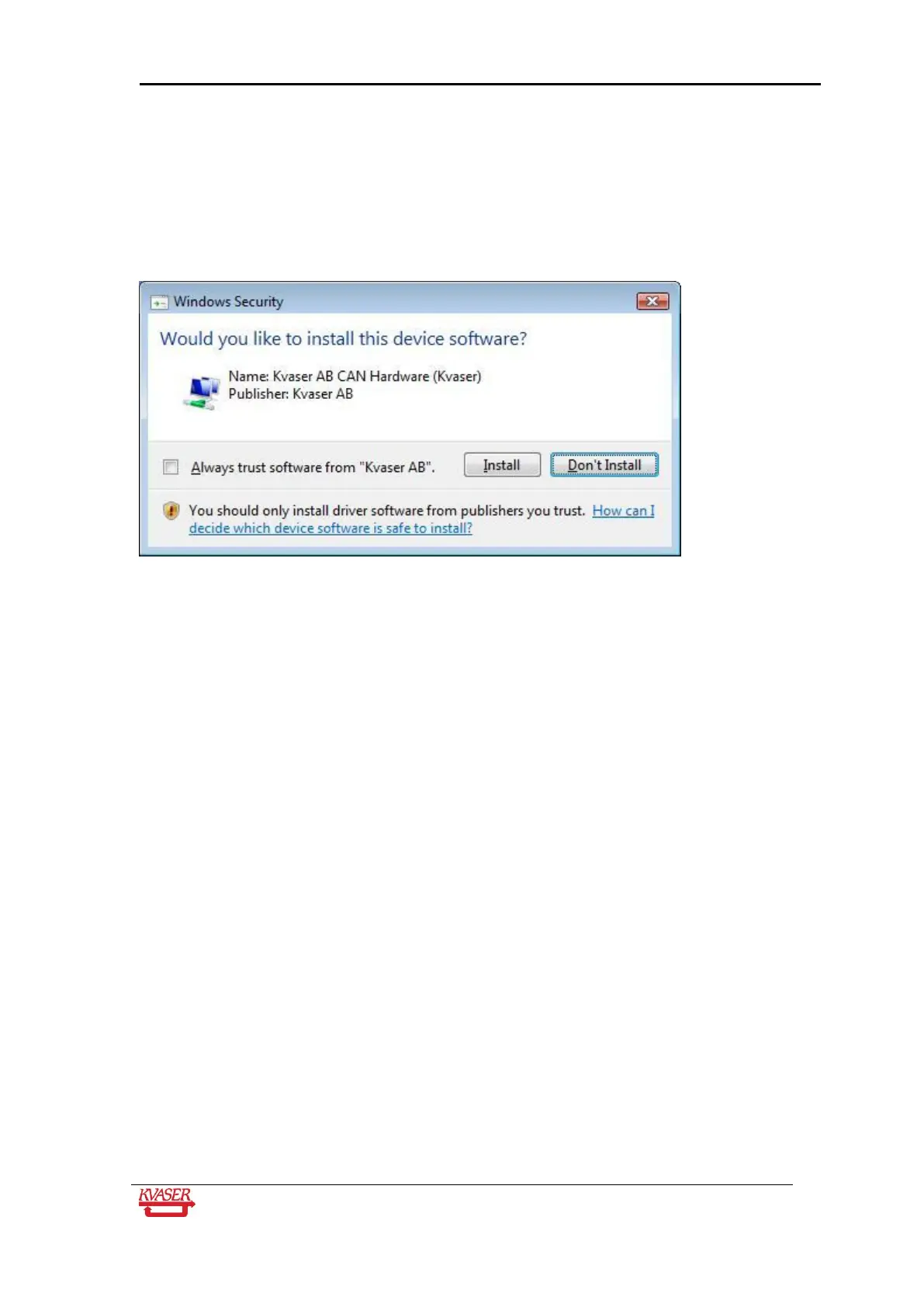
In Windows Vista, a window similar to the following will be displayed two times during the
installation.
When it appears, click the Install button. If you check the Always trust software from “Kvaser
AB” box first, the operating system will not ask you further questions of this type when you
install software from Kvaser.
If you are a system administrator and want to prevent this message to appear, you can install
Kvaser’s software signing certificate in the computer’s certificate store. In a Windows domain,
you can use a GPO to deploy the certificate to computers on the network.


 To Next Page