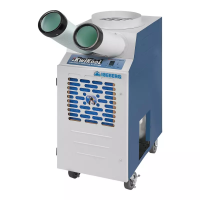
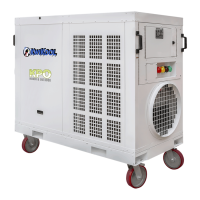
KPO PORTABLE AIR CONDITIONERS KWIKOOL
11
SECTION IV UNIT OPERATION
A STARTUP
1. Apply electrical power. When power is supplied to the unit, the controller will become operational.
All KPO systems are equipped with a power/ phase monitor.
2. KPO12 and KPO25 users will have to place the unit’s built in breaker to the ON position to engage
the controller.
3. Turn the system to ON. If less than 30 seconds have elapsed from the time power is engaged, an
audible alarm will sound. The control will display AL and PH. This is a normal condition. If the PH
appears, this is a fault. Incorrect phase is the most common cause in 3-phase systems.
a) If the Alarm and PH display fails to clear in 30 seconds on a 3-phase system, qualified personal
may turn the source power off and swap any of the 3-line voltage wires with each other.
CAUTION
The green wire is the ground wire and is not to be inserted/
swapped into the phase wiring cam lock or damage may result.
b) Power the unit back up, wait for 30 seconds and then proceed to the next step. If the fault
fails to clear after changing the phase, turn the power off at the source, return the wires back
to the original configuration and refer to the troubleshooting section of this manual.
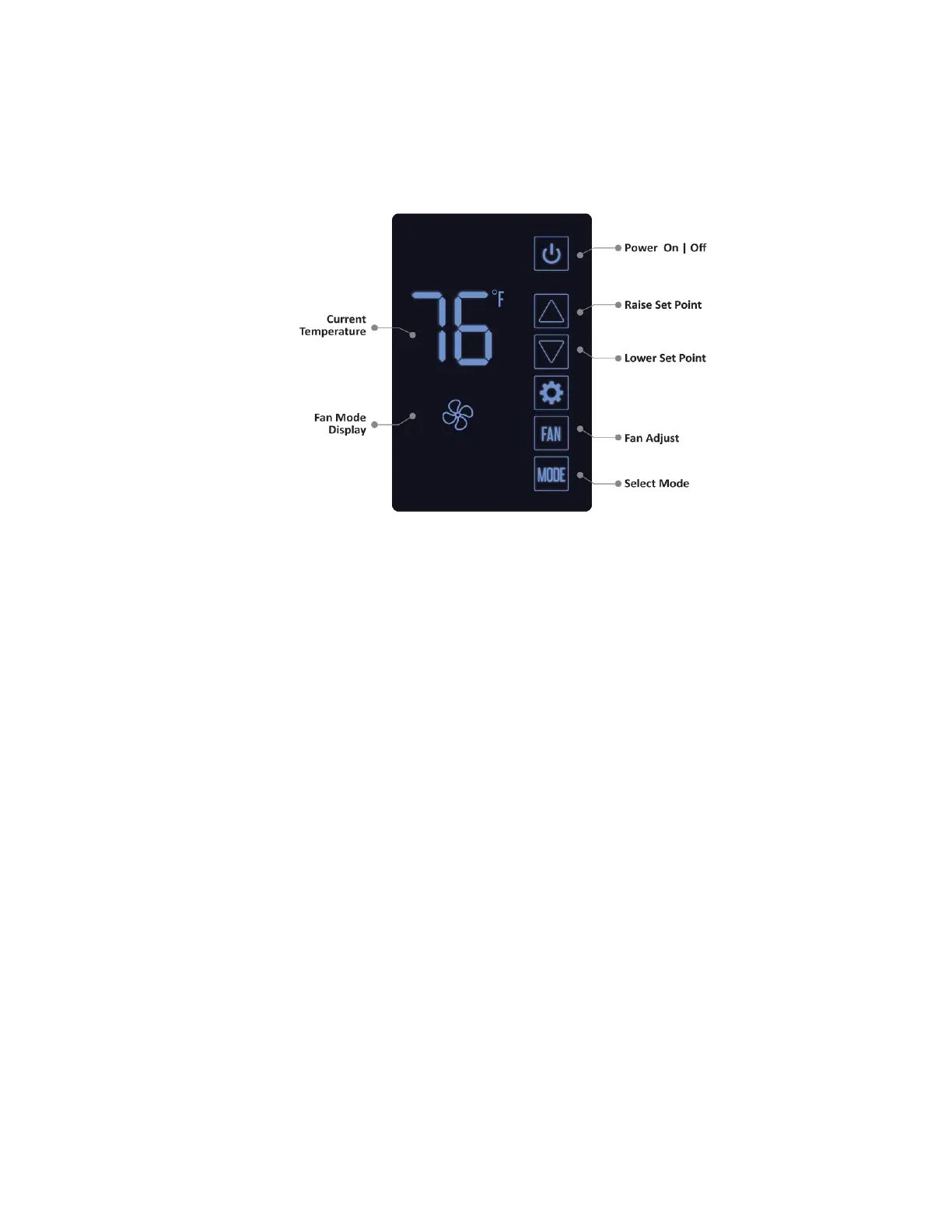
4. Set the controller - The controller of the KPO is factory set to OFF. In the COOL mode, with
manual fan engaged and set to start cooling if temperature is above 72 degrees Fahrenheit,
displays the current room temperature and is set to come on within a 2-degree temperature dif-
ference.
NOTE
The control memory holds the last parameters entered, including
ON and OFF, if power is turned off or lost and then restored.


 To Next Page
 Loading...