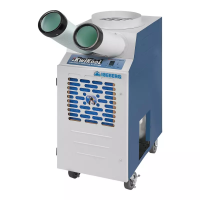
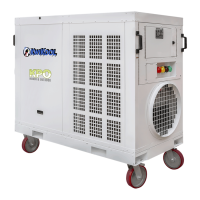
KWIKOOL KPO PORTABLE AIR CONDITIONERS
12
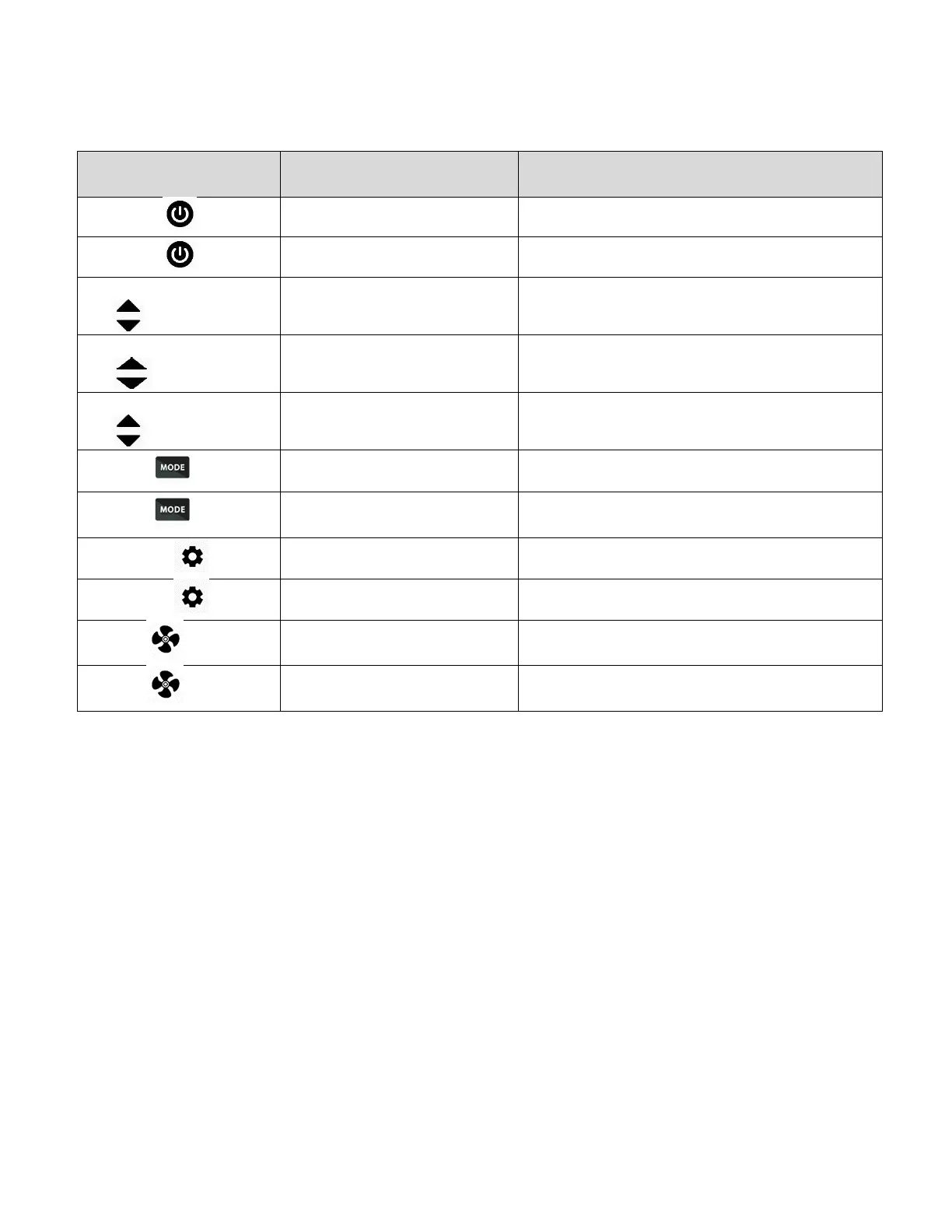
B LCD BUTTONS FUNCTIONALITY TABLE
EXIT, in Tech and User Settings List
Change Set Point Temperature
Change Parameter Value, in Tech and Us-
er Settings List
Rapid Value Change of Parameter or Set
Point
Scrolls Thru Available Operations
Goes to Next Parameter, in Tech and User
Settings List
Change to F or C for Temperature Display
Go to Previous Parameter, in Tech and
User Settings List
1. Press the ON/OFF icon. A short press on this button turns the system on or off and the system oper-
ates in the last parameter that was entered in operating Mode.
2. A short press on the UP or DOWN arrows raises or lowers the set point in the current operational
mode.
3. A short press on the MODE icon changes the operating mode to COOL, HEAT, FAN, AUTO SWITCH
HEAT/COOL (Optional) which is signified by both HEAT and COOL icons being displayed simultane-
ously.
NOTE
In each mode except FAN, the currently operating mode is blink-
ing on and off while operating in that mode. If the icon is not flash-
ing, then the system is not calling for that operation because the
set point is met, or the system may be in time out, signified by the
F or C next to the room temperature display blinking on and off.
4. A short press on the FAN icon changes the system to AUTO FAN or MANUAL FAN in the COOL
mode.


 To Next Page
 Loading...