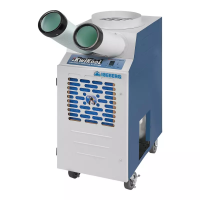
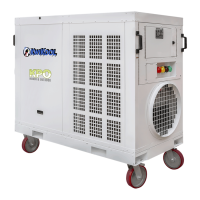
KPO PORTABLE AIR CONDITIONERS KWIKOOL
19
SECTION VIII - UTILIZING THE KWIKOOL KPO SYSTEM
In contrast to conventional air conditioners, which circulate air conditioning capacity evenly to a space.
KwiKool systems are used for cooling an area with a high concentration of heat load, many times from
electrical or computer equipment. Understanding the capabilities of the KwiKool can help the operator
avoid problems.
KPO can provide spot cooling for workers or process cooling within a large space without the use of
condenser ducting, such as a warehouse factory, or production areas. It can also provide spot cooling
for workers or process cooling within a large space without the use of condenser ducting, such as a
warehouse factory, or production areas. The KwiKool system is equipped with the necessary controls to
maintain those environments.
SECTION IX – TECHNICIAN/STAFF SETTINGS
Entrance into this function is gained by a long press onto the MODE button until it beeps and flashes a
lock icon, then a long press on the FAN button until it beeps, then release the FAN button and once
again a long press on the FAN button. It will beep and then display P4.
Use the FAN and MODE buttons to scroll through the different settings.
TECHNICIAN PARAMETER LIST
Select ON/OFF to exit, or after 1 minute the display will default back to the operating screen.
P11-T2 Display in seconds
(optional deicer)
Value appears on
main display.
P12-Display supply air temp.
(T3)
P13-T3 Display in seconds
(Supply air temperature dis-
play)
Value appears on
main display
P14- Auto changeover ena-
ble (Heat/Cool)
SECTION X - USER PARAMETER SETTINGS
A three-second press on the Settings button gains entrance into this function. Use the FAN and Mode
buttons to scroll through.


 To Next Page
 Loading...