Version: V1.2.20070627
Date: 2007/6/27
File Name: DVB-T 355U FAQ
Author : Ben Sung
7
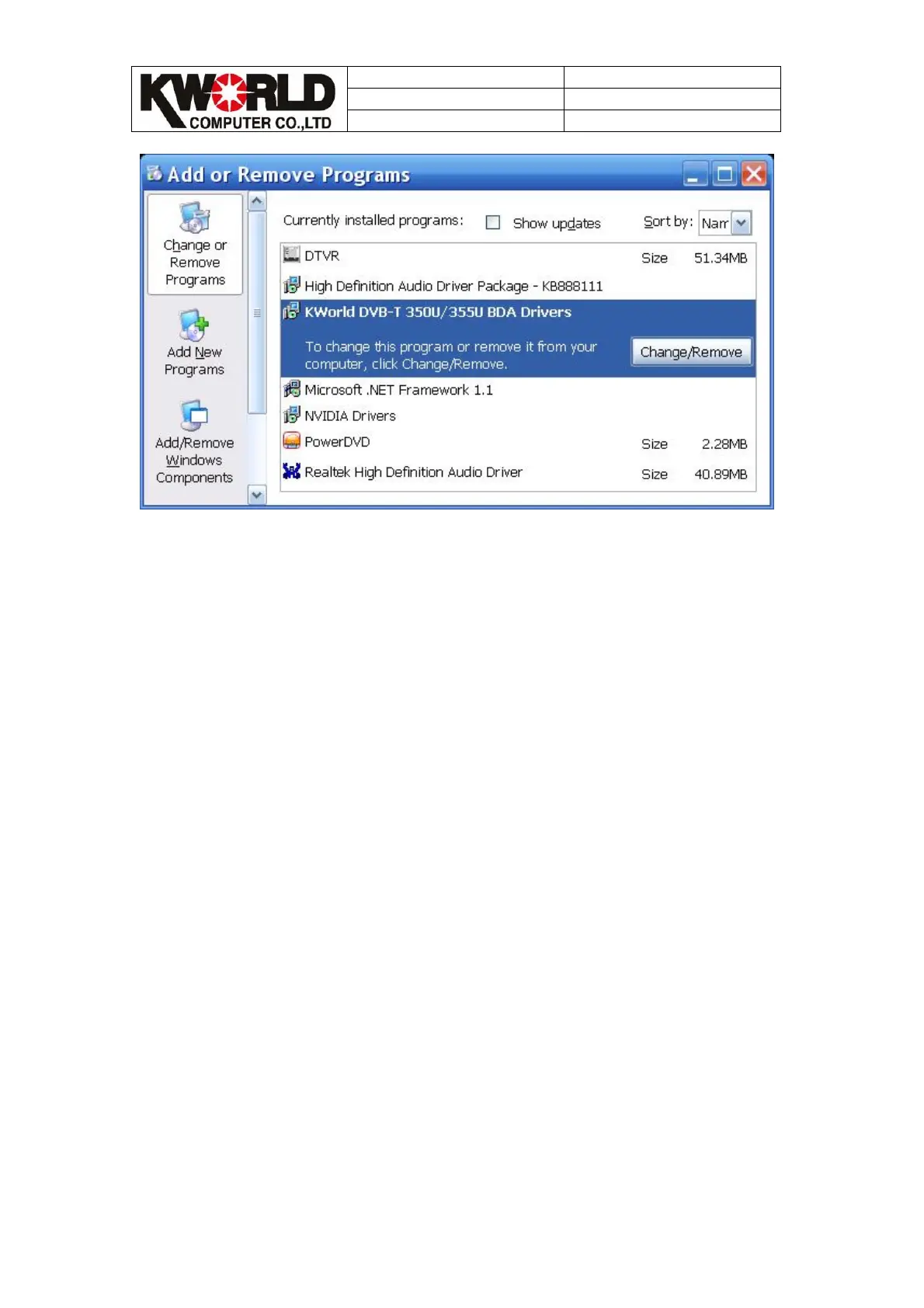
Run uninstall wizard, uninstall application wizard will guide you uninstall application.
And then, please restart your operating system.
Q4.How to reinstall software?
A:
Step1:
Please check uninstall driver properly(please reference Q3).
Step2:
Then, please restart your operating system.
Step3:
Please note below steps when you re-install software
Please note if you already install software as below, please close them before you
install our software, or it will cause install improperly.
1.To avoid compatibility issues between many application(ex. Norton….), please
close them before you install our software.



 To Next Page