Version: V1.2.20070627
Date: 2007/6/27
File Name: DVB-T 355U FAQ
Author : Ben Sung
6
Q3.How to uninstall application?
A:
Please check your device was plug in USB port properly, please follow below steps
to uninstall completely.
Please use uninstall wizard to uninstall.
a. Application uninstall wizard:
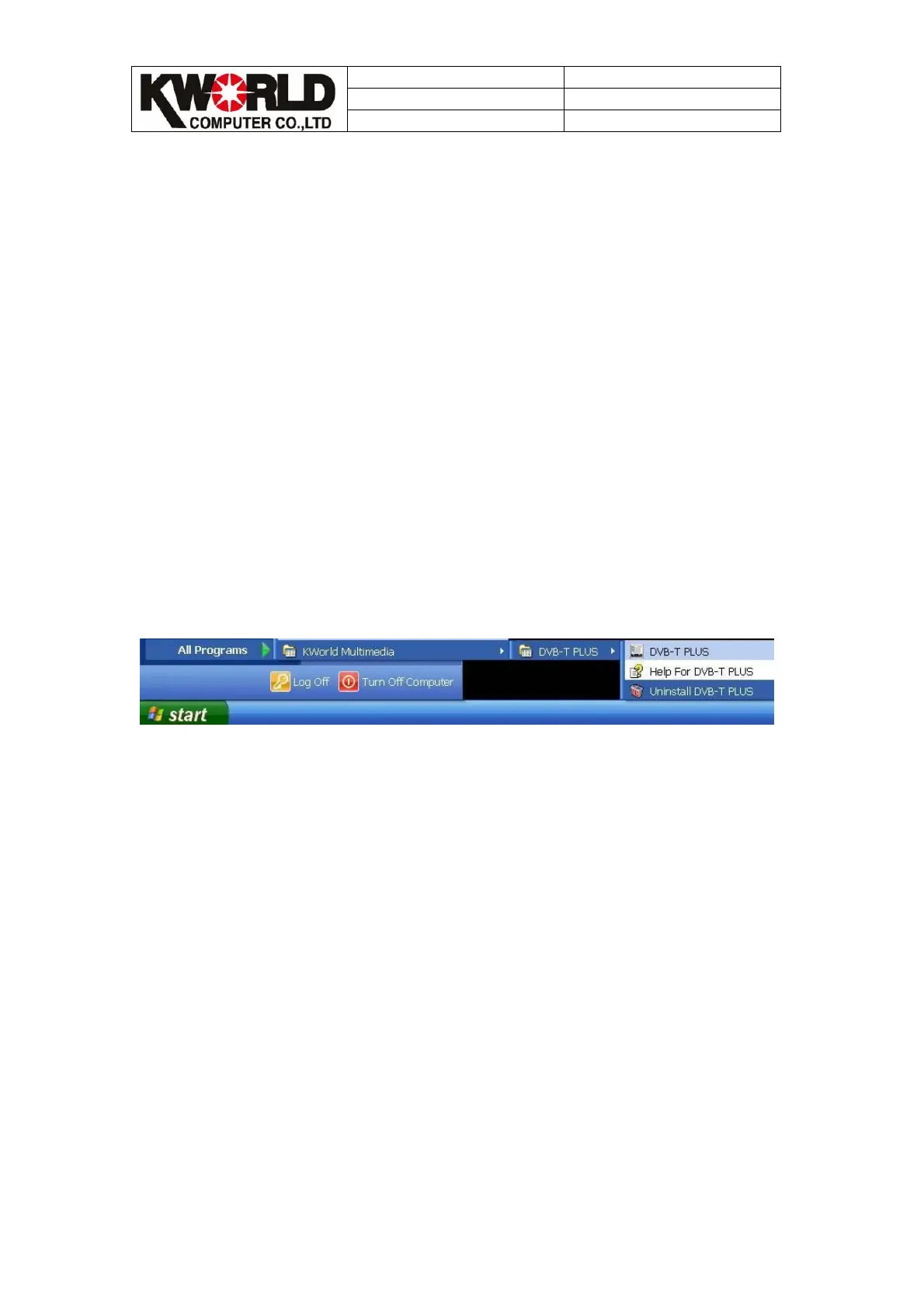
Please press ”Start”=>”All programs”=>
”KWorld(or V-Stream)Multimedia”=>”DVB-T PLUS”=>
”Uninstall DVB-T PLUS” to open application uninstall wizard , it will lead you to
uninstall application. And then, please restart your operating system.
b. Uninstall driver wizard:
Before uninstall driver, please plug your TV box into USB port. And then, follow
below steps to uninstall.
Then, please press “Start”=>”Control panel”=>”Add or remove
programs”=>”KWorld DVB-T 350U/355U BDA Drivers” → ”Change/Remove”.



 To Next Page