16
4.2 Normal Mode
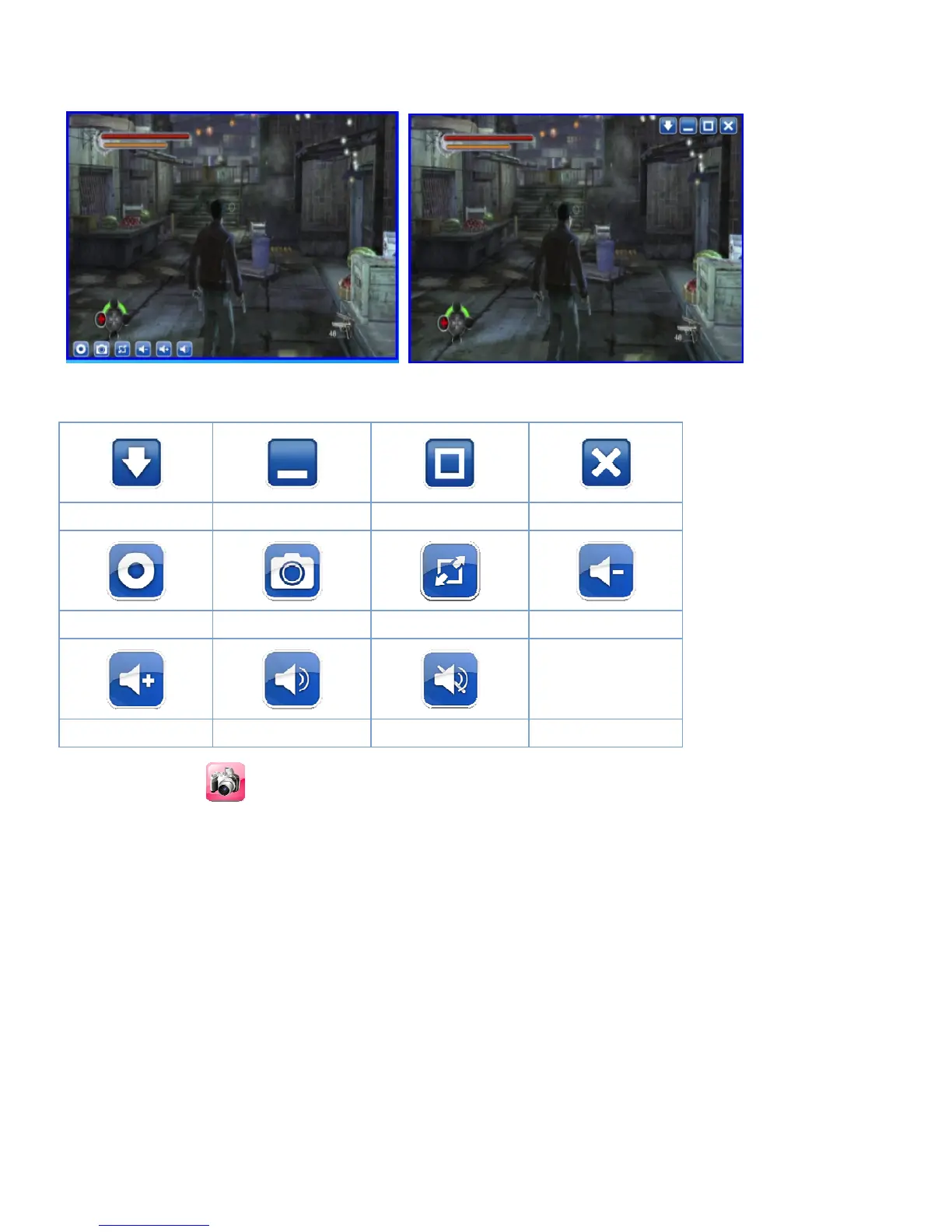
When you finish the initial setup and select the correct video source, you can use the panel icon for
watching/recording.
4.3 Control Buttons on the Window
Always on top Minimize Maximize Exit/Close
Capture Snapshot Display Ratio Volume Down
Volume Up Audio Mute
4.4 Snapshot
You can click the “Snapshot” icon to take snapshots.
When the screen shows “Snapshot OK”, it means the image has been successfully saved to your file
folder as picture files.


 To Next Page