2
Chapter 1: Hardware Connection
Basic Connection:
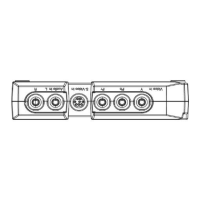
a. Video Input: Connect your Video Source machine and GM220 by the YPbPr/S-Video/Composite
Cable.
b. Video Output: Connect your TV monitor and GM220 by the YPbPr/S-Video/Composite Cable if you
want to show the video on the TV monitor and desktop/laptop in the same time.
c. USB Connection: Connect the desktop/laptop and GM220 by the USB Cable.
The below connection diagrams are the YPbPr/S-Video/Composite connection, please connect the
GM220 with your desktop/laptop and TV monitor.


 To Next Page