18
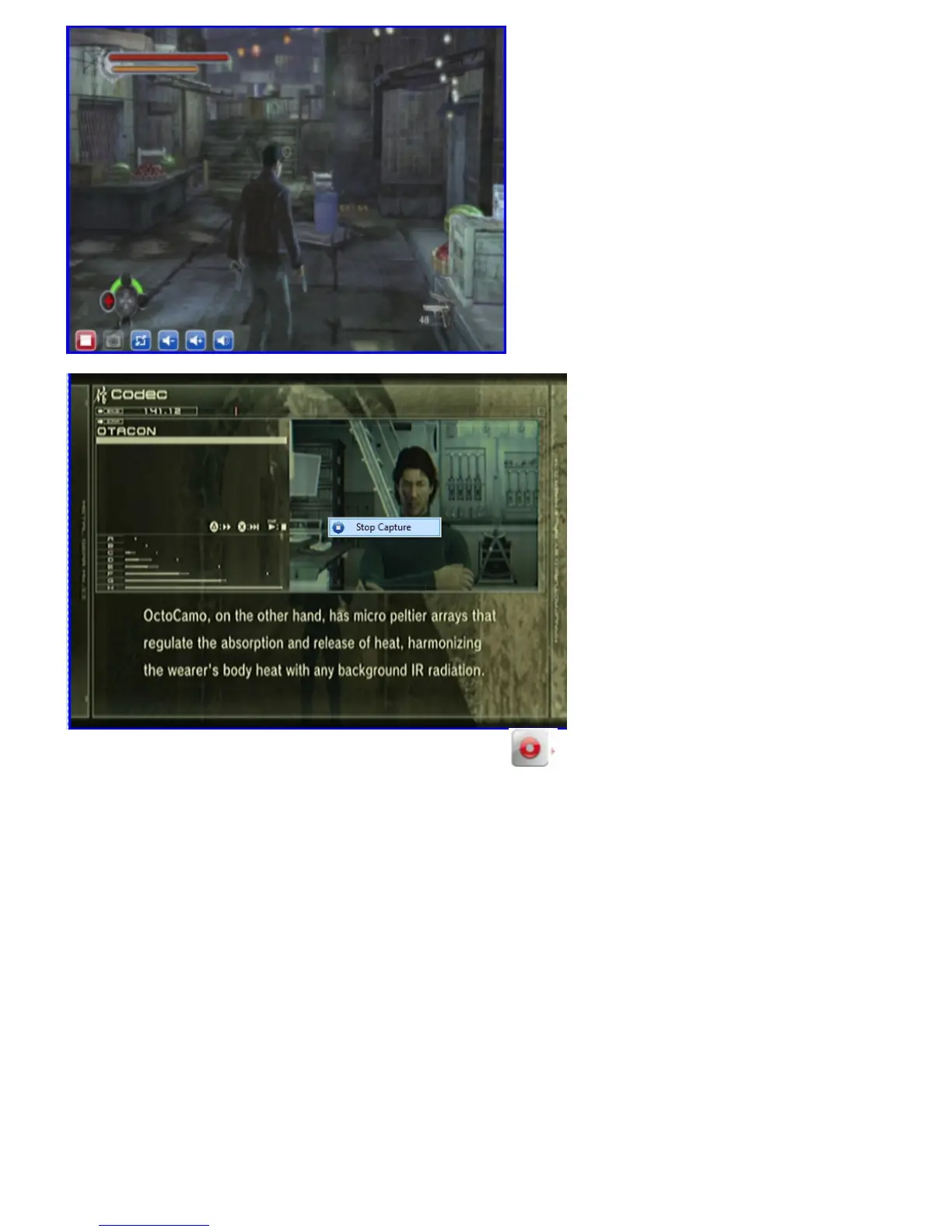
Another way to resume to normal mode is to right click on the screen and then enable “Stop Capture”.
When you click on the scroll-arrow beside the Capture icon, you can configure the settings for
“Capture”:
Video Path: allows you to change your storage path.
Silent Recording: open mute-recording to prevent potential distraction when you are working on
something on your PC. (Note: the sound is muted during recording. When you watch your recorded
file, the sound is kept).
Capture Name Setting: file-naming option. The default is “Date-time format”, or you can put a
specific name in “User define”.
Enable Time Limit: sets the recording time-length. The recording will stop once the time is reached.
Enable File Size Limit: sets the limit for recording files. The recording will stop once the file size is
reached.
Capture Format: select the Capture Format you want to record. It offers below format: MPEG1, VCD,
MPEG2, DVD.
Capture Bitrate: choose the BitRate of recording video you want. The default is 2000Kbps.
Capture Resolution: choose the recording size you want.


 To Next Page