29
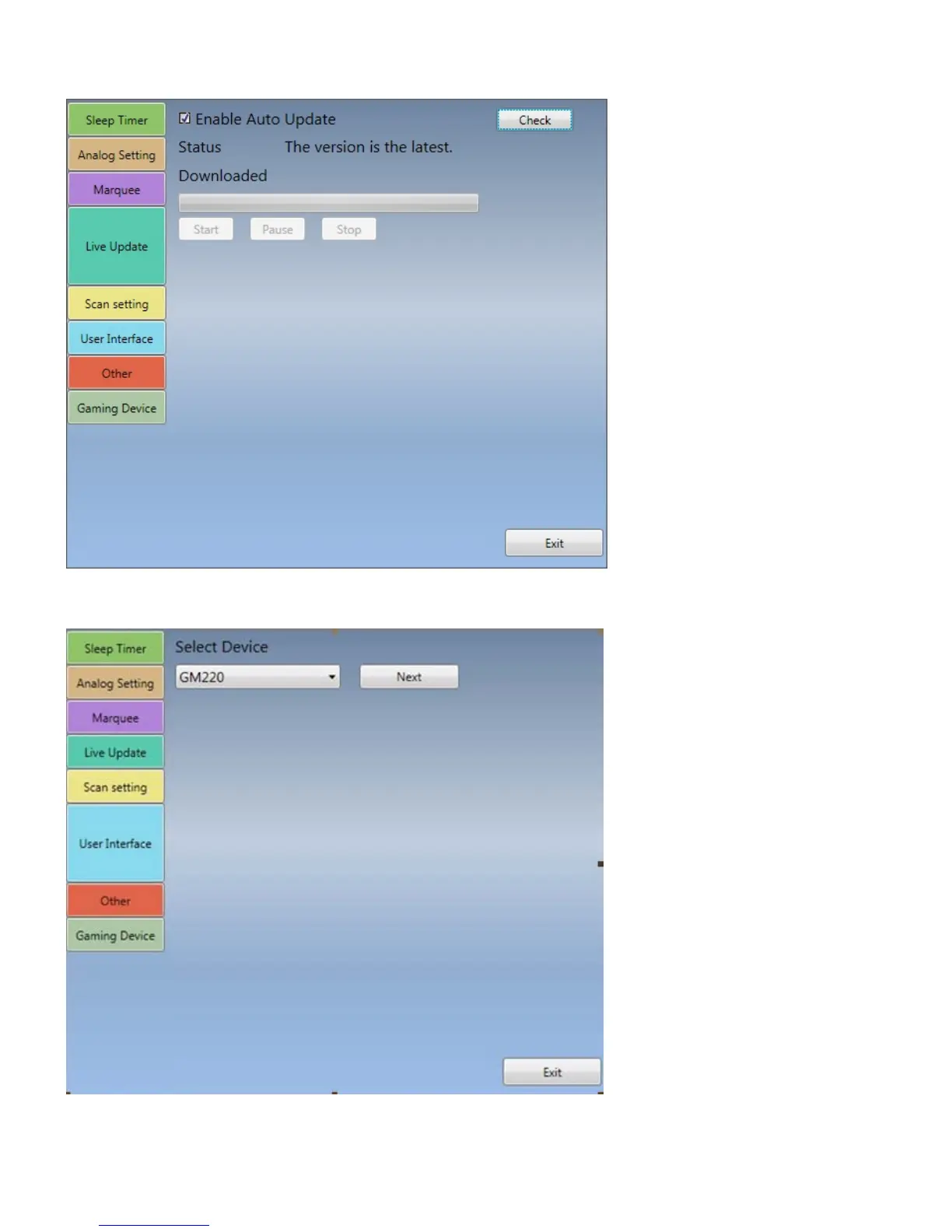
Live Update: When you open “auto update “, TiVme will download the system update automatically (if
there is a new version. If not, it won’t do anything). If you click “Check”, TiVme will display version status.
Note: Before you want to update, please check if you have the Internet connection first.
Scan Setting: re-run the video system setup. It is the same step as you do the initial setup for TiVme (see
the Chapter3) if you like to set up the video system again.
User Interface: configure the user-interface, such as “Enable Transparent UI”, “Panel Size”, “Font Color”
and “Border Size”. You can also customize your background by ticking on “Enable customize background”


 To Next Page