31
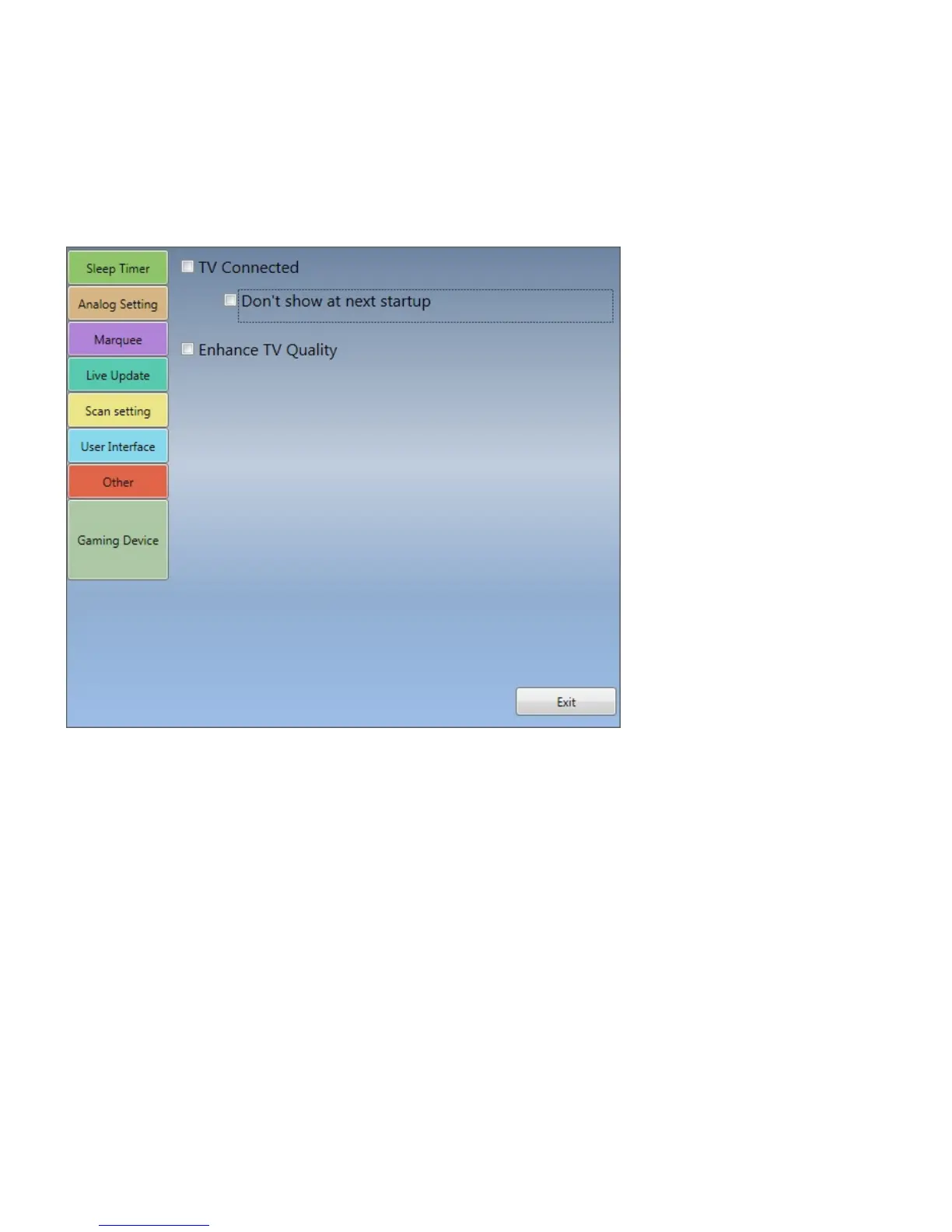
Gaming Device:
TV Connected: Please select it if you connected the Gaming Device (GM220) to output the video to the
TV monitor and laptop/desktop in the same time.
If you don’t want to check this dialog widow in activating TiVme every time, you can click the “Don’t show
at next startup” option to disable this function.
Enhance TV quality: You can tick this option to increase the picture quality on TV.
Note: It may depend on the resolution of video source higher than 1080i and the graphic card driver


 To Next Page