33
.
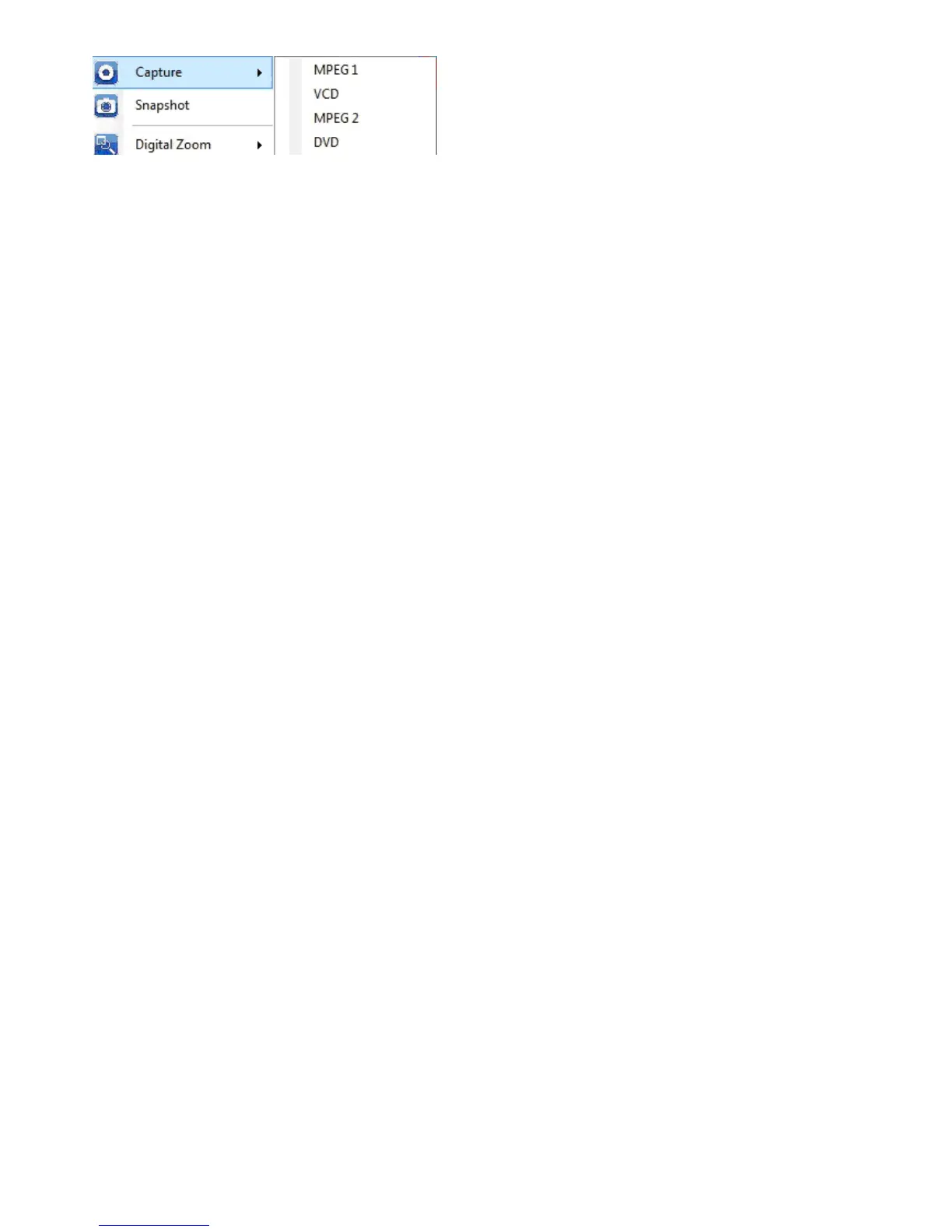
Snapshot: activate Snapshot function to take the Snapshot. You can also do the same if you click on the
Snapshot icon on the main interface.
Digital Zoom: there are 4 zooming formats -- Original, 2X, 3X and 4X.
Mute: Audio on or off
Volume Up: increase the volume
Volume Down: decrease the volume
Hide Panel: hide or show the control panel (the TiVme panel)
Exit: close/exit TiVme window


 To Next Page