EasyManua.ls Logo

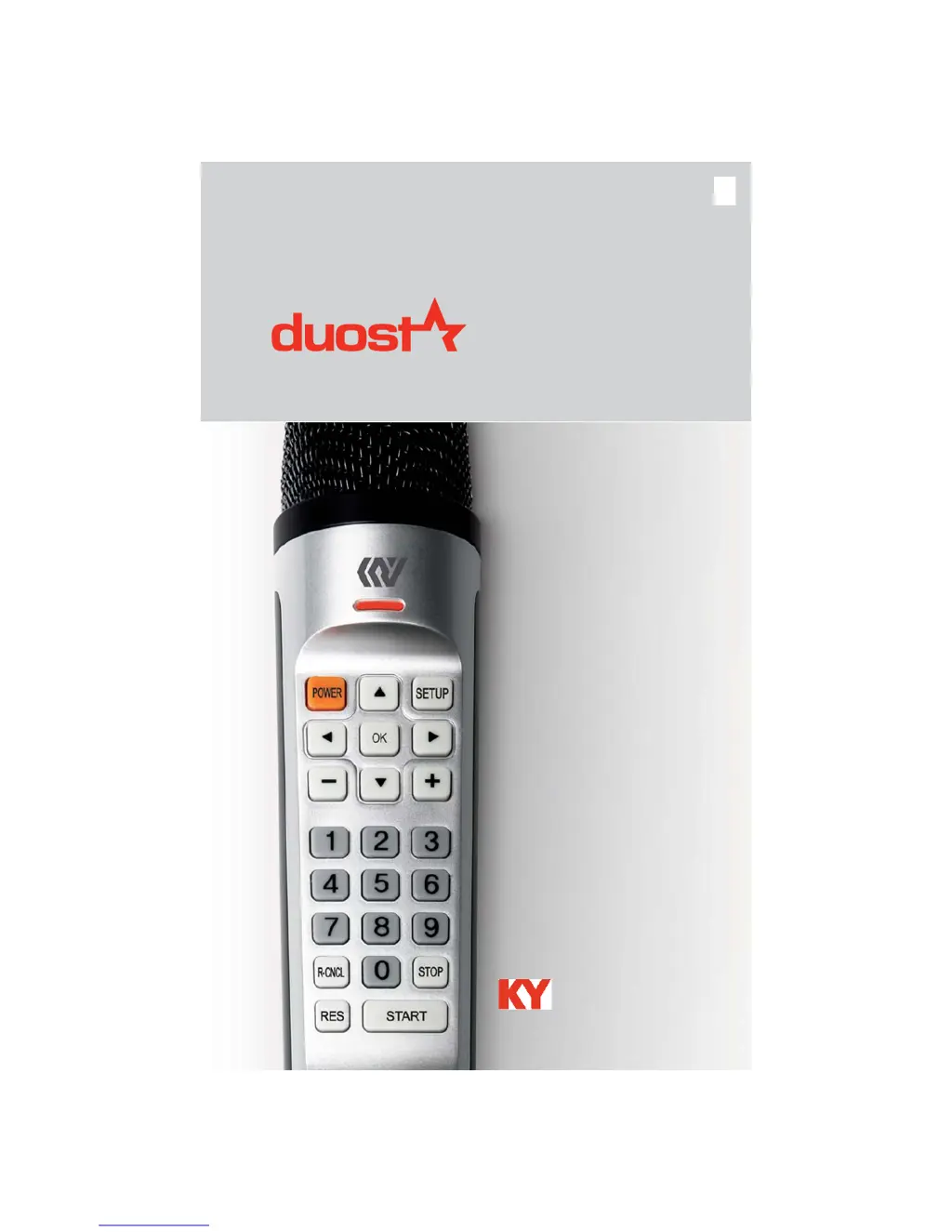
KY KHM500 - User Manual

KY KHM500
58 pages
Print Icon
To Next Page IconTo Next Page
Loading...
www.kumyoung.com
Kumyoung co.,Ltd
User Guide

Questions and Answers

  • G
    gloriaowensAug 1, 2025
    What to do if the KY KHM500 Karaoke System remote control is not working?
    • T
      Taylor ParkerAug 1, 2025
      If the remote control for your KY Karaoke System isn't working, try the following: * Reinsert the batteries, making sure they align correctly with the poles in the battery slot. * Check the battery life and replace the batteries if necessary. * Remove any obstructions between the remote and the KHM500. * Ensure you're pointing the remote directly at the KHM500 sensor and are within 22 feet (7m).
  • K
    Katrina SmithAug 15, 2025
    How to fix a frozen screen on KY KHM500?
    • C
      Catherine TaylorAug 15, 2025
      If the screen on your KY Karaoke System is frozen, try restarting the system. If that doesn't work, reboot the system.

Summary

Safety and Maintenance

Safety Symbols Explained

Explains various warning symbols used in the manual and their meanings.

Assembly Precautions

Provides precautions and guidelines for setting up the karaoke system safely.

Safe Usage Guidelines

Details safe usage practices related to temperature, heat, and power cords.

Handling Precautions

Instructions for safe handling of the player and its accessories to prevent damage.

Battery Usage and Safety

Guidelines and warnings for safely using and handling batteries.

Introduction and Setup

KHM500 Functions

Karaoke Mode Basics

Introduces the Karaoke Mode and its basic operational functions.

Basic Karaoke Functions

Explains how to play, stop, and select songs within the Karaoke Mode.

Karaoke Function Adjustments

Details how to adjust MIC volume, key, and tempo for karaoke performance.

Voice and Melody Settings

Details how to adjust voice pitch and select melody types in Karaoke Mode.

Mute, Reservation, and Cancellation

Explains muting audio, reserving songs, and canceling reservations.

Song Reservation Features

Instructions on how to reserve songs and manage the reservation list.

Cancel and Pre-Reserve Songs

How to cancel reserved songs and add songs to the top of the reserve list.

Playback Repeat and Volume Control

Explains playback repeat modes and how to adjust music volume.

Recording and Playing Songs

How to record performances and play back recorded songs.

Quick Troubleshooting

Troubleshooting Common Issues

Provides solutions for common problems like no power, no video, or remote issues.

Product Warranty

KY KHM500 Specifications

General IconGeneral
BrandKY
ModelKHM500
CategoryKaraoke System
LanguageEnglish