44
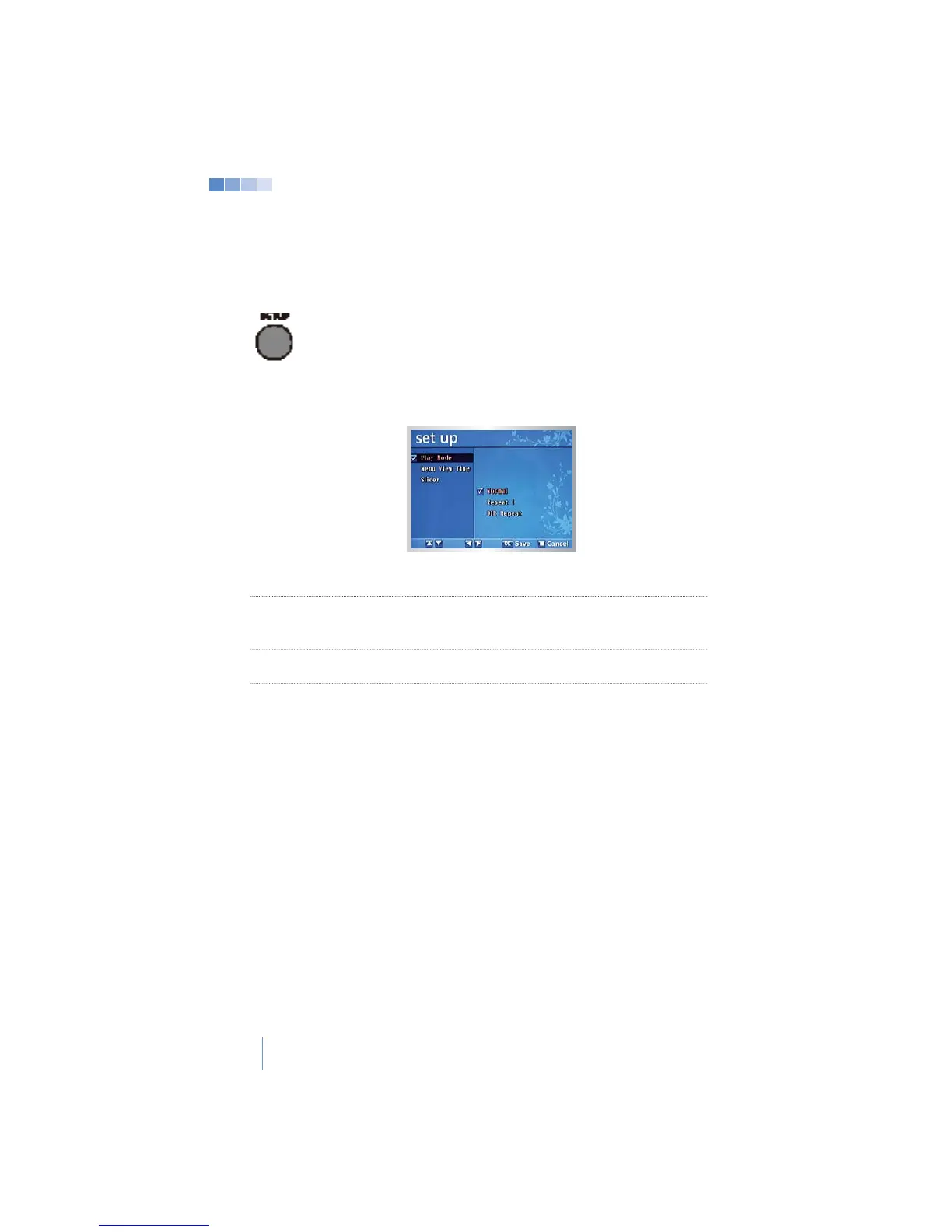
4-2-5 Multimedia Mode Setup Menu
Press
[SET UP]
in “MP3” “Video” or “Image” mode for the
“Set Up” menu.
Press
[OK]
to save a changed value.
Setup Menu Options
Play Playback mode. (Normal, Repeat 1,or DIR Repeat.)
Message display duration during “MP3” and “Video” mode.
(Continue, 3 sec, 5 sec, 10 sec, or 30 sec.)
Slide Slideshow or static image. (Enable or Disable.)
>All system settings are saved only when the system is shut down properly.


 To Next Page