EasyManua.ls Logo

KY KHM500 - Page 19

KY KHM500
58 pages
Print Icon
To Next Page IconTo Next Page
To Previous Page IconTo Previous Page
Loading...
19
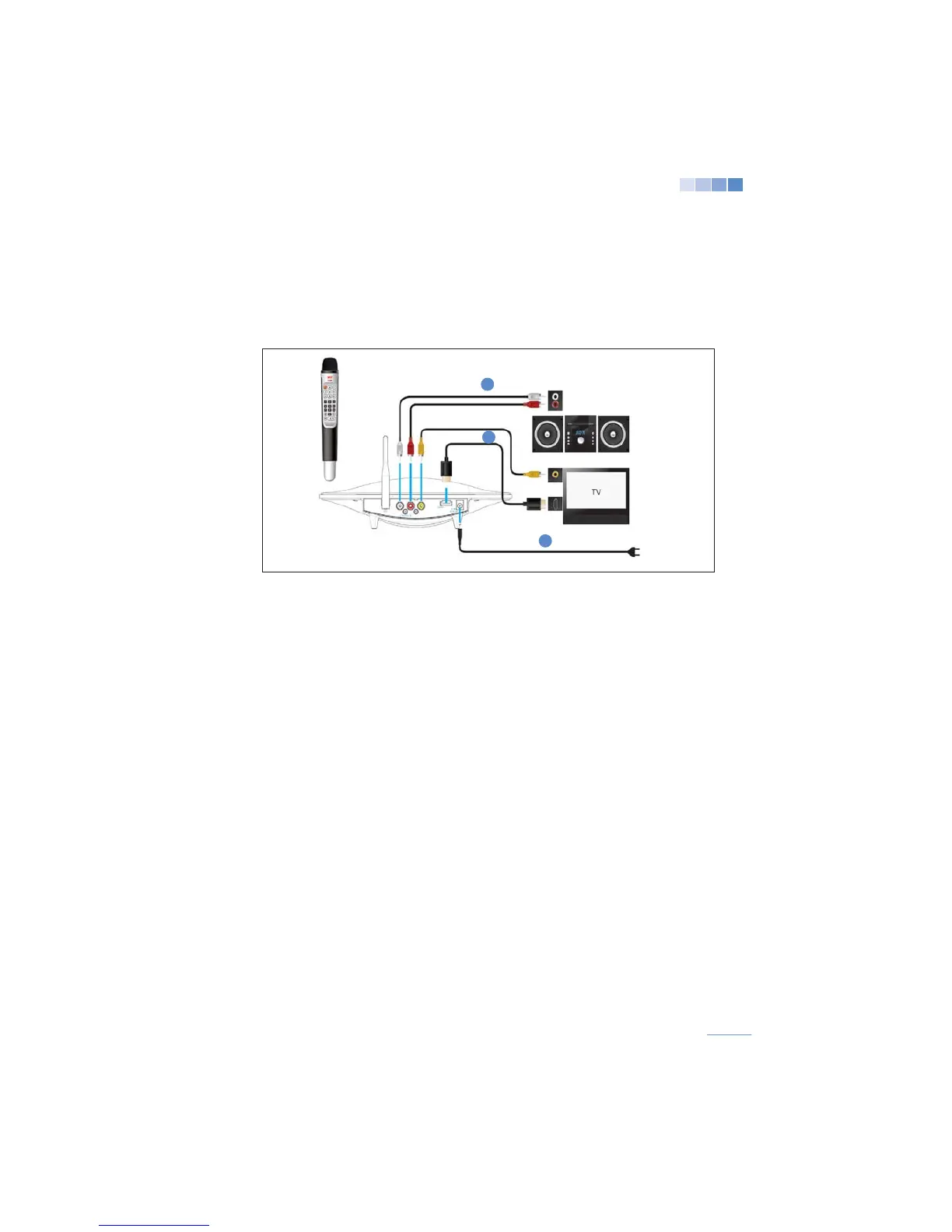
Connecting with Audio Systems
1. With the KHM500 off connect the RCA audio cables (red and white) to the station
and then to the audio system matching the terminal colors.
 

3. Connect the power adaptor to the station.
 

 

 
>
If the volume level is not satisfactory, please check and turn off the “Automatic Volume Leveling”

> Using the HDMI connection may cause sound delay. In this case, please connect the RCA audio

2
3
1