EasyManua.ls Logo

KY KHM500 - Page 41

KY KHM500
58 pages
Print Icon
To Next Page IconTo Next Page
To Previous Page IconTo Previous Page
Loading...
41

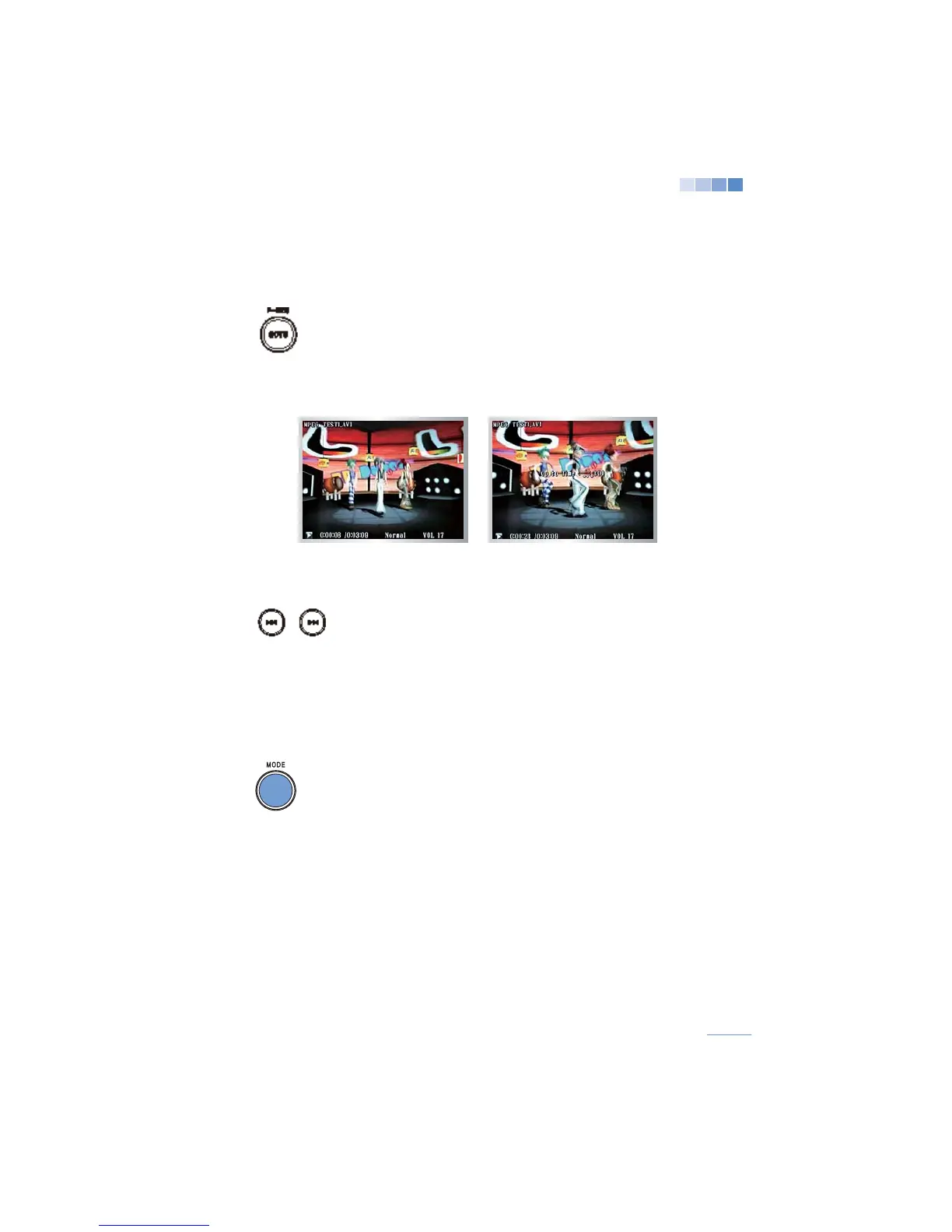
Press
[GOTO]


[0]-[9]
buttons.
Press
[OK]
to play the song.

[STOP/CANCEL]
.
(If there is no input within 5 seconds of pressing
[GOTO]
, the
function will automatically cancel.)



the previous video will be played.

restart the current video.
7) Saving location of Video play
Press
[MODE]
while a video is playing to stop “Video” mode.
In the “Multimedia” menu select “Video” and the video will play
from where it was stopped.

system, the saved video location will be erased.)