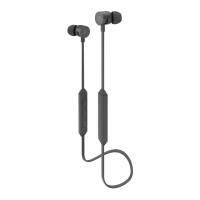
General function
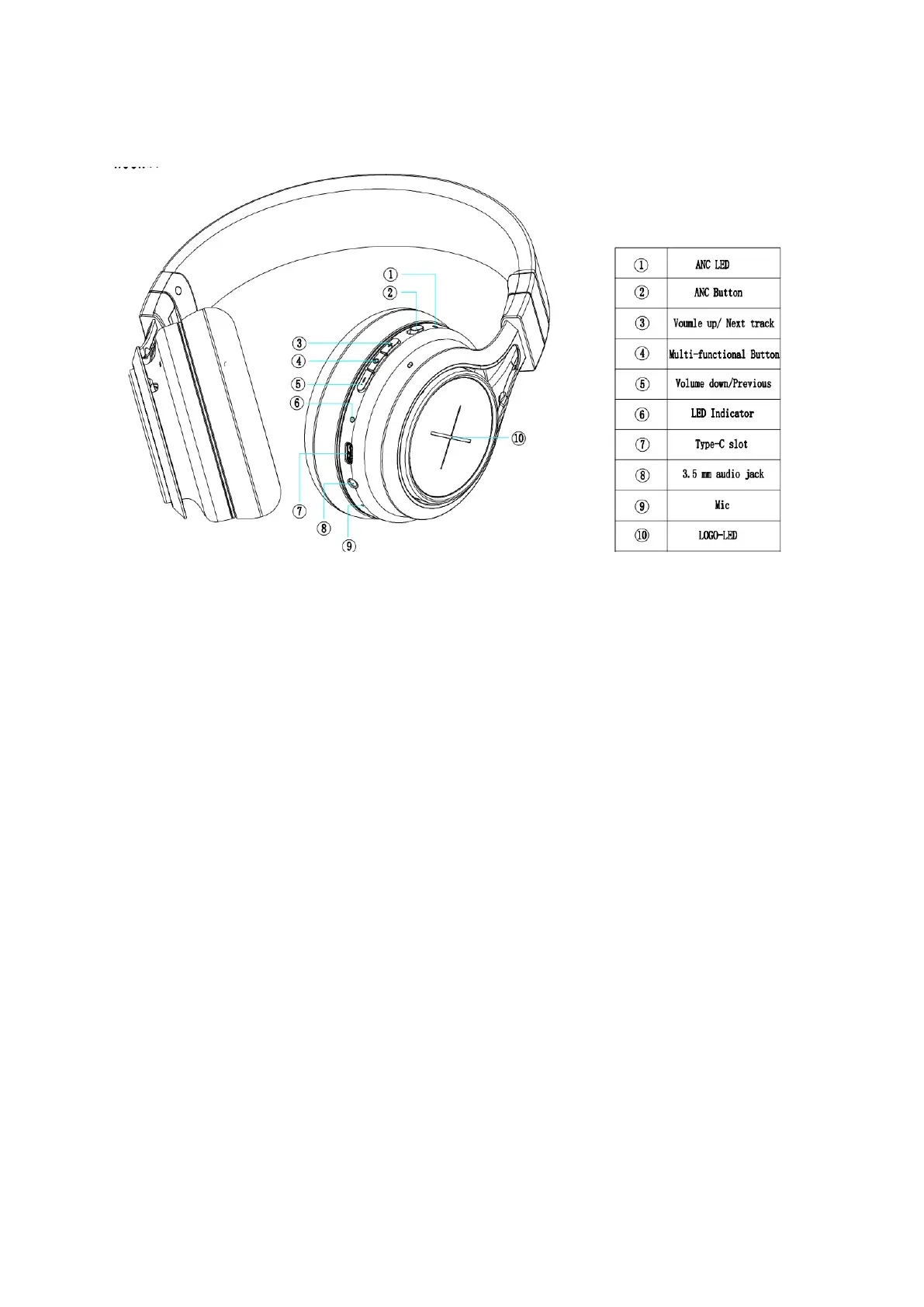
Operation Status LED
Power on: Blue LED flashes 2 times
Power off: Red LED flashes 2 times
Pairing: Red LED & Blue LED flash alternately
Standby: Blue LED flashes 3 times in 5 seconds
Incoming call: Blue LED flashes continuously
Low battery: Red LED flashes 2 times every 2 seconds
Charging: Red LED stays lit
Charging complete: Blue LED stays lit
ANC mode on: White LED stays lit
Basic button operation
Power on: Press the POWER ON/OFF button for 1 second. The blue LED will
indicate that the headphones are turned on.
Power off: Press the POWER ON/OFF button for 3 seconds. The red LED will
flash twice to indicate that the headphones are turned off.
Adjust volume: short press volume button “+” to increase volume. Short press
volume button“-" to decrease volume. When the volume reaches max or min,
listen for a “beep” sound.
Play/Pause: Short press multifunction button to pause music. Press
again to restart.



 To Next Page
 Loading...