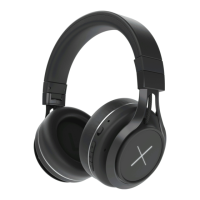
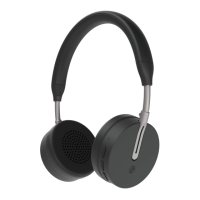
Previous: Press the "-" button for 1s to go to the previous track
Next: Press the "+" button for 1s to go to the next track
Answer Calls: Short press the multifunction button to answer incoming calls.
End call: Short press multifunction button to end the call.
Reject call: Press the "-" button for 1s
to reject calls.
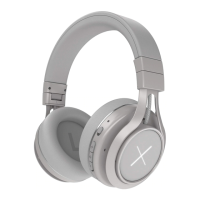
ANC mode: Use the slide button to turn the noise-cancelling function on and
off. The white LED will indicate that it is activated.
Battery Capacity status: When connected to iOS devices, the
headphone's battery power status is displayed in the upper right corner of
device’s screen.
Charging: New headphones have enough power to listen to music for several
hours. When the battery runs low, recharge it for 2 hours with the included
USB-C cable. During charging, the red LED will blink. A blue LED will indicate
that the headphones are fully charged
.
Reset Mode: Connect the headphones to a computer via the included USB-C
cable. When red LED lights up, the reset is complete.
3.5mm music line-in function: Connect the 3.5mm audio jack cable to
the headphones for wired music. You can also use it during calls, thanks to the
built-in microphone on the cable
.
Before connecting the cable, please ensure that the headphones are powered
OFF.
1. Connect the 3.5mm audio cable to the headphones and device.
2. Adjust the volume on the device


 To Next Page
 Loading...