EasyManua.ls Logo

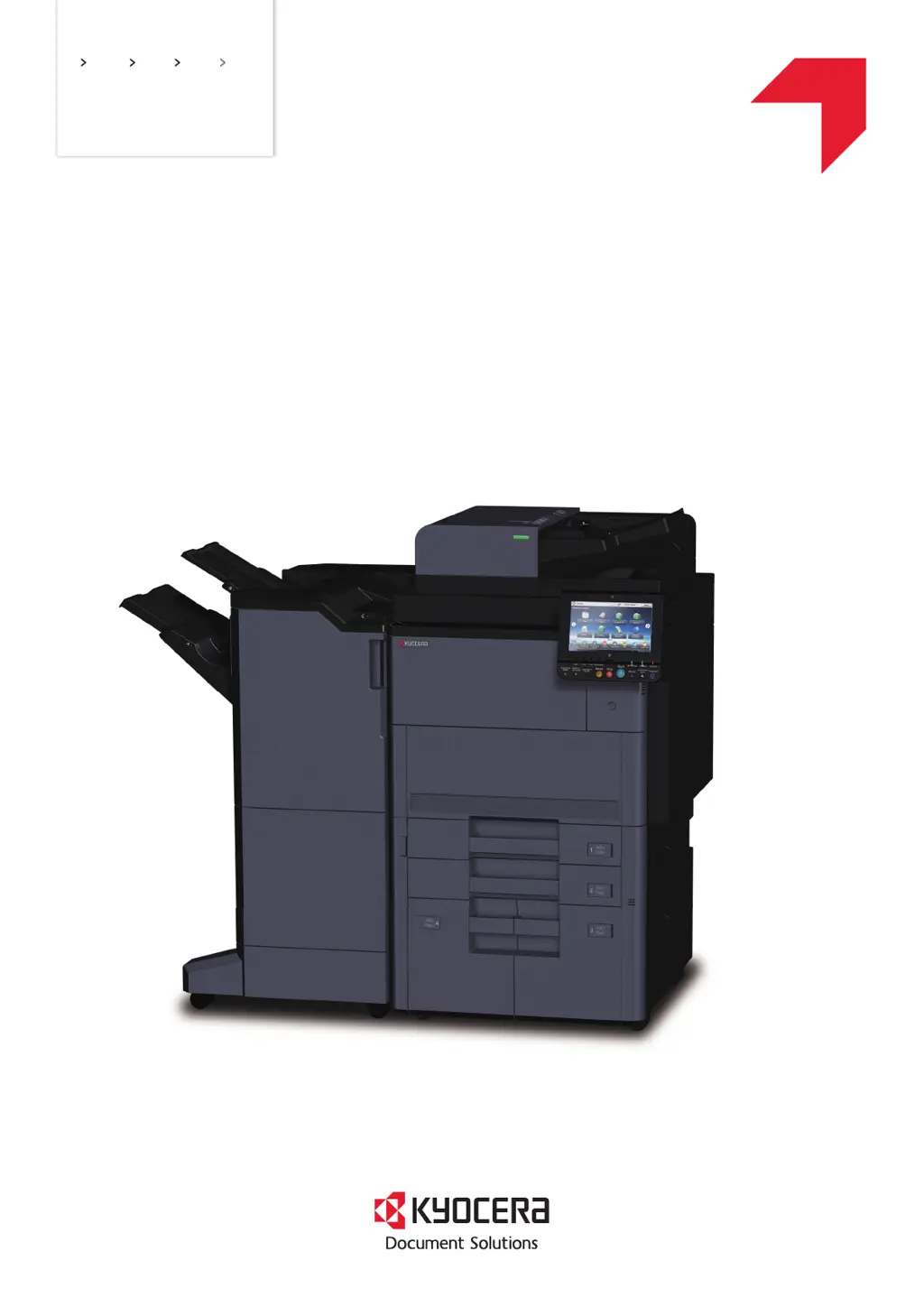
Kyocera 9002i - User Manual

Kyocera 9002i
36 pages
Print Icon
To Next Page IconTo Next Page
Loading...
7002i
8002i
9002i
PRINT COPY SCAN FAX
FIRST STEPS
QUICK GUIDE

Questions and Answers

  • M
    Mark McconnellAug 8, 2025
    What to do if my Kyocera 9002i Fax Machine cannot send fax?
    • S
      sdavisAug 8, 2025
      If your Kyocera Fax Machine cannot send faxes, ensure the modular cord is correctly connected. Verify that the Permitted FAX No. or Permitted ID No. are registered correctly. If a communication error occurred, check the TX/RX Result Report and Activity Report for error codes starting with 'U' or 'E', and perform the corresponding procedure. If the destination FAX line is busy or the destination FAX machine doesn't respond, try sending again. For other errors, contact your Service Representative.
  • S
    Scott HintonAug 14, 2025
    What to do if my Kyocera 9002i Fax Machine cannot receive documents?
    • L
      Lucas WrightAug 14, 2025
      If your Kyocera Fax Machine cannot receive documents, first, make sure the modular cord is correctly connected. If a Communication error is displayed, determine the cause of the error and ask the sender to retry. If you are using an IP telephone line, try changing the setting of [RX Start Speed] in Reception to temporarily clear the communication error. Also, check if RX (reception) restriction is activated and, if so, cancel it.
  • J
    Jerry CoxAug 20, 2025
    Why my Kyocera 9002i cannot perform sub address transmission?
    • C
      Christopher PrestonAug 20, 2025
      If your Kyocera Fax Machine cannot perform sub address transmission, it may be because the recipient fax machine is not equipped with a sub address transmission feature. Sub address transmission cannot be performed unless the recipient fax machine has a similar sub address transmission feature. Also, check that the entered sub address or sub address password is the same as the one registered in the recipient fax machine. If your entry is correct, verify with the recipient. Finally, confirm that there is free space available in the memory of the recipient fax machine.
  • J
    Joshua WintersAug 27, 2025
    How to fix Kyocera 9002i Fax Machine when it cannot perform memory reception?
    • A
      Adam KruegerAug 27, 2025
      If your Kyocera Fax Machine cannot perform memory reception, it is likely due to insufficient free space in the memory. To resolve this, receive after the memory has free space, or create free space in the memory.
  • D
    David BrooksSep 1, 2025
    What to do if Kyocera 9002i cannot use sub address relay broadcast communication?
    • M
      Malik GlennSep 1, 2025
      If your Kyocera Fax Machine cannot use sub address relay broadcast communication, it is likely due to insufficient free space in the memory. Free up some space in memory and then send, or simply make some free space in memory.

Kyocera 9002i Specifications

General IconGeneral
BrandKyocera
Model9002i
CategoryFax Machine
LanguageEnglish

Related product manuals