Calendar & Tools 74
Back Up Your Contacts Data to the microSD Card
Display Your microSD Card Folders
File Manager
Digital Print Order Format (DPOF)
Connect Your Phone to Your Computer
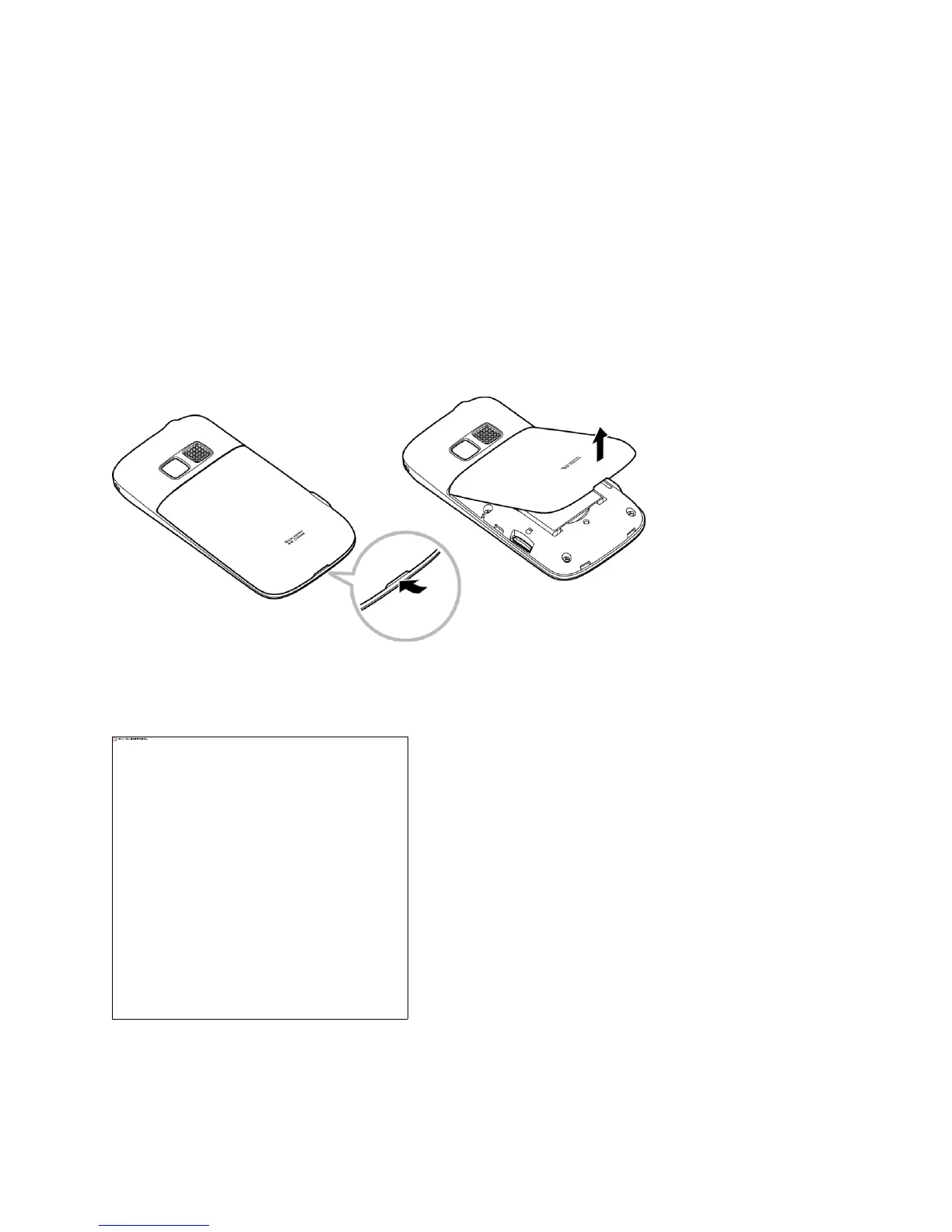
Insert a microSD Card
1. Insert a flat object into the slot at the bottom of the battery compartment cover and lift up
gently to remove.
2. Insert a microSD card into the slot with the gold terminals facing down.
3. Gently press the card in until it snaps into place.
4. Replace the battery cover.











 To Next Page