Press and release the
to toggle between the displays:
•
and
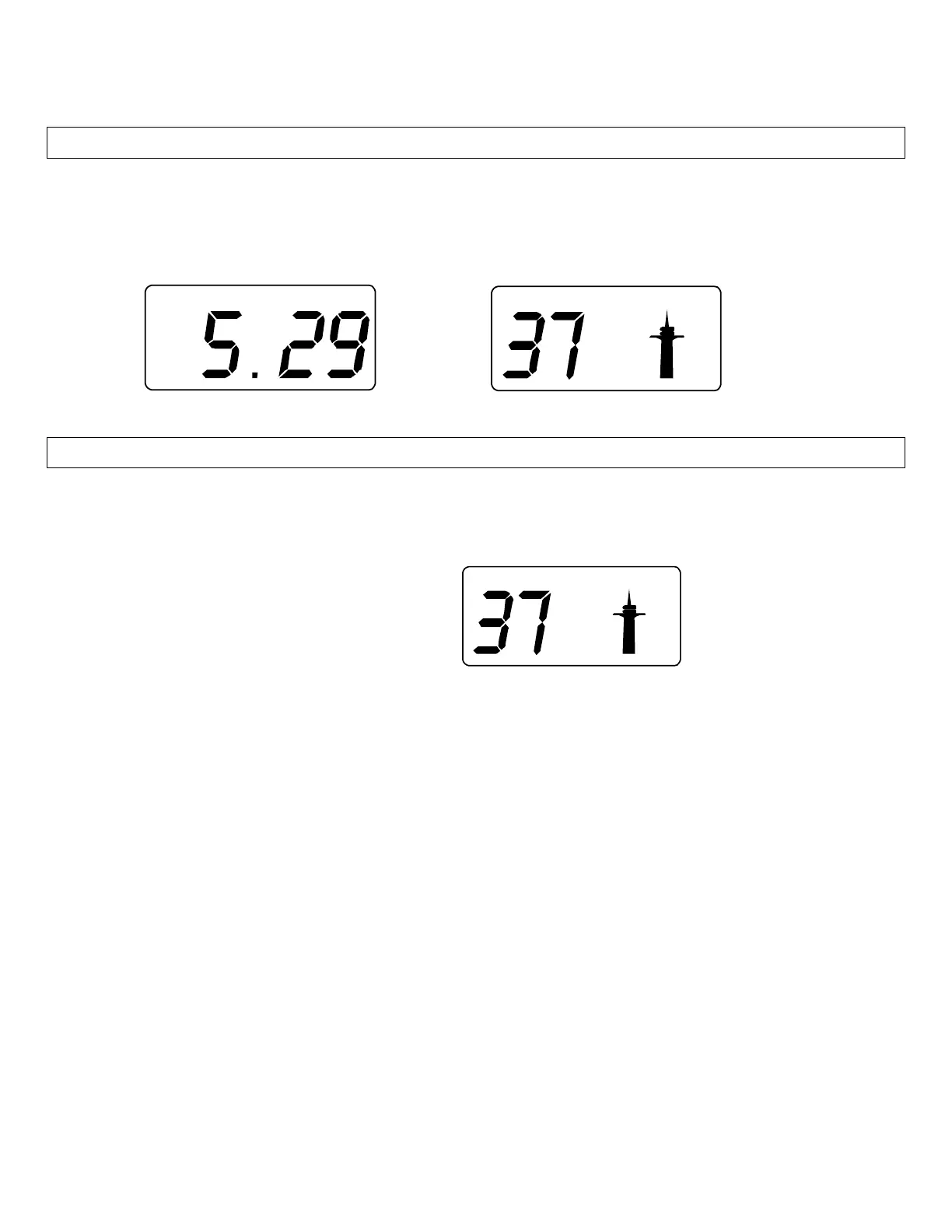
: The Date appears as Month and Day (ex: 5.29)
• Or
and
WWVB Signal Reception Icon
IMPORTANT:
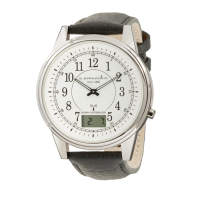
If the WWVB signal is received correctly, the symbol (tower) is shown, and setting the time and date
manually is not possible. If the wristwatch is not able to receive the WWVB signal, you may set the
time manually.
• Seconds
• Minutes
• Hours
• Year
• Month
• Day
To manually set Time and Date:
1. Hold both the PUSH-PIECE and the RECESSED BUTTON
together for about 4 seconds.
2. The Seconds will flash in the LCD display. Press and release the
button. The
seconds will be set to zero (00).
3. Press the RECESSED button. The Minutes will flash. Press and release the
to set the
Minutes.
4. Press the RECESSED button. The Hour will flash. Press and release the
to set the
Hour.
5. Press the RECESSED button. The Year will flash. Press and release the
to set the
Year.
6. Press the RECESSED button. The Month will flash. Press and release the
to set the
Month.
7. Press the RECESSED button. The Day will flash. Press and release the
to set the
Day.
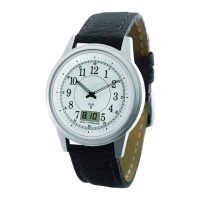
8. Press the RECESSED button. The hands will spin and stop at the time you set.
When the watch receives the Atomic Time Signal, if the hour is incorrect, check you Time Zone.


 To Next Page