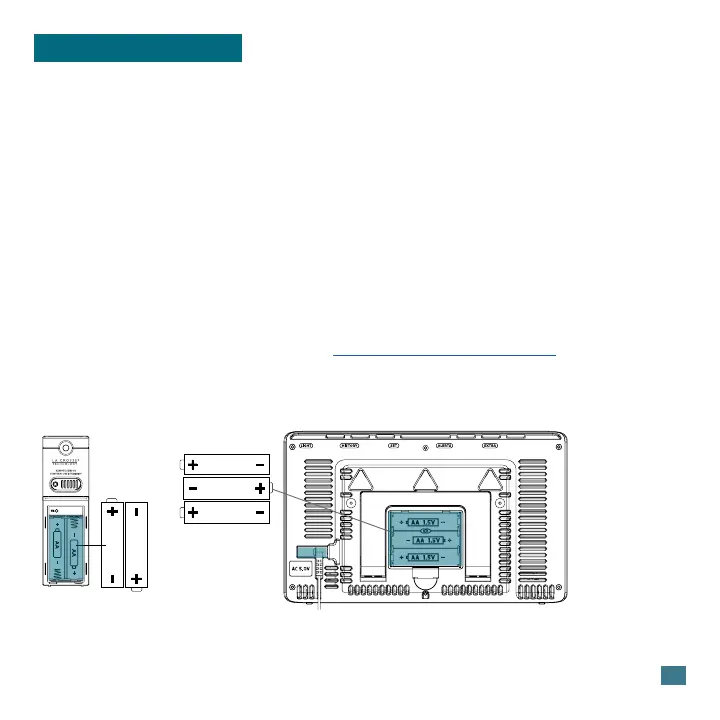
1. Insert 2-AA batteries into your Outdoor Sensor.
2. Insert the 5.0V Power Adapter into a working outlet. Then insert the
Power Jack end into the back of the Weather Station.
Optional: Insert 3 “AA” batteries for backup.
3. Once the sensor is reading to your station, place it outside in a shaded
location to protect it from the sun’s heat.
Watch our sensor mounting video: bit.ly/th_sensor_mounting
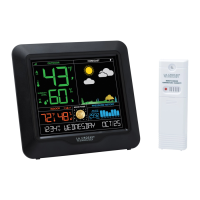
Outdoor Sensor
TX141TH-Bv3
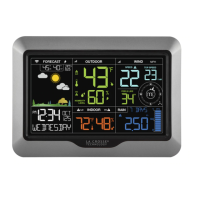
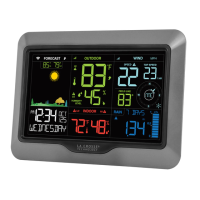
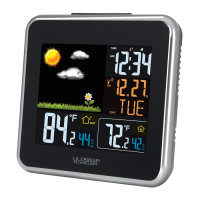
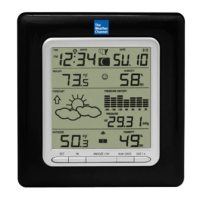
Weather Station
S77925
AA
AA
AA
AA
AA
Power Up
2
Basics




 To Next Page