3
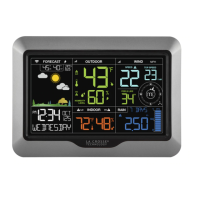
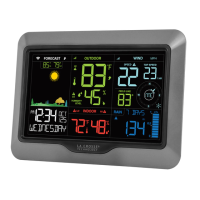
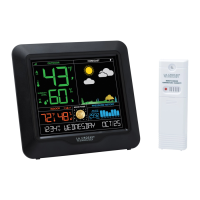
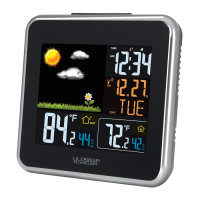
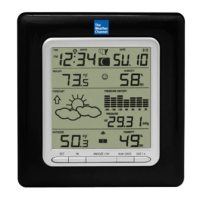
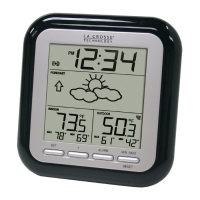
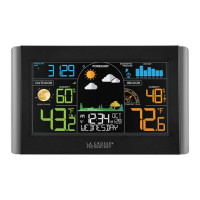
Main Weather Station
1. Hold the SET button to enter the Settings Menu.
2. Use the +/- buttons to adjust values.
3. Press SET to confirm values and move to the next setting.
4. Press the LIGHT button at any time to save and exit.
Settings Menu Order:
• Language (English, Spanish, French, German)
• Beep ON/OFF
• Atomic ON/OFF
• DST: AUTOMATIC ON/ALWAYS ON/ALWAYS OFF
(Change Spring/Fall) (Standard Time all year) (DST all year)
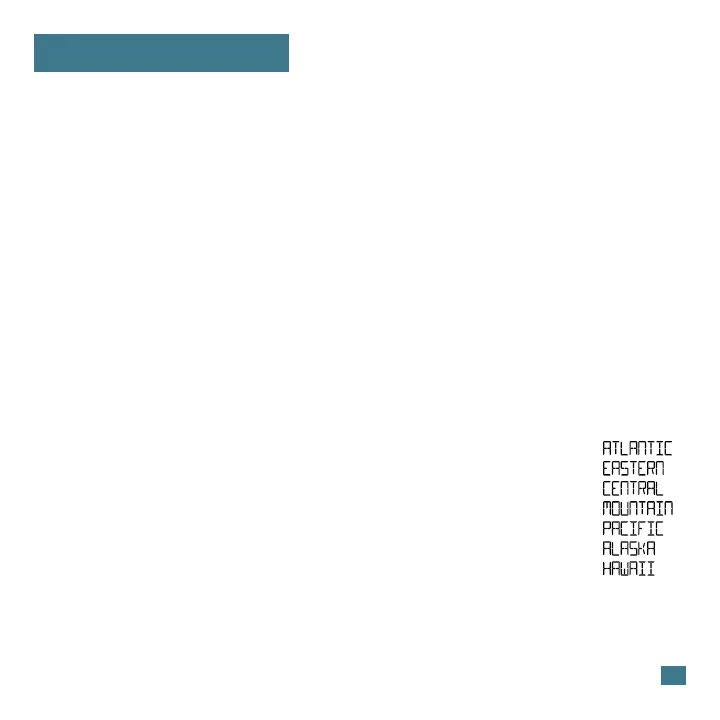
• Time Zone
• 12HR/24HR
• Hour
• Minute
• Year
• Month
• Date
• Fahrenheit/Celsius
• Decimal/No Decimal (Temperature Reading)
• Pressure: InHg / hPa
• Pressure number setting
7 Time Zones
Settings Menu




 To Next Page