INDOOR
INDOOR
INDOOR
INDOOR
Indoor
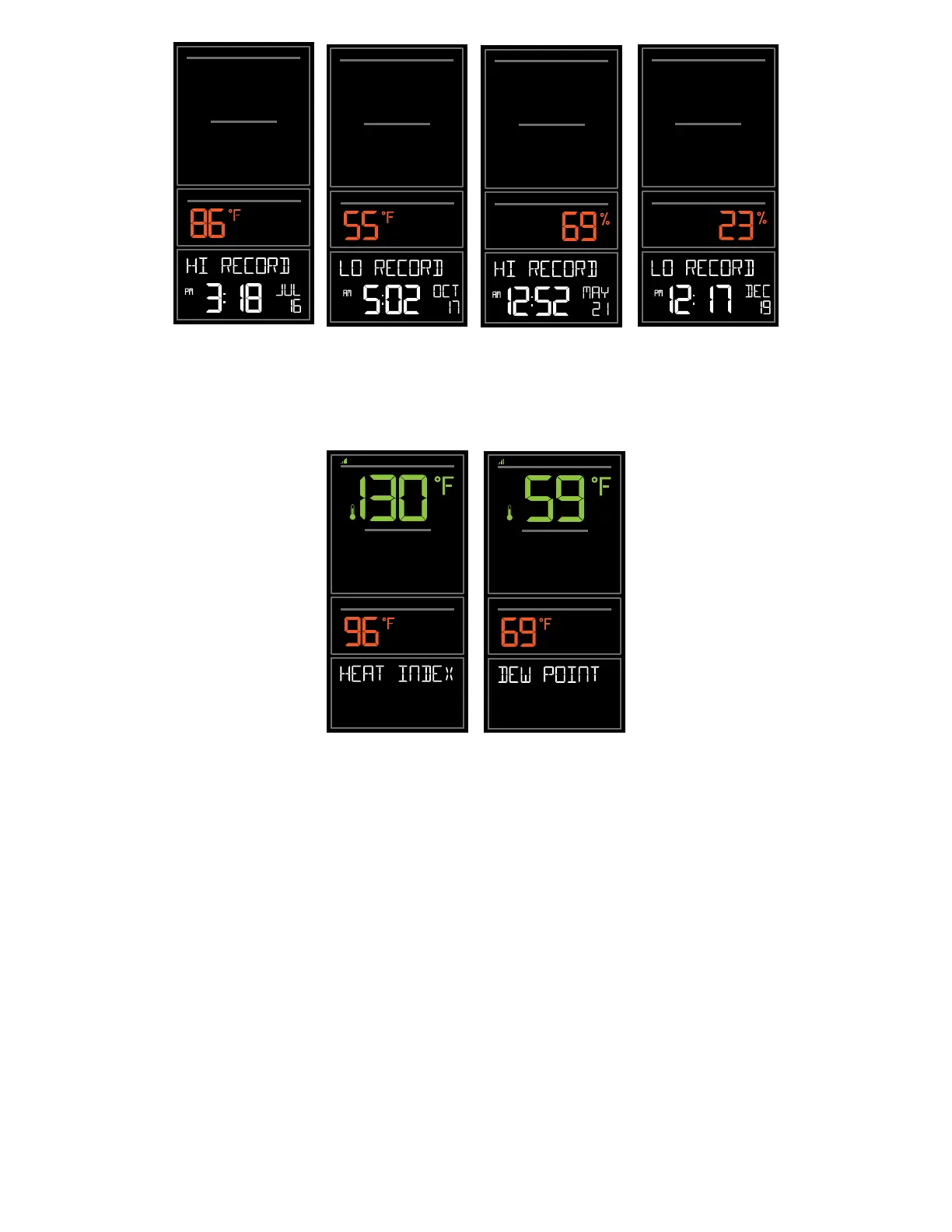
Humidity Records
Indoor
Temperature Records
OUTDOOR
INDOOR
OUTDOOR
INDOOR
Indoor / Outdoor
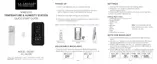
Dew Point
Indoor/Outdoor
Heat Index
Reset Temperature and Humidity Records:
Your temperature and humidity readings will reset individually.
1. Press and release the TEMP button to view the reading you wish to reset.
2. Hold the MINUS button for 5 seconds to reset individual temperature or humidity value to current
temperature, humidity, time and date. Press TEMP to move to the next value.
3. Press and release the LIGHT button to exit.
Wireless Temperature & Humidity Station Page | 9



 To Next Page