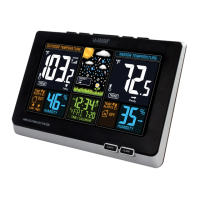
Page | 3S85807 Professional Weather Station
Setup Preparation
Items you will need to setup your station (not included):
1. Phillips head screwdriver for assembly.
2. Fresh Batteries: 5 (ve) AA alkaline or lithium batteries for the sensors.
3 (three) AAA alkaline batteries for the station (optional).
For best results:
• Remove weather station and sensors from the package and place together on a table
or bench, within easy reach.
• Place batteries and screwdriver within reach of setup location.
• Keep sensors and weather station 5-10 feet for at least 15 minutes after installing
batteries, to allow the sensors and station to connect repeatedly.
Quick Setup
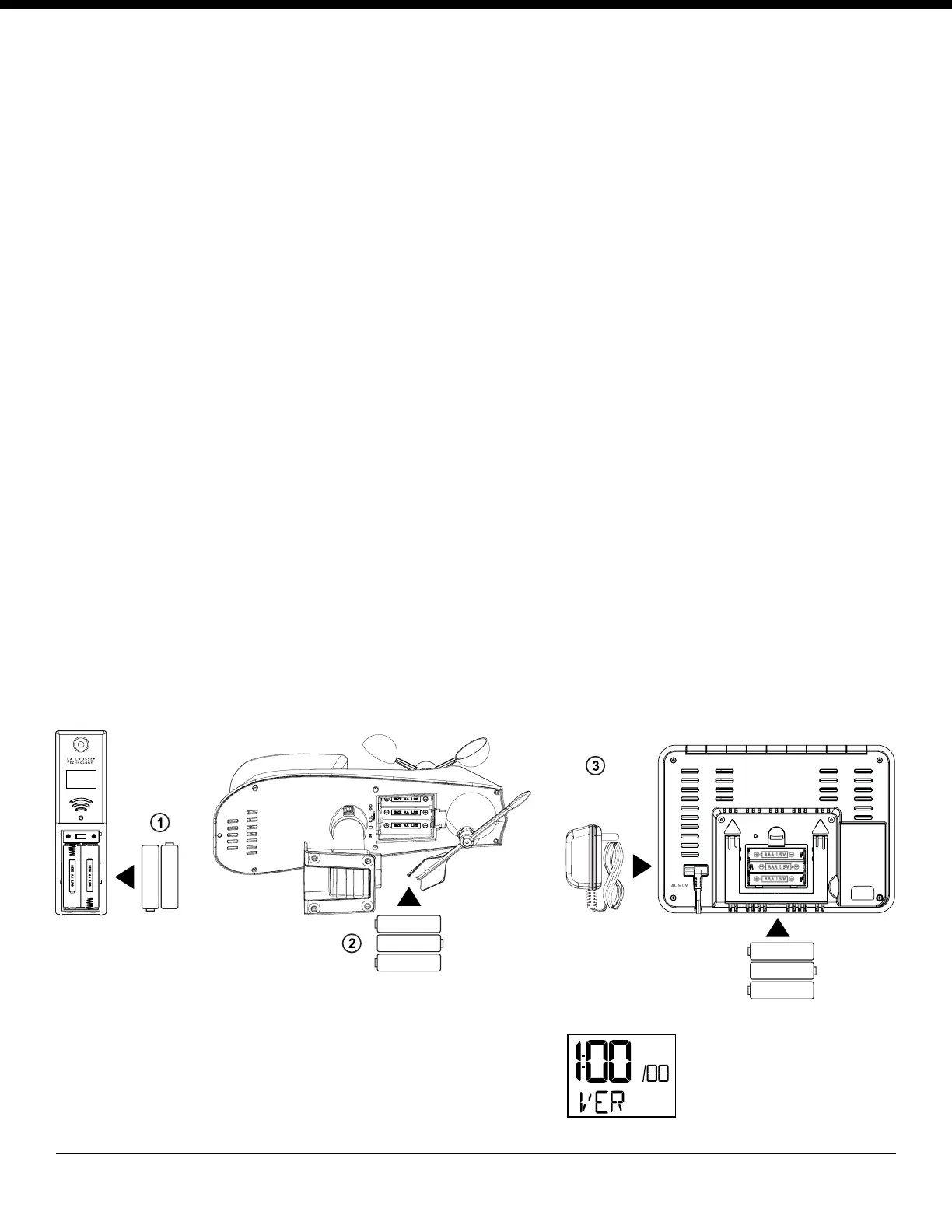
1. Power up. Insert 2-AA batteries into the outdoor Thermo-hygro sensor, 3-AA batteries
into the Multi-sensor. Then plug the power cable into the display.
2. Congure basic settings. Set Time, Date etc.
3. Place outdoor sensor in a shaded location after 5 minutes.
Optional: insert 3-AAA batteries into the weather station.
Note: Batteries are not included
TX
°C/°F
1 2 3
Optional
Power
Cable
AAA
AAA
AAA
+
+
-
-
+
-
AA
AA
+
-
AA
+
-
+
-
AA
AA
+
-
+
-
When station is powered
on, the software version
will show for 2 seconds in
the lower left corner.
Thermo-hygro sensor
TX233TH
Multi-sensor
TX233RW
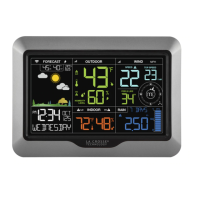
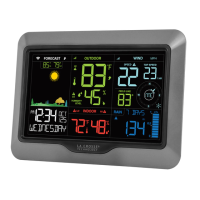
Weather Station
S85807



 To Next Page