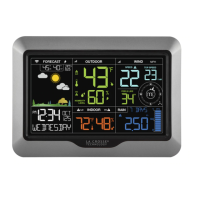
Page | 7S85807 Professional Weather Station
Wind Readings
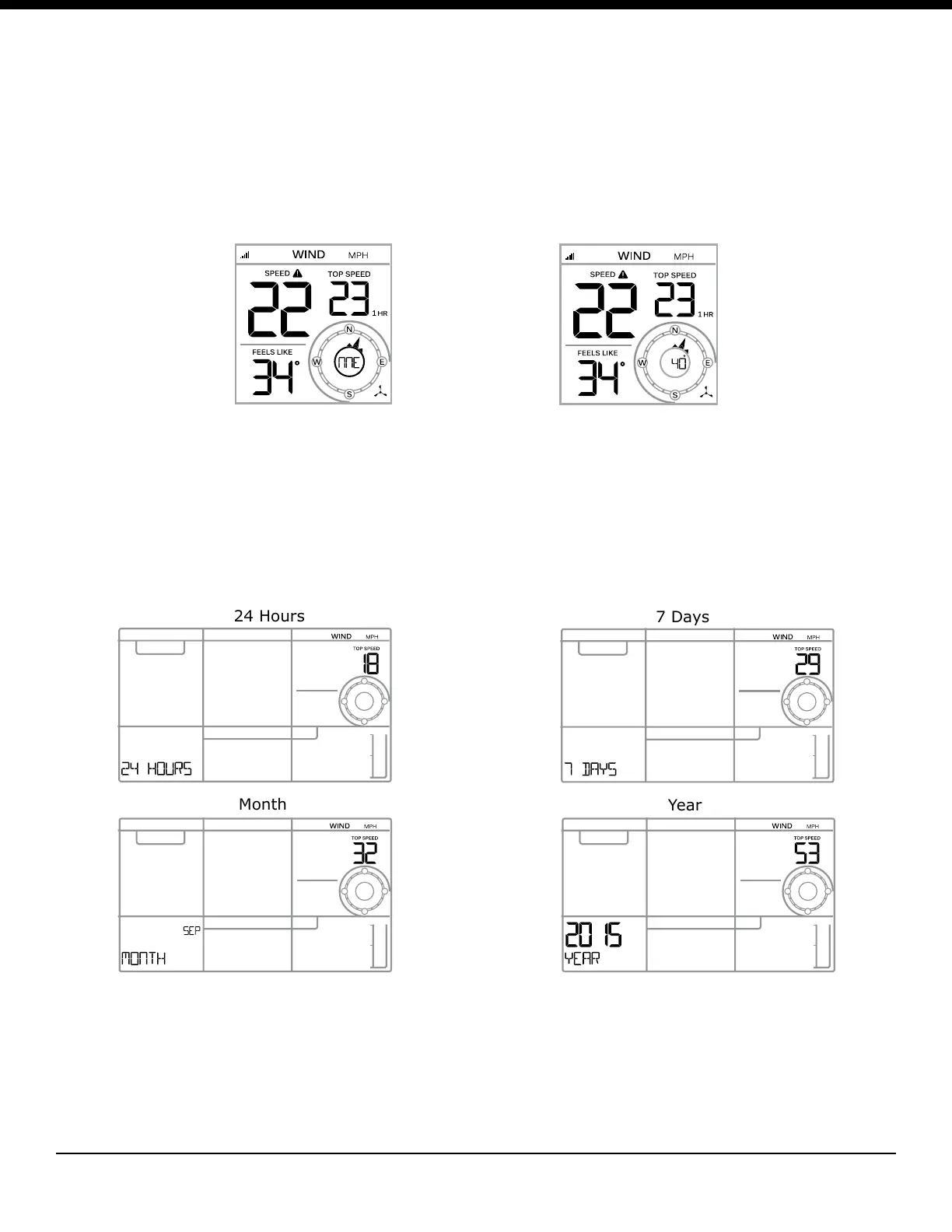
• Current Speed: Highest speed in the past 30 seconds
• Top Speed: Highest speed in the past hour
• Feels Like: Temperature | Humidity | Wind Speed
• Wind Direction: In letters or degrees
• History: Press and release the WIND button to view:
1 Hour (default) | 24 Hour | 7 Days | Month | Year
Wind History
Press and release the WIND button to view the maximum wind history values.
• One Hour: past 60 minute period (default Top Speed record, already shown)
• 24 hour: Past 24 hour period, from last record
• 7 Days: Past 7-day period, from last record
• Month: Dened by Calendar Month i.e. January 1 - January 31
• Year: Dened by Calendar Year i.e. January 1 - December 31
Reset Wind Speed History
• Press the WIND button to view individual wind speed readings.
• Hold the MINUS button for ve seconds to reset the individual value.
• Wind speed reading will reset to current wind speed.



 To Next Page