Page | 4S85807 Professional Weather Station
Settings
1. Hold the SET button for 3 seconds to enter time set mode.
2. Press and release the + or - buttons to adjust the values. Hold to adjust quickly.
3. Press and release the SET button to conrm and move to the next item.
Note: Press and release the LIGHT button any time to exit settings.
Settings order:
1. BEEP ON/OFF
2. Time zone (-12 to +12)
3. Auto DST ON/OFF
(Daylight Saving Time)
4. Hour
5. Minutes
6. 12h/24h hour format
7. Year
8. Month
9. Date
10. Temperature (C/F)
11. Wind degree or direction (letters) select
12. Wind speed select (mph/kmh)
13. Rainfall unit select (in/mm)
Note: North American Time Zones are negative
numbers. Setting the time zone for your
location assures the time will be correct.
North America
Time Zones
Atlantic
Eastern
Central
Mountain
Pacic
Alaska
Hawaii
-4h
-5h
-6h
-7h
-8h
-9h
-10h
Note: Auto DST settings mean your station will
automatically change into or out of Daylight
Saving Time when ON is selected.
Note: Press only one button at a time while setting time, date, etc.
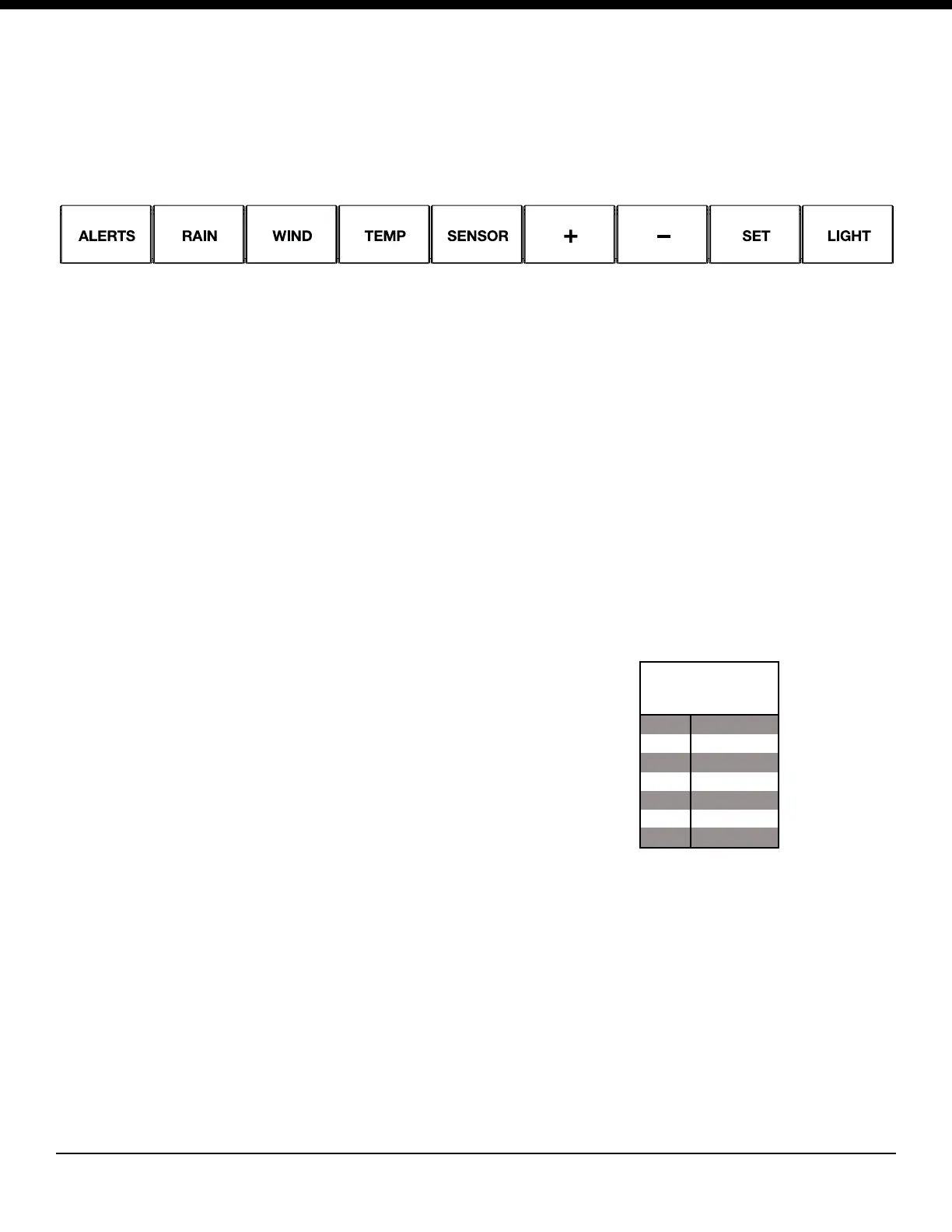
Buttons
• Buttons are located on the top of the weather station.
• When entering a settings mode, hold the correct button (SET, ALERTS).
• Press and release the +/- buttons to change a setting.
• Press and release the correct button to view readings (Wind, Rain,Temp/Humidity).



 To Next Page