2
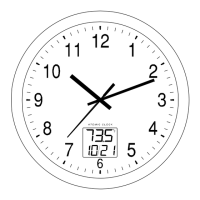
The Digital Temperature and date LCD
SETTING UP OF THE TEMP AND DATE LCD:
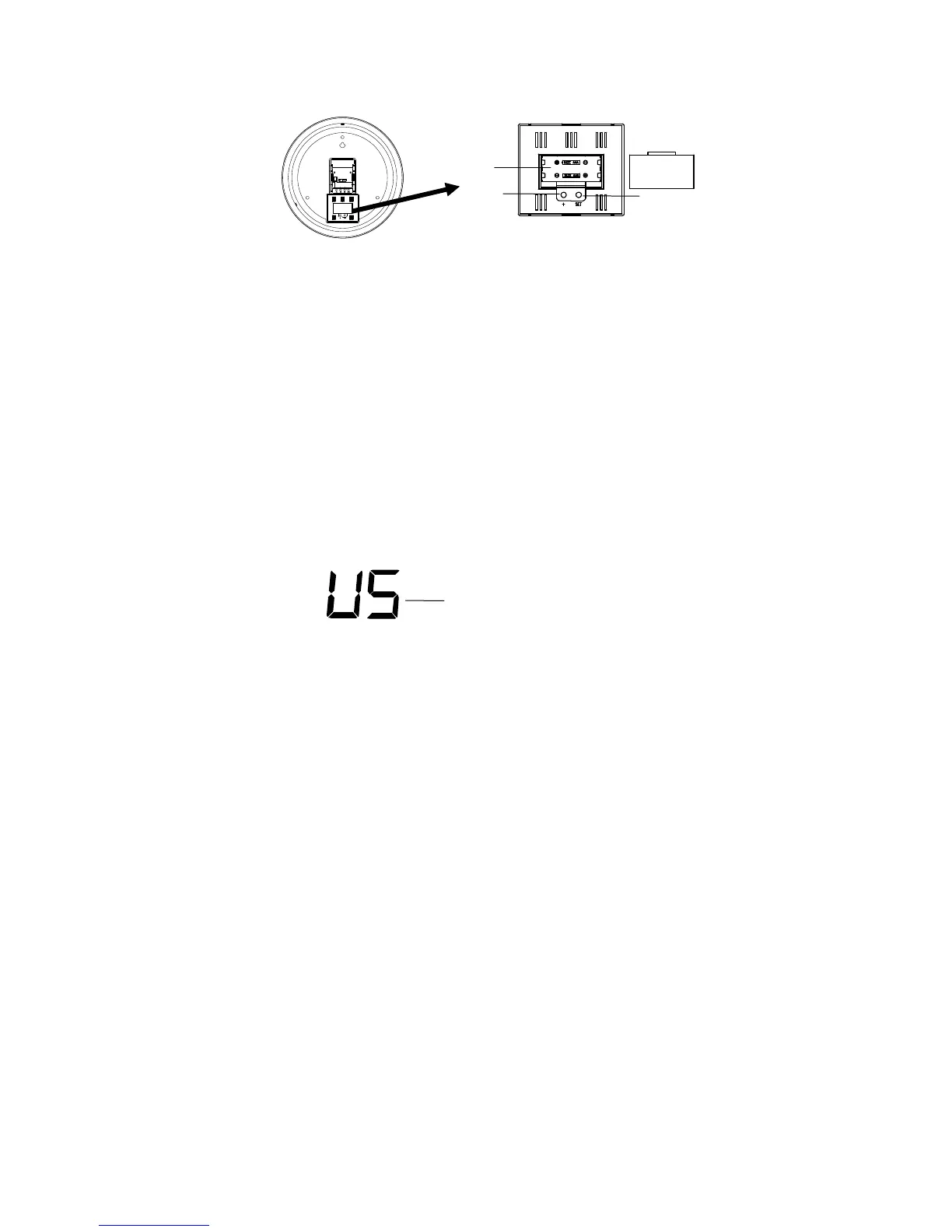
The temperature LCD uses 2 x AAA, IEC LR3, 1.5V batteries. To install and replace the batteries,
please follow the steps below:
1. Lift the center of the battery compartment and remove the cover.
2. Insert the batteries, observing the correct polarization.
3. Replace the battery cover on the unit.
After a few seconds, the LCD screen starts to display indoor temperature and the date.
FUNCTION KEYS
SET key:
• Press and hold to enter the set mode for the following functions: Display Language (English or
Spanish), °F/°C settings, 12/24 hour format, Manual time, Year, Month and Date
+ key
• Press To make adjustment for various settings
• In normal display, press to toggle between the display of "Weekday + date", "Indoor temp + date"
and "Weekday + indoor temp" in the LCD
MANUAL SETTINGS:
The following manual settings can be done in the setting mode:
• Display Language (English or Spanish)
• °F/ °C setting
• 12/ 24 hr time format
• Manual time setting
• Calendar setting
Press and hold the SET key for about 3 seconds to advance to the setting mode:
DISPLAY LANGUAGE (ENGLISH OR SPANISH)
The default language of display is set English (US). To select Spanish ('E")°C:
1. The “US” will be flashing, use the + key to toggle between “US” (English) and “S” (Spanish).
2. Once the desired language has been chosen, confirm with the SET to advance to the
°F/°C hr time format.
+ ke
SET key
Batter
compartmen
flashing






 To Next Page