EasyManua.ls Logo

La Crosse B86012 - LCD Features; Buttons

La Crosse B86012
15 pages
Print Icon
To Next Page IconTo Next Page
To Previous Page IconTo Previous Page
Loading...
Model: B86012 www.lacrossetechnology.com/support pg. 3
Step 3: After 5 minutes, place the
sensor Outside in a shaded location.
Note: If the outdoor Temperature area shows dashes after 3
minutes, remove the batteries and start from step 1.
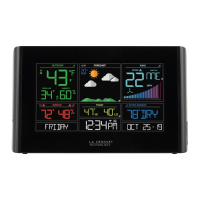
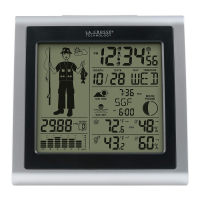
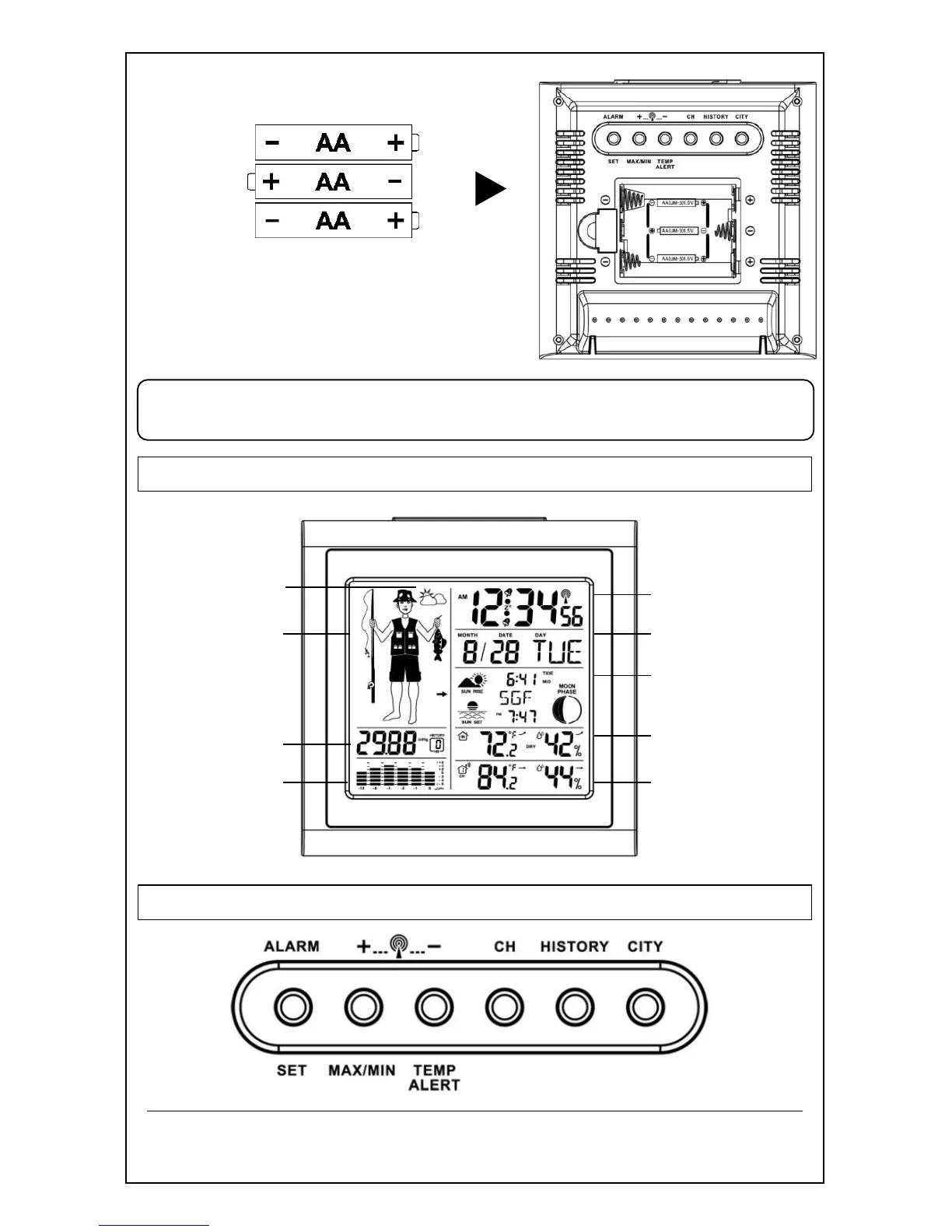
LCD FFEATURES
BUTTONS

Fisherman icon
suggests what to
wear to prepare
for the current
outdoor
temperature.
Absolute Pressure
+ History
12-hour Pressure
History Graph in
hPa or InHg
Time with 2 Alarms +
WWVB Icon
Calendar
Sunrise/sunset Times
with Moon Phase
Indoor Temperature,
Humidity + Alerts
Outdoor Temperature,
Humidity + Alerts
Forecast Icon
with Tendency

Other manuals for La Crosse B86012

Related product manuals