Model: B86012 www.lacrossetechnology.com/support pg. 8
OUTDOOR TEMPERATURE ALERTS
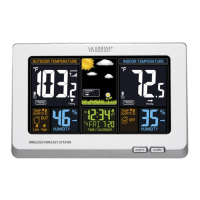
High and low outdoor temperature alerts may be set on the
forecast station for each channel that has a sensor attached.
Set Temperature Alert Channel 1:
1. Hold the TEMP ALERT button and the High Temp Alert icon
will flash.
2. Press the + or - button to adjust values.
3. Press the SET button to move to the Low Temp alert.
4. The Low Temp Alert icon will flash.
5. Press the + or - button to adjust values.
6. Press the SET button to confirm and exit to current
temperature.
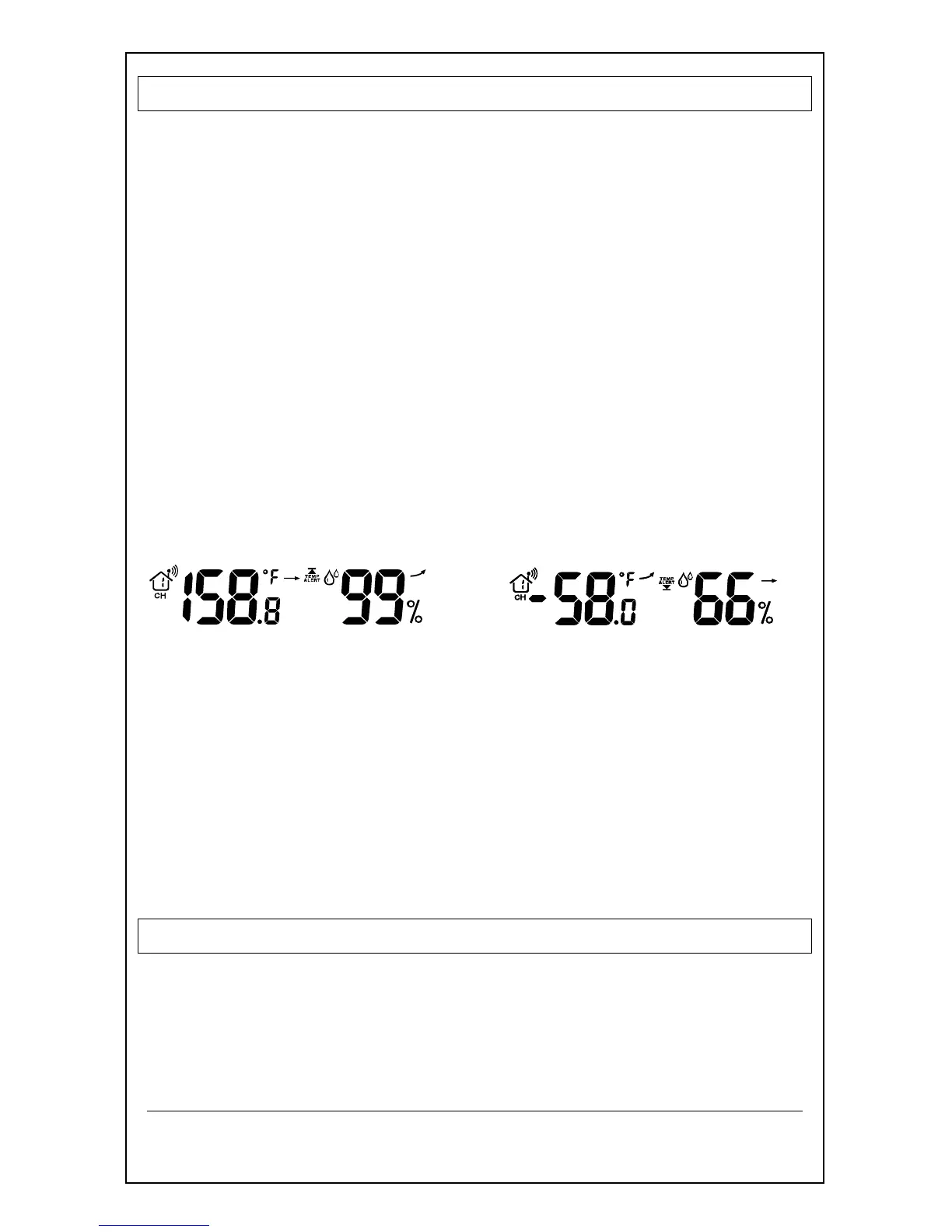
7. The Temp Alert icon will show in the outdoor temperature
area.
8. When alert sounds, the temperature value will flash.
9. Press any button to silence the alert temporarily.
High Alert Low Alert
Set Temperature Alerts Channels 2 or 3
(When using multiple sensors):
1. Press the CH button to select the channel.
2. Follow steps 2-4 above to set temperature alerts on other
channels.
Deactivate Temperature Alert:
Press the TEMP ALERTS button three times to deactivate all
temperature alerts.
The alert icon will disappear.
FROST ALARM
The Frost Alert sounds when outdoor temperature is between:
(34°F~37°F (1.1 °C~2.7°C))
1. Activate: Press the TEMP ALERT button twice to activate
the Frost Alarm.



 To Next Page