Model: C87207 / C87061 www.lacrossetechnology.com/support P | 3
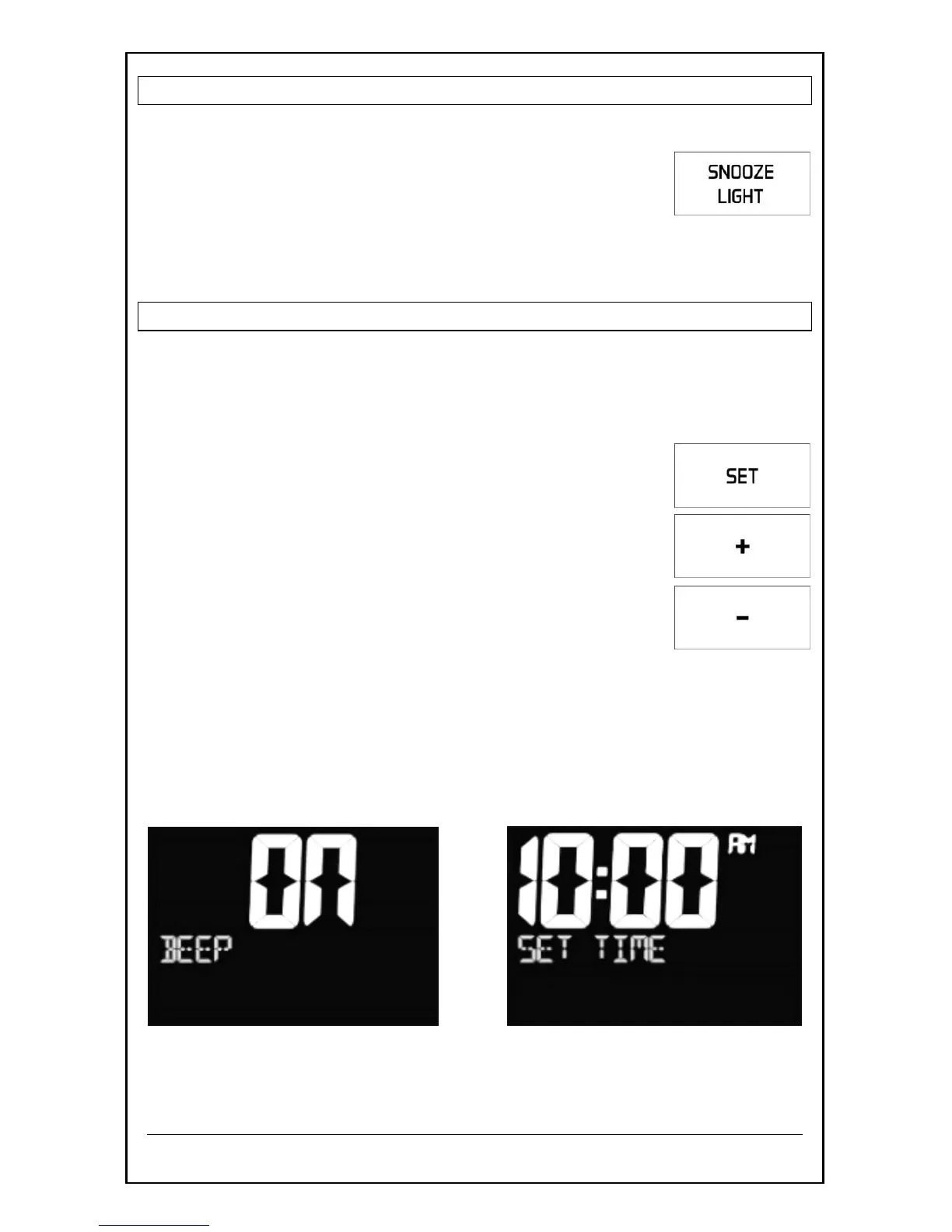
ADJUST BACKLIGHT HI/LOW/OFF
For a constant backlight you must use the AC adapter.
When using A/C power:
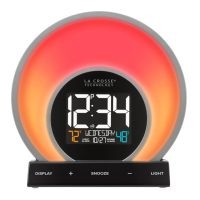
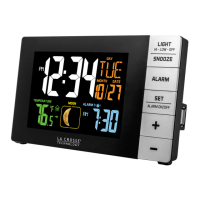
Press the SNOOZE/LIGHT button to adjust the
backlight between bright, dim and off.
When using battery power only:
Press the SNOOZE/LIGHT button for 10 second backlight.
SET TIME, DATE AND TEMPERATURE
1. Hold the SET button to enter time set mode.
2. Press the + or - buttons to adjust values.
3. Press the SET button to confirm adjustments and move to the next
item.
Time set order:
1. Beep ON/OFF
2. Hour
3. Minutes
4. Year
5. Month
6. Date
7. Date Format (M/D or D/M)
8. Fahrenheit/Celsius
9. Weekday Language (English or Spanish)
Press the LIGHT/SNOOZE button at any time to exit, or wait 20 seconds
without pressing buttons to return to the normal time display.



 To Next Page