Connecting LabelTac Connecting LabelTac (cont’d)
Step 2: Connect to Power Step 3: Turn on your printer
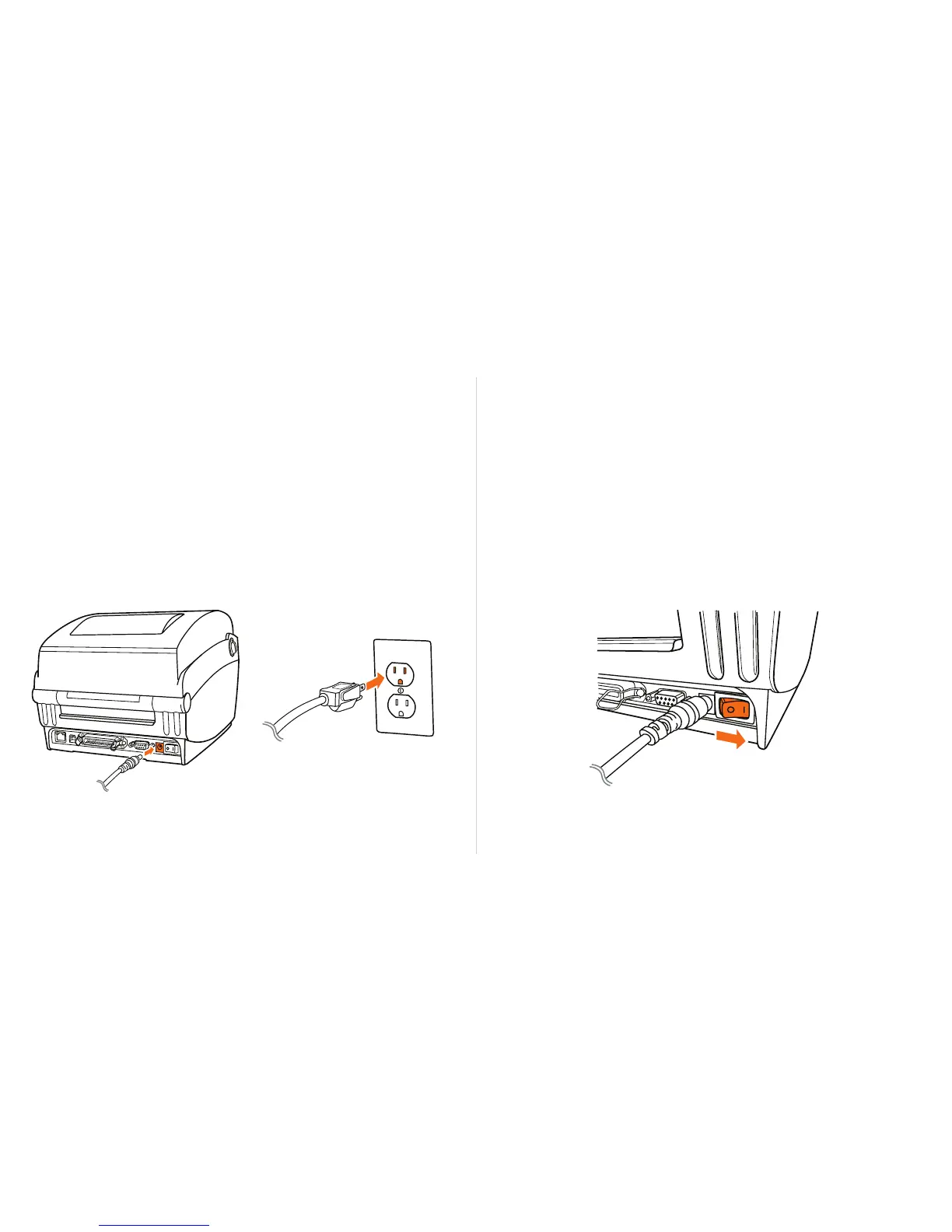
Join the 2 segments of the power cord together.
Connect one end of the power cord to the power port on the
back of the LabelTac, and the other end to a power outlet.
Flip power switch from ‘off’ position (O) to ‘on’ position ( I ).
The LED indicator on the top side of the printer will turn green,
signaling that the LabelTac is powered on and ready.
1
2
1
Setup & Install Connecting LabelTac8 Setup & Install Connecting LabelTac 9


 To Next Page