EasyManua.ls Logo

Laboga Mr.Hector - User Manual

Laboga Mr.Hector
24 pages
Print Icon
To Next Page IconTo Next Page
Loading...
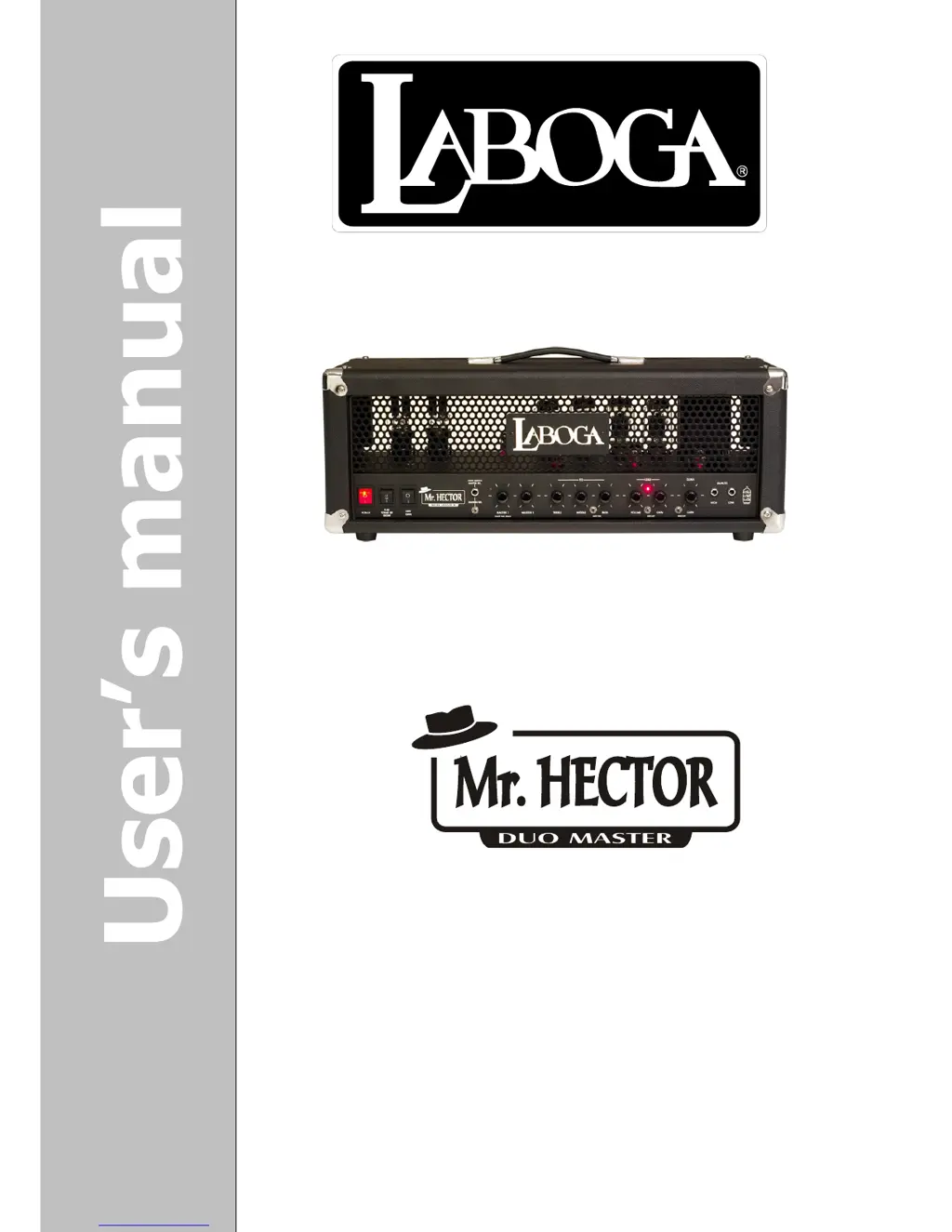
Hand made, 100 Watt,
Tube Guitar Amplifier Head

Questions and Answers

  • R
    Richard AlexanderAug 20, 2025
    How to troubleshoot a Laboga Mr.Hector that doesn’t work, when LED diodes aren’t lit?
    • A
      Alexandra AllenAug 20, 2025
      If your Laboga Amplifier isn’t working, and the LED diodes and control light are off, check if the main fuse is blown or if the power supply cord is damaged. Try using a different power cord. If the issue persists, contact Laboga service personnel or a Laboga retailer.
  • S
    Sheri BrownAug 23, 2025
    What to do if my Laboga Amplifier produces weird noises and crackles?
    • M
      Matthew NortonAug 23, 2025
      If your Laboga Amplifier produces unusual noises, crackles, or the sound cuts out intermittently, ensure the power cable is properly connected. Also, inspect the speaker cable for damage and verify it has the correct diameter.
  • G
    Gary MullenAug 27, 2025
    What to do if only the clean channel works on my Laboga Amplifier?
    • S
      Stephanie WilsonAug 27, 2025
      If only the clean channel is working on your Laboga Amplifier, ensure that the Lead Gain or Lead Volume isn't turned down completely. If not, disconnect the amplifier from the mains outlet, allow the tubes to cool down, remove the rear grate, and replace the tube in the V2 position. If the problem persists, contact authorized Laboga service or any Laboga retailer.
  • H
    Harry BernardAug 31, 2025
    Why does my Laboga Amplifier hum even with the Master turned down?
    • J
      jasmine24Aug 31, 2025
      If your Laboga Amplifier hums even when the Master volume is turned down, check if the outer metal cover of any of the power tubes is glowing red (it is usually grey). If so, immediately turn off the amplifier and contact authorized Laboga service or any Laboga retailer.
  • K
    Kristin CallahanSep 4, 2025
    What to do if smoke is coming out of my Laboga Mr.Hector Amplifier?
    • M
      Meghan RiveraSep 4, 2025
      If smoke is coming from your Laboga Amplifier, immediately disconnect it from the mains outlet and contact authorized Laboga service personnel or a Laboga retailer. Do not attempt to repair the amplifier yourself.
  • K
    Katherine MaldonadoSep 7, 2025
    What to do if Laboga Mr.Hector Amplifier footswitch won’t change channels?
    • N
      Natalie KleinSep 8, 2025
      If the footswitch isn't changing channels on your Laboga Amplifier, disconnect the cable from the footswitch and try changing channels manually. If channels can be changed manually, replace the footswitch cable, preferably with a stereo cable. A mono cable can also work, but with a mono cable only Master 2 is active and the Master cannot be changed by footswitch. If the issue continues, contact authorized Laboga service or any Laboga retailer.
  • H
    hamptoncraigNov 11, 2025
    What to do if my Laboga Mr.Hector doesn’t work, but the LED diodes are lit?
    • R
      robert32Nov 11, 2025
      If your Laboga Amplifier isn't producing sound but the LED diodes are lit, start by checking if the guitar cable is properly connected and if the guitar cabinet is functioning correctly. Ensure that the volume potentiometer on your guitar, as well as the Master volume and other potentiometers affecting volume on the amplifier, are not turned down completely. If these steps don't resolve the issue, disconnect the amplifier from the power outlet, wait for at least a minute, and then inspect the anode fuse for any damage. If the fuse is blown, replace it with a new one and turn the amplifier back on, carefully observing the tubes for any unusual signs. Should the fuse blow again after replacement, it is recommended to contact an authorized Laboga service center or retailer. As an additional c...
  • K
    Kevin WilsonNov 15, 2025
    Why is my Laboga Amplifier producing random noises even if no guitar is plugged in?
    • P
      Paul MoranNov 15, 2025
      If your Laboga Amplifier is making random noises even when no guitar is connected, determine if this occurs on both channels, as this information is helpful for service. Disconnect the guitar and switch to the distorted channel. See if the noise stops when you lower the Lead Gain. If it does, disconnect the amplifier's power cable, let the tubes cool down, remove the rear grate, and swap the tube in the V1 position with another tube. If the problem goes away, keep this tube configuration. If the noise continues, check if it disappears when you lower the Lead Volume. If it does, disconnect the amplifier from the power socket, let the tubes cool down, remove the rear grate, and swap V2 with V3 or V4. If the noise persists, turn the Master down. If the noise continues after these steps, conta...

Summary

Important Safety Notice

Review Safety Instructions

Crucial to read safety measures on pages 6-7 before initial operation for safe usage.

Amplifier Specifications

Design and Tube Complement

Details the high-gain design, power stage tubes (6L6WGC/5881), and preamp tubes (12AX7).

Tone Control and Mid Switch

Explains the shared tone control and the 'Mid Switch' for EQ frequency shaping.

Channels and Rectification Options

Discusses clean channel saturation, rectifier options (Tube/Diode), and their sonic impact.

Key Amplifier Features

Power, Channels, and Inputs

Lists power output, channel types, input options, and control functionalities.

Connectivity and Outputs

Details speaker outputs, effects loop, direct out, and dimensions.

Included Package Contents

Accessory List

Enumerates items included with the amplifier, such as footswitch, cables, manual, and warranty.

Safety Precautions

Electrical Hazard Warnings

Advisories against opening the unit, exposure to moisture, and proper fuse replacement for safety.

Operational Safety Guidelines

Covers high volume risks, earthing, internal settings, tube heat, and child safety.

Technical Hints and Usage

Operating Environment and Care

Guidance on avoiding adverse environments, proper cleaning, and protecting from liquids/strikes.

Operation and Power Management

Instructions for initial operation, tube heating, ventilation, and power cord unplugging.

Product Disposal

Information on environmentally responsible disposal of the product in EU countries.

Front Panel Controls Overview

Power and Standby Functions

Details on the power switch, standby settings, and tube warm-up procedure.

Output Power and Footswitch

Explanation of the 50W/100W selector and the footswitch connection socket.

Front Panel Controls - Channels and Tone

Channel Selection and Master Volumes

Description of the channel select switch and the dual Master Volume controls for independent level setting.

EQ and Mid Switch Adjustment

How to use the Treble, Middle, Bass controls and the Mid Switch for tonal shaping.

Lead Channel Volume and Gain

Controls for the distorted channel's volume and gain, including tips for achieving crunch/overdrive.

Front Panel Controls - Gain and Inputs

Clean Channel Gain and Bright Switches

Setting the clean channel gain and using the bright boost for both channels.

Input Jacks Explained

Details on the high and low impedance input sockets for different guitar electronics.

Rear Panel Connectivity

Speaker Output Configuration

Information on the 16, 8, and 4 ohm speaker output sockets and parallel wiring.

Effects Loop and Line Output

Description of the effects loop (Send/Return) and balanced line output with speaker emulation.

Internal Components and Fuses

Fuse Identification and Replacement

Details on anode and main fuses, including essential replacement precautions.

Power Tube Symmetry Adjustment

Guidance for advanced users on adjusting power tube symmetry for optimal performance.

Tube Maintenance

Tube Layout and Replacement

Diagrams tube positions and provides guidelines for safe and effective tube replacement.

Tube Care and Reliability

Advice on tube handling, signs of wear, and notes on fixed bias and symmetry adjustments.

Prolonging Tube Lifespan

Tube Type and Sensitivity Considerations

Cautionary advice on tube types and sensitivity to humming.

Operational Best Practices for Longevity

Recommendations for switching, tube cooling, standby usage, and dust prevention.

Example Amplifier Settings

Clean and Crunch Sound Profiles

Illustrations of knob settings for achieving Classic Clean, Dirty Clean, and Crunch tones.

Overdrive and High Gain Settings

Illustrations of knob settings for Classic Overdrive and two High Gain sound profiles.

Technical Specifications

Input;Output and Effects Loop Data

Detailed specifications for inputs, outputs, and the effects loop including levels and impedances.

Tube Configuration and Power

Lists tube types, power output, power supply details, and maximum consumption.

Physical Dimensions and Weight

Provides the amplifier's physical dimensions and overall weight.

Troubleshooting Common Issues

No Power or Indicator Lights

Steps to diagnose and resolve issues when the amplifier fails to power on or light up.

Smoke and LED Status Problems

Immediate actions for smoke and troubleshooting when LEDs are lit but no sound is produced.

Sound Malfunctions (Clean Only, Hum)

Guidance for problems like only the clean channel working or persistent humming.

Troubleshooting Advanced Issues

Noise, Crackles, and Intermittency

Diagnosing and resolving random noises, crackles, and intermittent sound issues through tube checks.

Footswitch Channel;Volume Control

Troubleshooting steps for when the footswitch does not change channels or master volume.

Speaker Cabinet Wiring Guide

Connecting 8-Ohm and 4-Ohm Cabinets

Diagrams showing correct connections for 8-ohm and 4-ohm speaker cabinets.

Incorrect Wiring Scenarios

Illustration of incorrect wiring, specifically mixing a 16-ohm cabinet with an 8-ohm cabinet.

Speaker Cabinet Connection Examples

Connecting 16-Ohm Cabinets

Diagrams demonstrating the proper connection of 16-ohm speaker cabinets.

Warning Against Mixed Impedances

Visual examples of incorrect wiring due to mixing different impedance speaker cabinets.

Speaker Cabinet Wiring Configurations

Multiple Cabinet Connections

Examples of connecting multiple 8-ohm and 16-ohm cabinets to the amplifier.

Speaker Cabinet Impedance Matching

4-Ohm Cabinet Setup and Warnings

Diagram for connecting a 4-ohm cabinet and illustrations of invalid wiring scenarios.

Laboga Mr.Hector Specifications

General IconGeneral
Power Output100W
Channels2
Tubes (Poweramp)4 x EL34
Controls (Channel 1)Gain, Bass, Middle, Treble, Volume
Controls (Channel 2)Gain, Bass, Middle, Treble, Volume
Master SectionMaster Volume, Presence
FootswitchChannel Switching
Effects LoopYes
Impedance4, 8, 16 Ohms
TypeTube
Inputs1 x 1/4"
OutputsLine Out