EasyManua.ls Logo

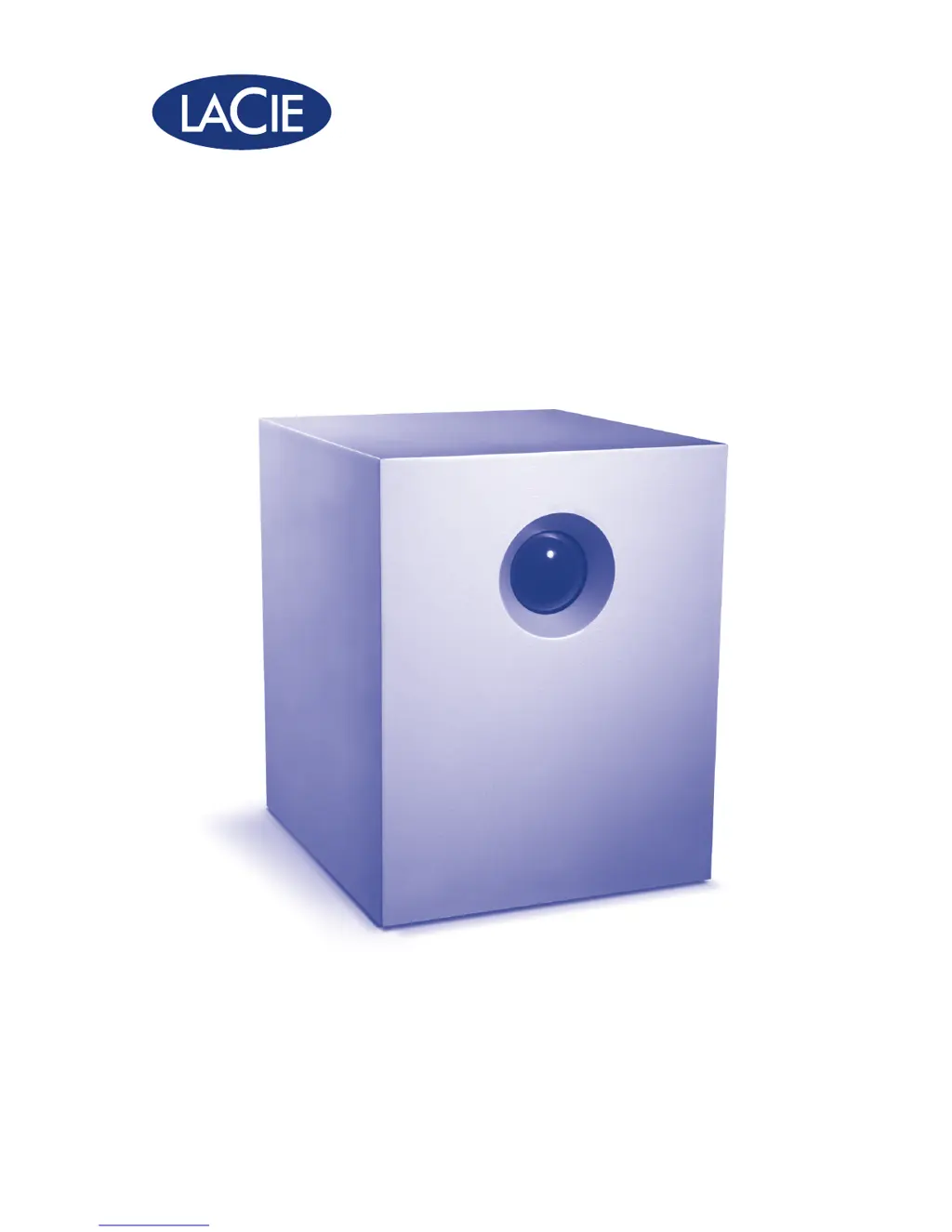
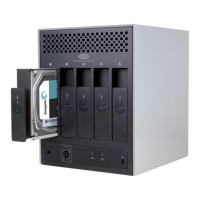
LaCie 5big Backup Server - User Manual

LaCie 5big Backup Server
9 pages
Print Icon
To Next Page IconTo Next Page
Loading...
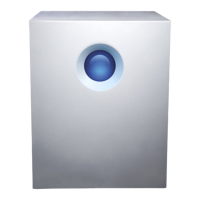
5big Backup Server
DESIGN BY NEIL POULTON
Quick Start Guide
Backup Appliance
Gigabit Ethernet

Other manuals for LaCie 5big Backup Server

Questions and Answers

  • X
    xzavalaAug 13, 2025
    How to fix LaCie Network Storage Server not recognized?
    • D
      David WintersAug 13, 2025
      If your LaCie Network Storage Server is not being recognized by your computer, ensure the power supply is properly connected and the device is powered on. Check that the electrical outlet has sufficient power. If the blue LED is flickering or off, the power supply might be defective and you should contact your LaCie reseller or LaCie Customer Support. Verify the installation steps and ensure your workstation is on the same network as the LaCie Network Storage Server. Disconnect and reconnect the Ethernet cable, ensuring it's properly aligned and fully seated in the ports, using the provided Ethernet cord.
  • Y
    Yesenia MiddletonAug 16, 2025
    Why my work computer won't connect to LaCie 5big Backup Server?
    • B
      brian72Aug 16, 2025
      If your work computer won't connect to the LaCie 5big Backup Server, it may be due to corporate network policies. If your computer is part of a corporate network, the IPsec policy might be blocking access. Consult your corporate network administrator to check this.
  • L
    Laura HowardAug 20, 2025
    Why LaCie Network Storage Server does not appear on the network?
    • K
      Kelly WashingtonAug 20, 2025
      The LaCie 5big Backup Server is compatible with a network that includes a DHCP server. Ensure your network has DHCP enabled.
  • J
    John ButlerAug 25, 2025
    What to do if there is a conflict with LaCie 5big Backup Server?
    • S
      Shawn CameronAug 25, 2025
      If you're experiencing conflicts with your LaCie 5big Backup Server, ensure that your firewall software isn't blocking access to it.
  • A
    Amy FloresAug 28, 2025
    Why user does not have access to LaCie 5big Backup Server?
    • C
      claudiawashingtonAug 28, 2025
      For a user to access the LaCie 5big Backup Server, the administrator must create an account for the user with the appropriate privileges, and the LaCie 5big Backup Server must be connected to the same network via Ethernet.
  • J
    johnstonshannonSep 1, 2025
    Why Windows Home Server only recognizes part of my non-LaCie storage?
    • J
      Joseph WilcoxSep 1, 2025
      Windows Home Server cannot add more than 2TB of a single disk to its pool of Storage Hard Drives. If you add a 3TB non-LaCie drive, only 2TB will be used, and the remaining storage will be unavailable.
  • A
    alawsonSep 4, 2025
    Why Folder Duplication must be enabled manually for LaCie?
    • R
      rkellySep 4, 2025
      If you added more than one drive to the Windows Home Server pool of Storage Hard Drives after running the Connector CD with only one hard drive in the 5big enclosure, Folder Duplication for older folders may not be enabled by default. You can enable Folder Duplication manually for these folders. New folders created by users will have Folder Duplication enabled by default.
  • M
    Meghan AnthonySep 8, 2025
    Why Folder Duplication does not work on LaCie?
    • C
      Cathy NewmanSep 8, 2025
      Folder Duplication is unavailable if you have only one disk in the pool of Storage Hard Drives. Ensure you have more than one disk in the pool to enable this feature.

LaCie 5big Backup Server Specifications

General IconGeneral
Model5big Backup Server
CategoryNetwork Storage Server
Drive Bays5
InterfaceUSB 2.0, eSATA
RAID SupportRAID 0, 1, 5
Network InterfaceGigabit Ethernet
Operating SystemWindows Storage Server 2008
Operating System CompatibilityWindows, Mac OS
Storage Capacity10TB
Dimensions173 x 196 x 220 mm

Related product manuals