EasyManua.ls Logo

LaCie 2big Network 2 - User Manual

LaCie 2big Network 2
141 pages
Print Icon
To Next Page IconTo Next Page
Loading...
d2, 2big, and 5big Network 2 User Manual 1
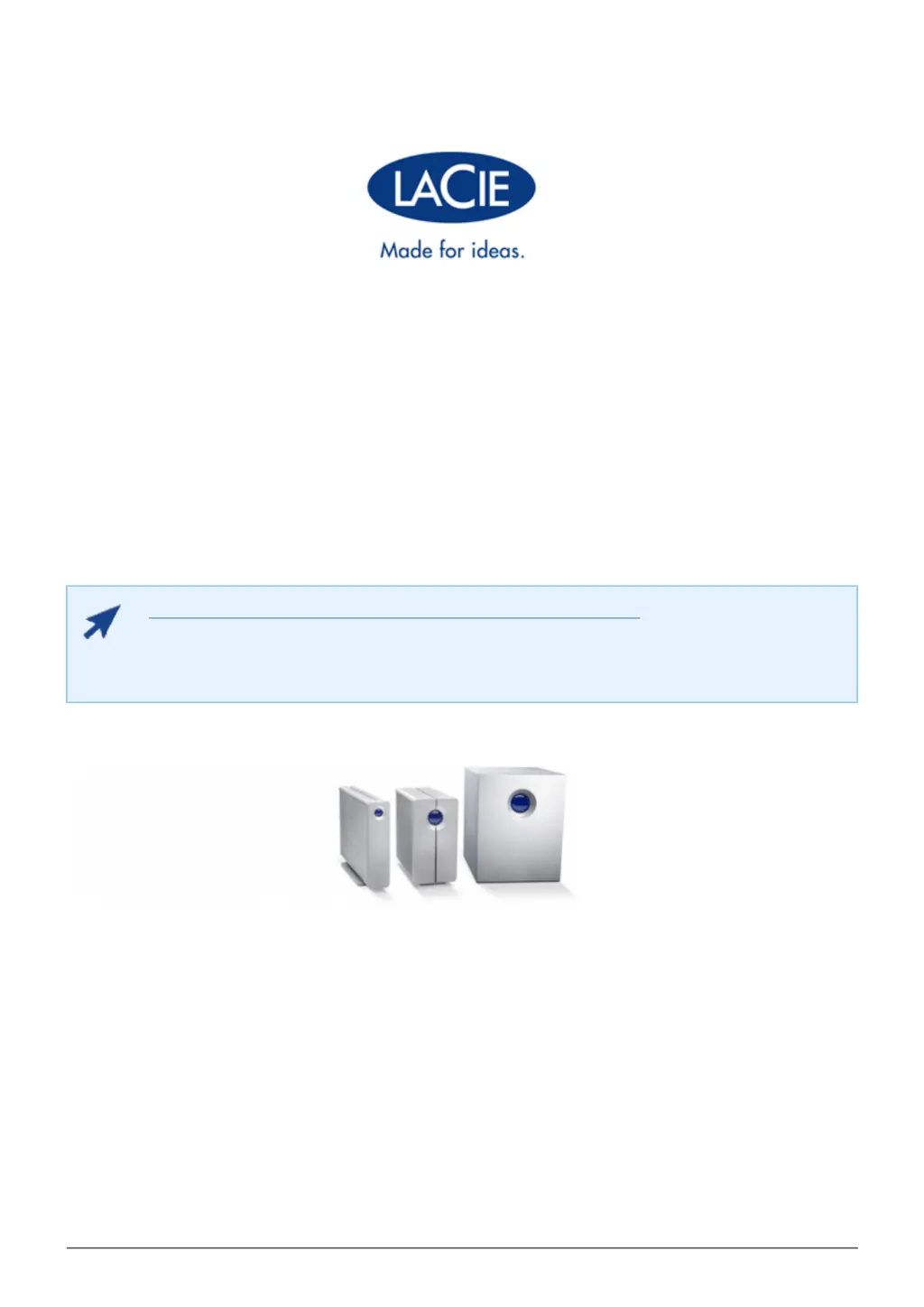
D2, 2BIG, AND 5BIG NETWORK 2 USER MANUAL
CLICK HERE TO ACCESS UP-TO-DATE ONLINE VERSION
of this document for the most recent content as well as for features such as expandable
illustrations, easier navigation, and search capability.

Table of Contents

Other manuals for LaCie 2big Network 2

Questions and Answers

  • C
    Christopher NobleAug 17, 2025
    What to do if the LaCie 2big Network 2 system is not recognized by the computer?
    • R
      Robert GibbsAug 17, 2025
      If your LaCie 2big Network 2 system is not being recognized by your computer, verify that your computer meets the minimum system requirements. Ensure that the system's power supply is properly connected and the blue light on the front of the drive is on. If the blue light is flickering, the power supply might be defective. Also, double-check that you followed the correct installation steps and both ends of the Ethernet cable are firmly connected, using the Ethernet cord provided in the LaCie 2big Network 2 box.
  • S
    Samuel Nguyen MDAug 20, 2025
    How to fix LaCie 2big Network 2 not appearing on the network?
    • O
      omccarthyAug 20, 2025
      If your LaCie 2big Network 2 is not appearing on the network, it's likely configured to retrieve its IP address from a DHCP server by default. If your network uses a DHCP server, check its log. You can also run LaCie Network Assistant from the LaCie Storage Utilities CD-ROM to get the IP address. If no DHCP server is detected, the product will use APIPA to assign itself an IP address. You can change this IP address using LaCie Network Assistant.
  • C
    courtney86Aug 23, 2025
    What to do if I cannot copy a file larger than 4 GB to LaCie 2big Network 2?
    • A
      Andrew HallAug 23, 2025
      If you cannot copy a file larger than 4GB to your LaCie 2big Network 2, it's likely because you're connected via USB. When connected via USB, the drive uses the MS-DOS (FAT32) format, which limits file sizes to 4GB. To transfer larger files, disconnect the USB cable and connect the Ethernet cable.
  • S
    Samuel PetersonAug 26, 2025
    What to do if I can not access my LaCie 2big Network 2 account?
    • M
      Matthew PerkinsAug 26, 2025
      If you can't access your LaCie 2big Network 2 account and receive an error message after entering your login and password, and you input an email address in the User page, you can retrieve your password by clicking the “forgot my password” link on the login page and following the instructions.
  • A
    ahillAug 28, 2025
    Why is my USB or eSATA drive not mounting on my LaCie 2big Network 2?
    • C
      Carla LoganAug 28, 2025
      If your USB or eSATA drive is not mounting on your LaCie 2big Network 2, it might be because the drive's capacity exceeds 2 TB. Drives with a capacity greater than 2TB cannot be connected to the LaCie 2big Network 2.
  • E
    Eric MooreAug 31, 2025
    Why does LaCie 2big Network 2 drive make clicking noises?
    • M
      mpetersonAug 31, 2025
      Soft clicking from the LaCie 2big Network 2 drive can be the normal sound of the drive working. If the drive is functional, this is normal. If the drive is non-functional, reformatting the drive can solve this issue. Check the external power supply or power cable. Try using a different one, if possible. Hard clicking is indicative of a physical failure.
  • J
    James MorenoSep 3, 2025
    How to give a user access to LaCie 2big Network 2?
    • J
      Joshua AndersonSep 3, 2025
      For a user to access the LaCie 2big Network 2, the administrator must create an account for the user, providing them with a username and password. Additionally, the LaCie 2big Network 2 must be connected to the network via Ethernet.
  • R
    rweissSep 5, 2025
    Why is LaCie drive not running faster via Hi-Speed USB 2.0?
    • J
      jonespennySep 5, 2025
      If your LaCie drive is not running noticeably faster when connected via Hi-Speed USB 2.0, it is connected to a standard USB port. A Hi-Speed USB 2.0 device can only operate at Hi-Speed USB 2.0 performance levels when connected directly to a Hi-Speed USB 2.0 port.
  • W
    walkermichaelSep 8, 2025
    Why is there a delay in accessing the shares on LaCie 2big Network 2?
    • A
      Ashley HarringtonSep 8, 2025
      A delay in accessing shares on the LaCie 2big Network 2 can occur if multiple files are being transferred simultaneously.
  • A
    Austin JohnsonSep 12, 2025
    What to do if USB drive does not mount on LaCie LNA?
    • M
      Mrs. Megan BrownSep 12, 2025
      If a USB drive connected to the USB expansion port Type A does not mount and is not listed in the LaCie Network Assistant (LNA), reformat the drive in a different file format.

LaCie 2big Network 2 Specifications

General IconGeneral
BrandLaCie
Model2big Network 2
CategoryNetwork Storage Server
LanguageEnglish

Related product manuals