d2, 2big, and 5big Network 2 User Manual 7
LED BEHAVIOR
The front and rear LEDs indicate drive status and activity (only the 2big and 5big have rear drive LEDs). This
section describes the behavior of the LED indicators.
Technical note: Even if you have turned off the front LED using the Dashboard, events triggering a red
light will always cause the front LED to turn on.
d2
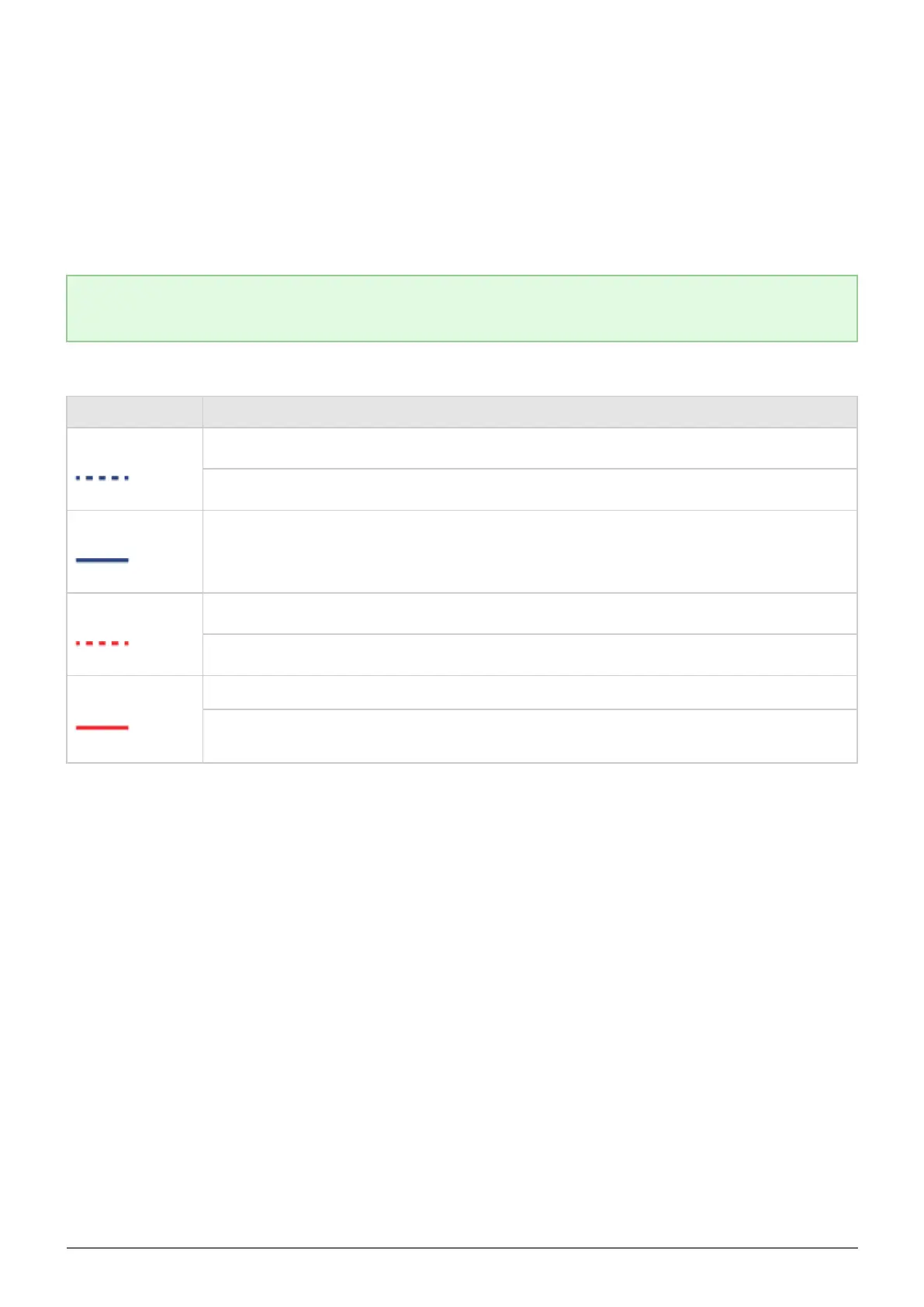
Front LED Color State
Blinking blue
Occurs as the device is booting; will cease once the drives are fully initialized
Backup in progress
Solid blue
Drive working (read/write)
Blinking red
Temperature alert (first level)
Power supply has been cut but power is still being supplied through the UPS
Solid red
Temperature alert (critic level) – the product will shut off
Power supply has been cut and the UPS has run out of reserve power – the product will
shut off



 To Next Page