5
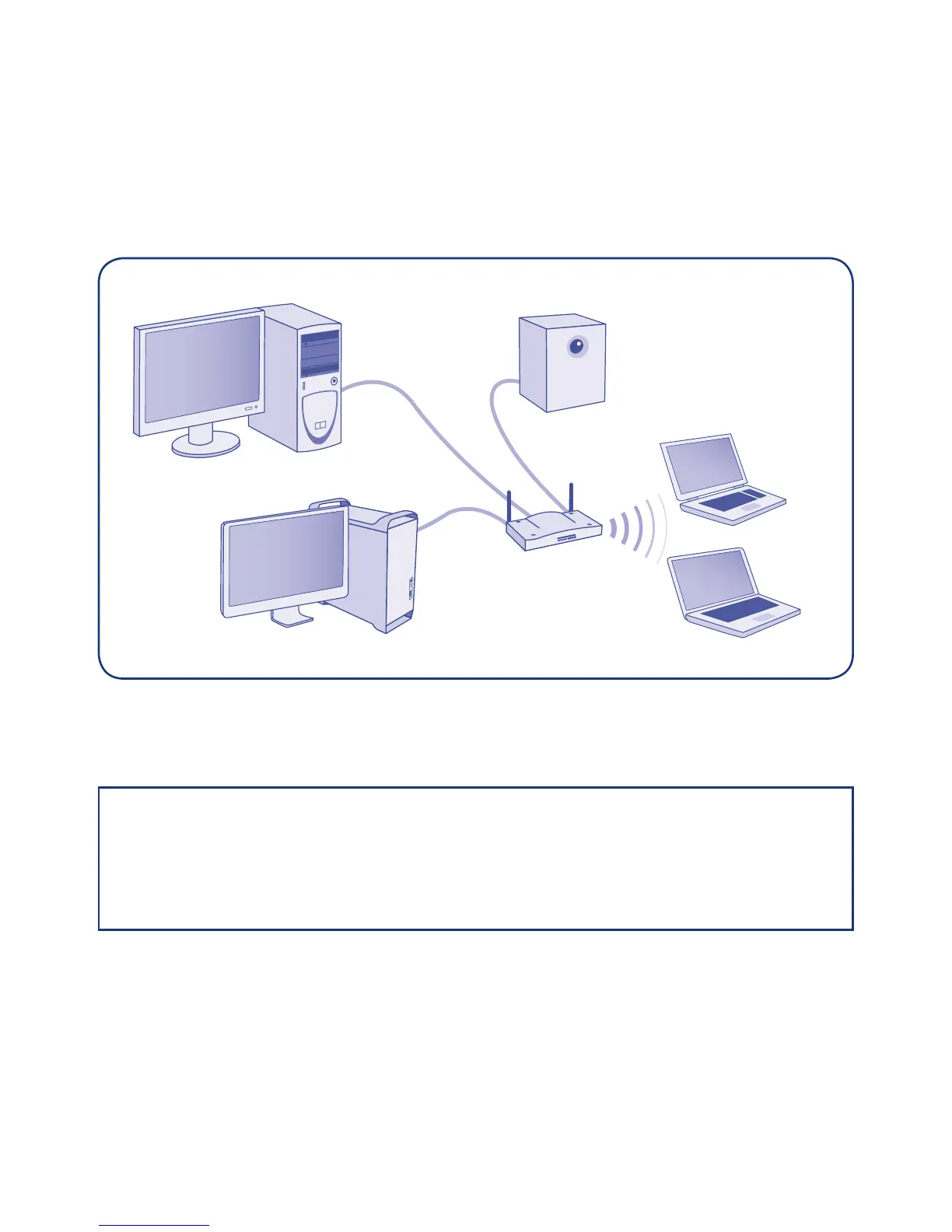
Setting Up Your LaCie 5big Backup Server
You will find more detailed instructions on installing and setting up your 5big Backup Server in the
included Configuration Guide. LaCie highly recommends reading the Configuration Guide
before attaching the 5big Backup Server to your network.
NOTE: Use the 5big Backup Server in a small network environment with a maximum of 10
Windows workstations and 25 Macs. See the Configuration Guide for more information
on Mac support. Please consider your storage capacity requirements before connecting
workstations to your 5big Backup Server. For example, a 5big Backup Server with a single disk
may have insufficient storage to support backups from ten workstations.
Router



 To Next Page