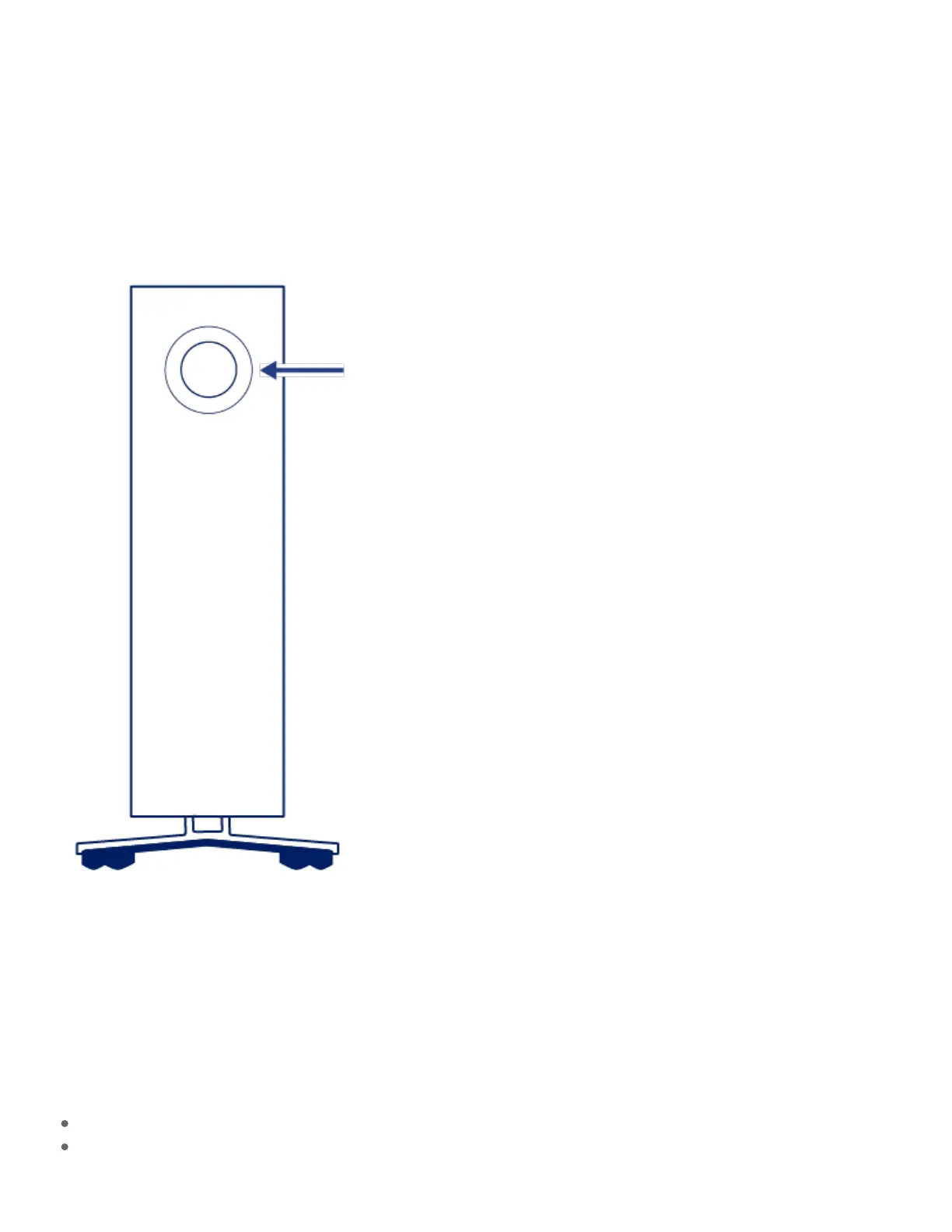
System LEDs
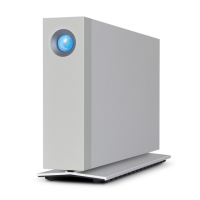
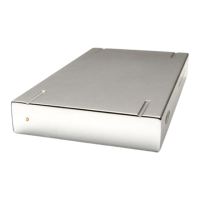
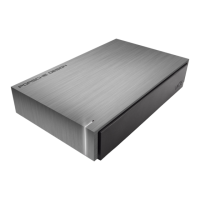
LaCie d2 Professional features a multi-functional LED and power button on the front of the enclosure.
Power buon
Power on
In most instances, d2 Professional powers on automatically when connected to a computer and an active
power source. However, the LED button can be used to power on the device if the following two conditions
are met:
The device was powered off using a long press.
The device remains connected to the computer’s USB port and an active power source.




 To Next Page