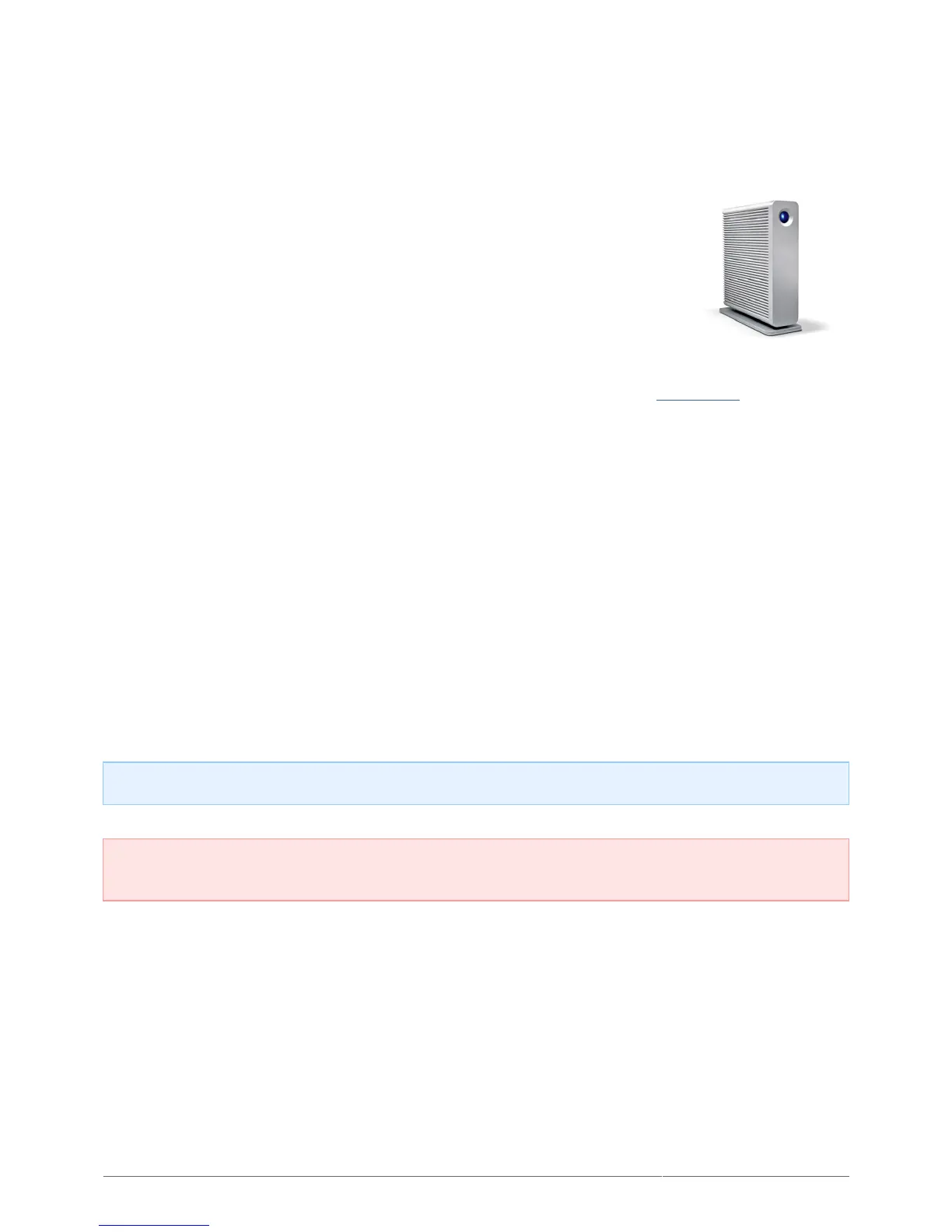
d2 Quadra User Manual 2
INTRODUCTION
Welcome to the User Manual for the d2 Quadra. Your drive delivers stunning
performance through the cutting edge interfaces SuperSpeed USB 3.0, FireWire
800, or eSATA. Fully compatible with PCs and Macs and quiet, rackable, and
stackable, your product fits into any professional working environment.
These pages will guide you through the process of connecting your LaCie product and will explain its features. If
this manual doesn't answer your questions or if you are having trouble, consult the Getting Help page.
BOX CONTENT
Your box contains the following:
LaCie d2 Quadra
■
USB 3.0 cable (USB 2.0-compatible)
■
FireWire 800 cable
■
eSATA cable
■
Power supply
■
Drive stand for upright use
■
Quick Install Guide
■
LaCie Storage Utilities and User Manual are pre-loaded on the drive
■
Note: A PDF of this User Manual and software utilities are pre-loaded on the drive.
Important info: Please save your packaging. In the event that the drive should need to be repaired or
serviced, it must be returned in its original packaging.








 To Next Page