d2 Quadra User Manual 7
LED INFORMATION
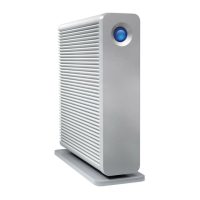
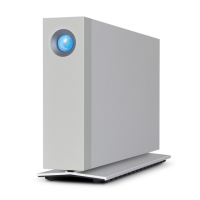
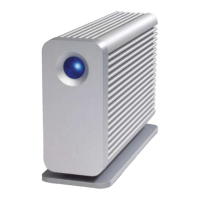
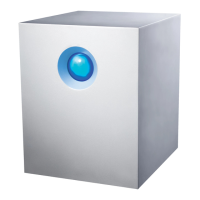
Your LaCie hard drive features a multi-functional LED on the front of the drive.
LED STATES
LED Behavior
Power
Button
State
Off Off The product is turned off or the computer is in sleep mode.
Off On
The product is not connected to a host computer via one of the interfaces. If
the device is connected to a power supply and turned on and the LED
remains off, contact LaCie Customer Support.
30s off, flash blue,
30s off, etc.
On
The product is connected to the host computer via USB 2.0 or USB 3.0, and
either 1) the product has been unmounted by the host operating system; 2)
the host computer is in sleep mode; or 3) the host computer put the product
into sleep mode.
Solid blue
On
Product is turned on and the drive is ready for access. Note that after 20
seconds, LED intensity will slightly decrease.
Flickering
On During normal operation, LED flickers to indicate drive access.








 To Next Page