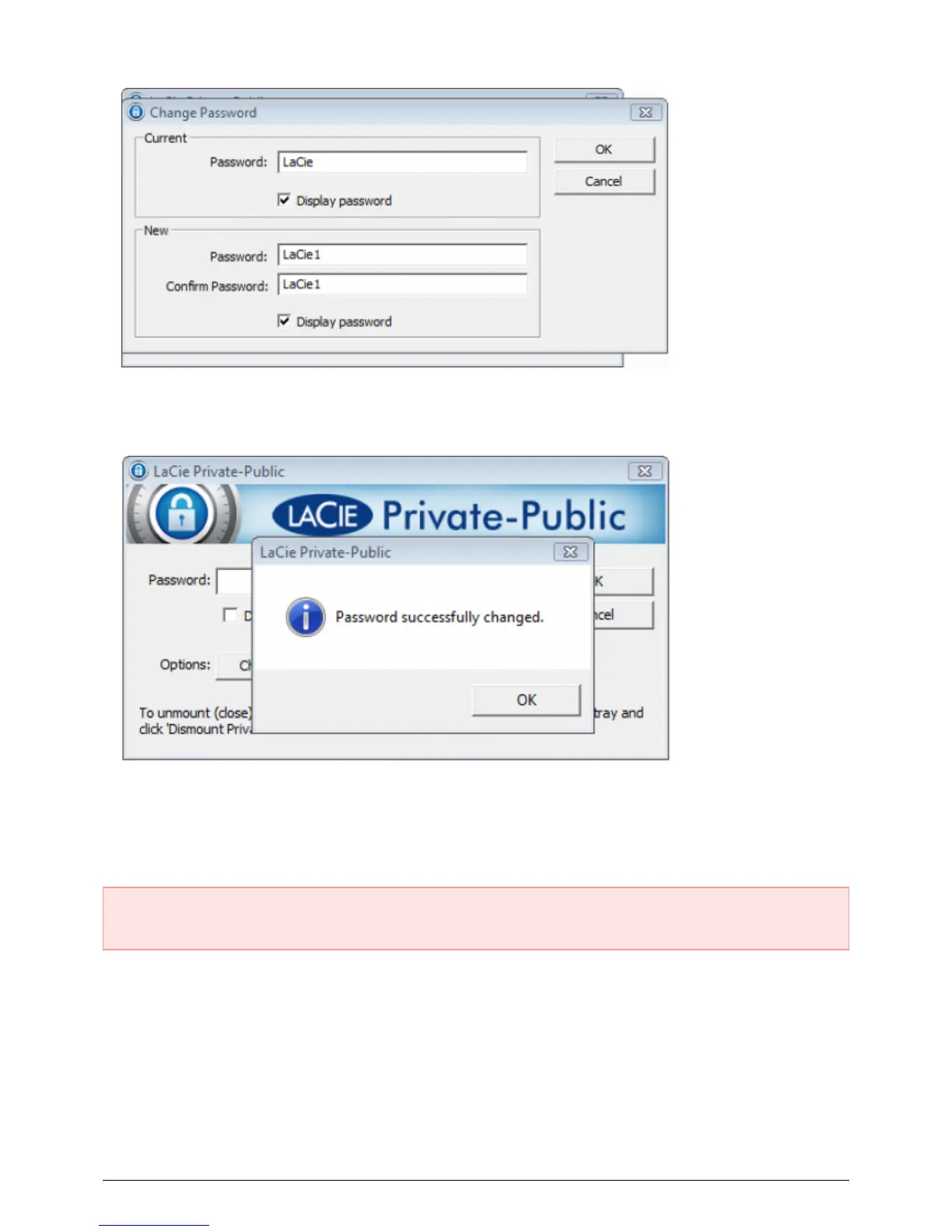
Click OK.7.
Your password has been changed.8.
DELETE LA-PRIVATE
Important Info: Removing the LA-PRIVATE volume will delete all of its data. LaCie highly recommends that
you copy all data from LA-PRIVATE to a temporary location before deleting the secure volume.
Invisible Files
Deleting LA-PRIVATE requires that hidden files are made visible. Follow the steps below to reveal hidden files
and delete the LA-PRIVATE volume.
Windows
Insert the LaCie storage device into the compatible interface port on your computer. 1.
27 LaCie User Manual










 To Next Page